
Trino Gateway Usage
Add a Trino Cluster
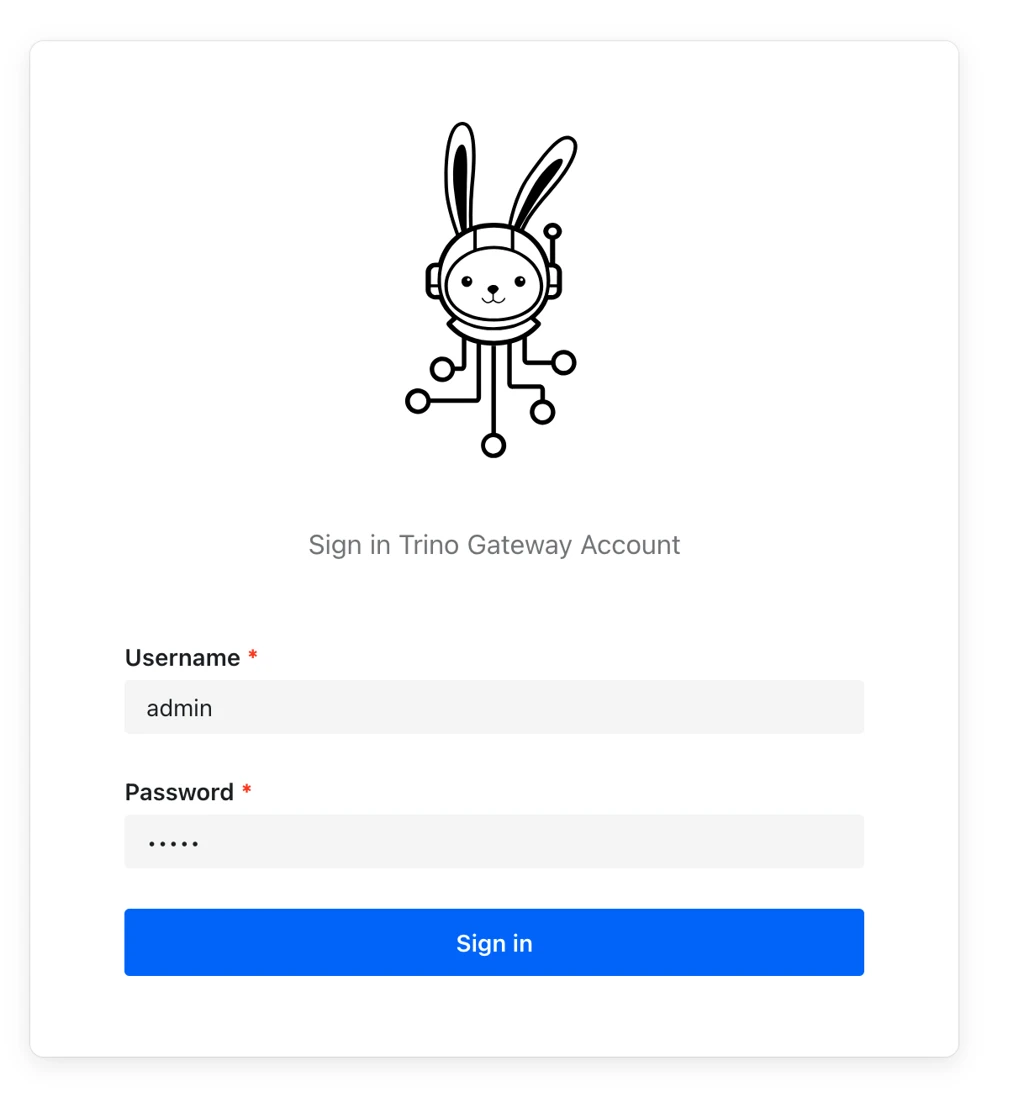
- Step 1: Log in to the Trino Gateway UI
After successful login, the dashboard page is displayed.
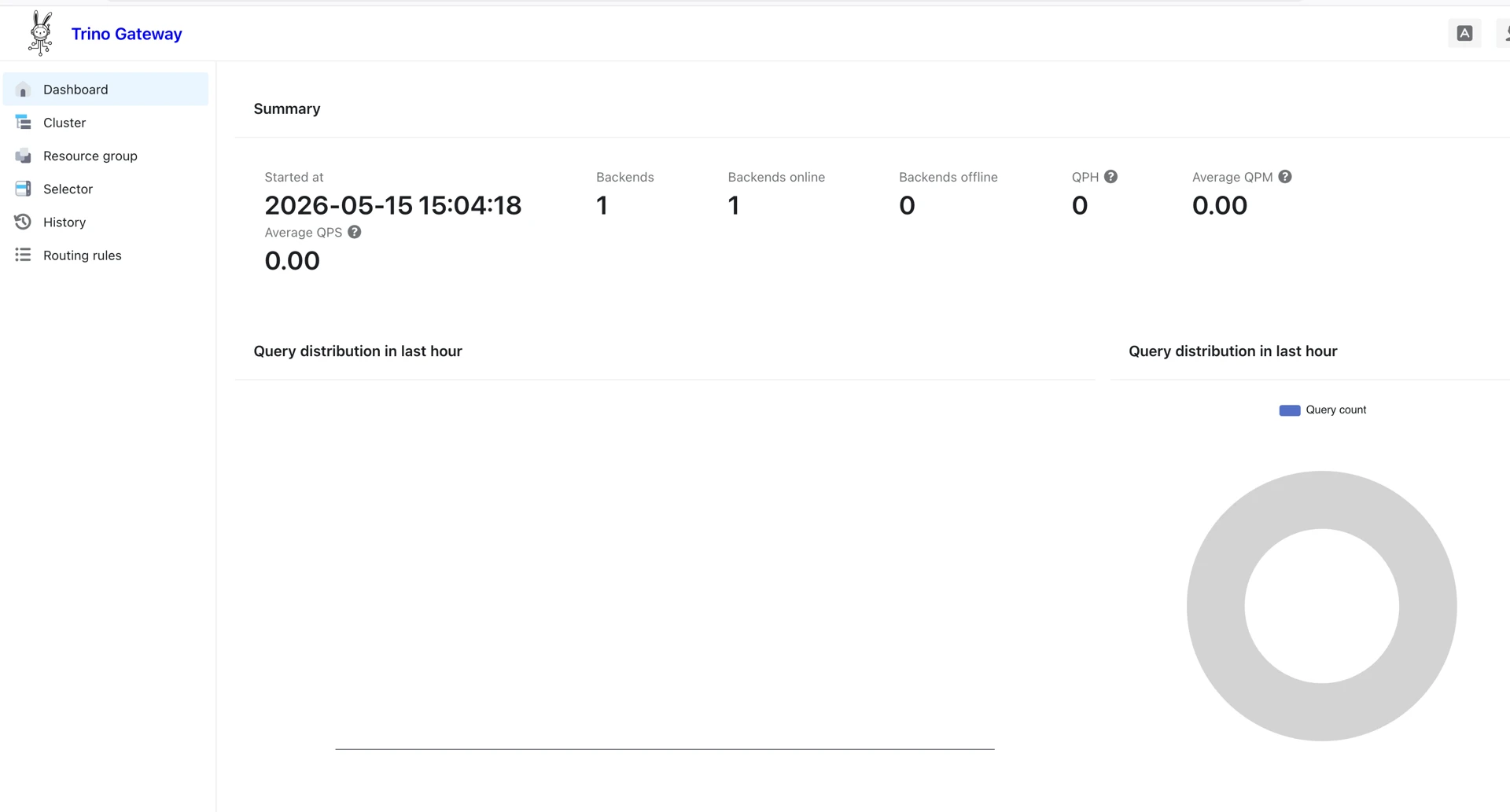
- Step 2: Navigate to Cluster Management
- From the left navigation menu:
- Select Cluster.
- Click Create.
- From the left navigation menu:

This opens a window on the page that looks like the following:
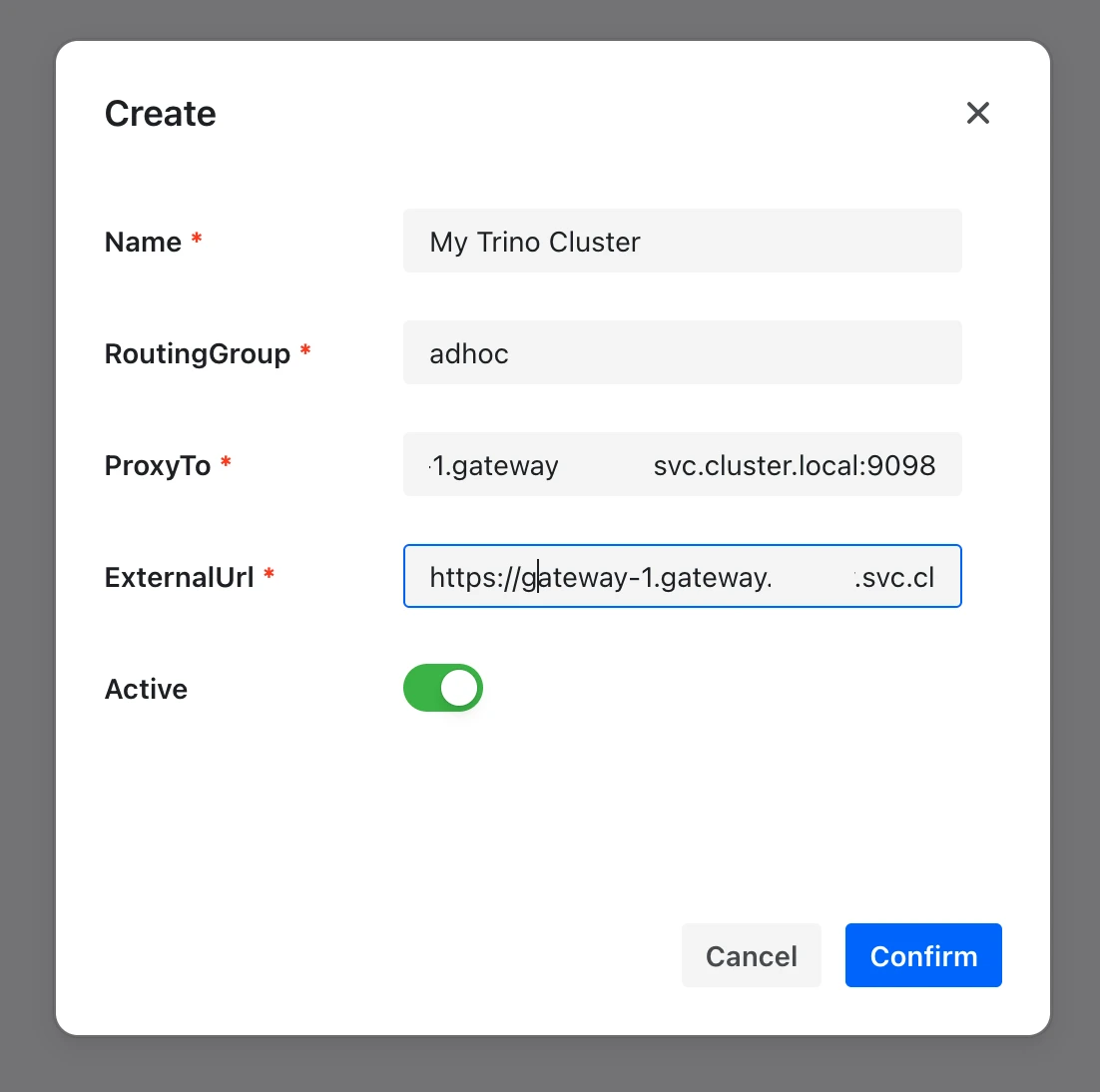
- Step 3: Configure the Cluster
Provide the following values:
Field | Description |
|---|---|
Name | Unique cluster name |
Routing Group | Query routing group |
ProxyTo | Trino coordinator host and port |
ExternalUrl | Public/UI-accessible endpoint |
Active | Enables the cluster |
Important Notes
- Cluster names cannot be modified after creation.
- The default routing group is
adhoc. - Queries without matching routing rules are sent to the
adhocrouting group. ProxyTois used internally for query routing.ExternalUrlis used for UI access.ProxyToandExternalUrlmay be identical.
Have a suggestion?