
Upgrade Options: Rolling and Express
After successfully installing the ODP packages, initiate the ODP version upgrade from the Ambari UI and select the appropriate upgrade method.
Initiate the Upgrade
- In the Ambari UI, navigate to Stack and Versions.
- Locate the target ODP version and click Upgrade.
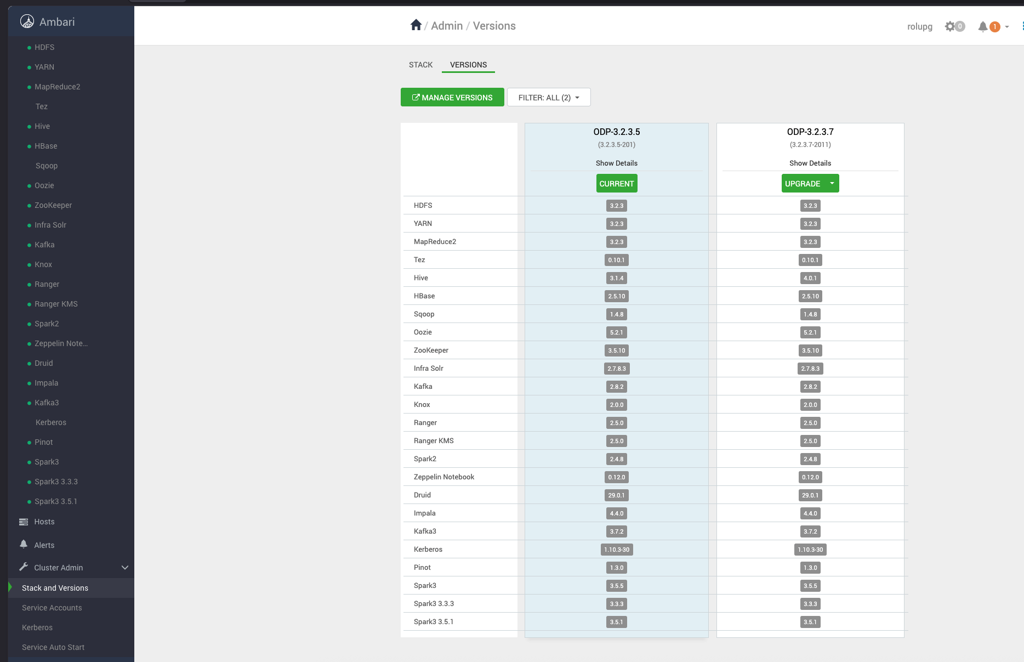
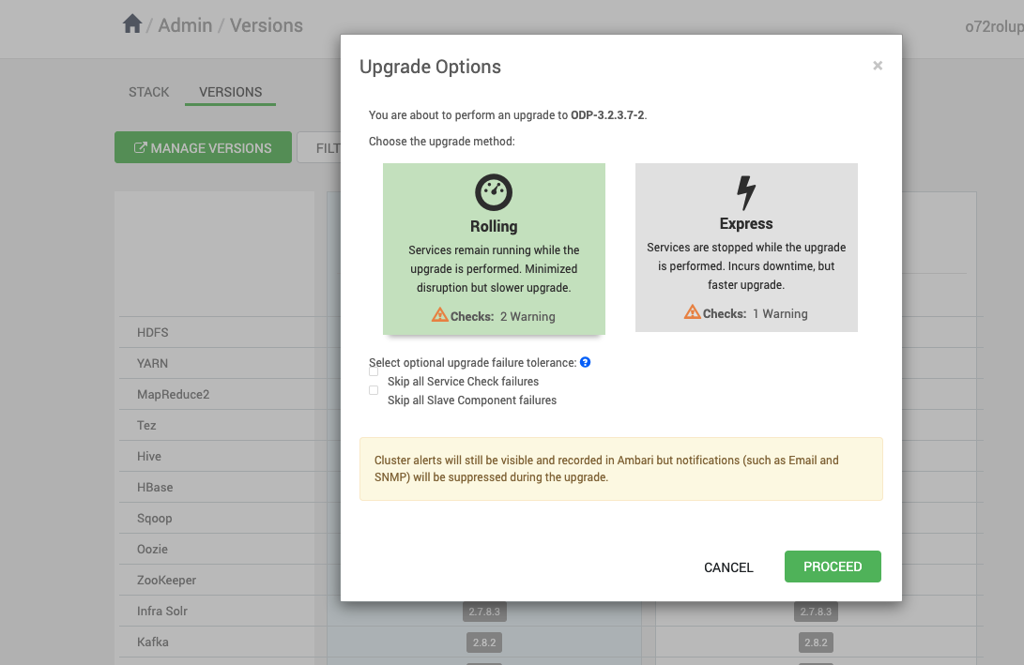
- On the Upgrade Options page, select one of the following upgrade methods:
- Rolling
- Express
- Select the required upgrade method and click Proceed.
Detailed Information
For detailed information about rolling and express upgrade options, follow the pages below.