
Resume the Upgrade
After all required Mpack upgrades complete successfully, resume the paused ODP stack upgrade from the Ambari UI.
- Return to the Ambari UI.
- Navigate to the paused ODP stack upgrade.
- Verify that all required Mpack upgrades completed successfully.
- Click Resume to continue the ODP stack upgrade.
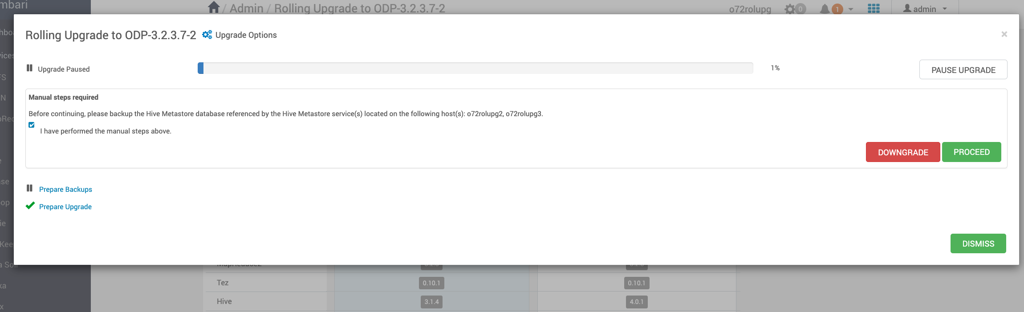
- Monitor the upgrade progress and ensure that the upgrade proceeds without errors.
Expected Result: The ODP stack upgrade resumes successfully and continues to the next upgrade stage.