
Upgrade Options: Rolling and Express
After successfully installing the ODP packages, initiate the ODP version upgrade from the Ambari UI and select the appropriate upgrade method.
Note
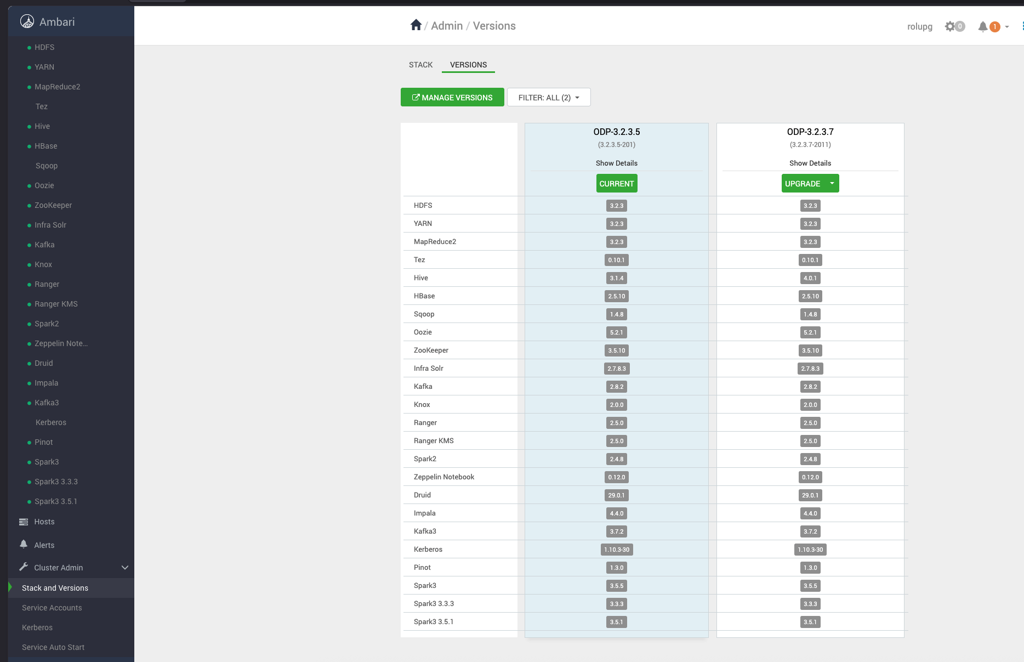
Consider the versions shown in the screenshot as a reference. During the upgrade, you can see the target version you’re upgrading to.
Initiate the Upgrade
- In the Ambari UI, navigate to Stack and Versions.
- Locate the target ODP version and click Upgrade.
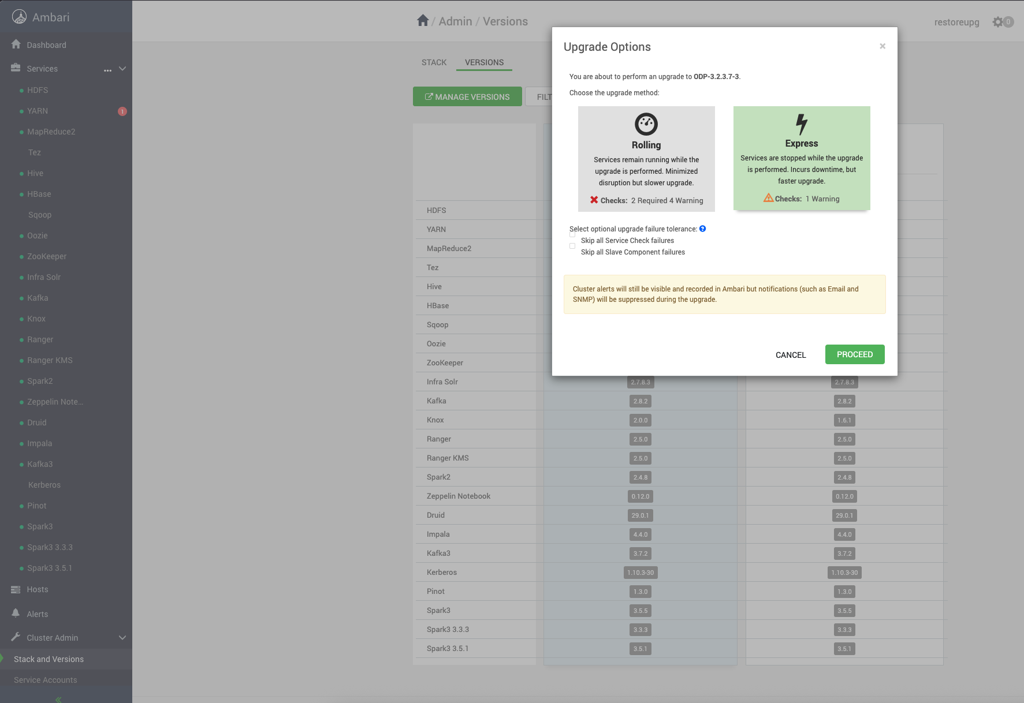
- On the Upgrade Options page, select one of the following upgrade methods:
- Rolling
- Express
- Select the required upgrade method and click Proceed.
Detailed Information
For detailed information about rolling and express upgrade options, follow the pages below.