Pre-Upgrade Steps
Before initiating the upgrade, complete the following pre-upgrade checks and configurations to ensure that all services are healthy and to prevent unintended service restarts during the upgrade.
Run Service Checks
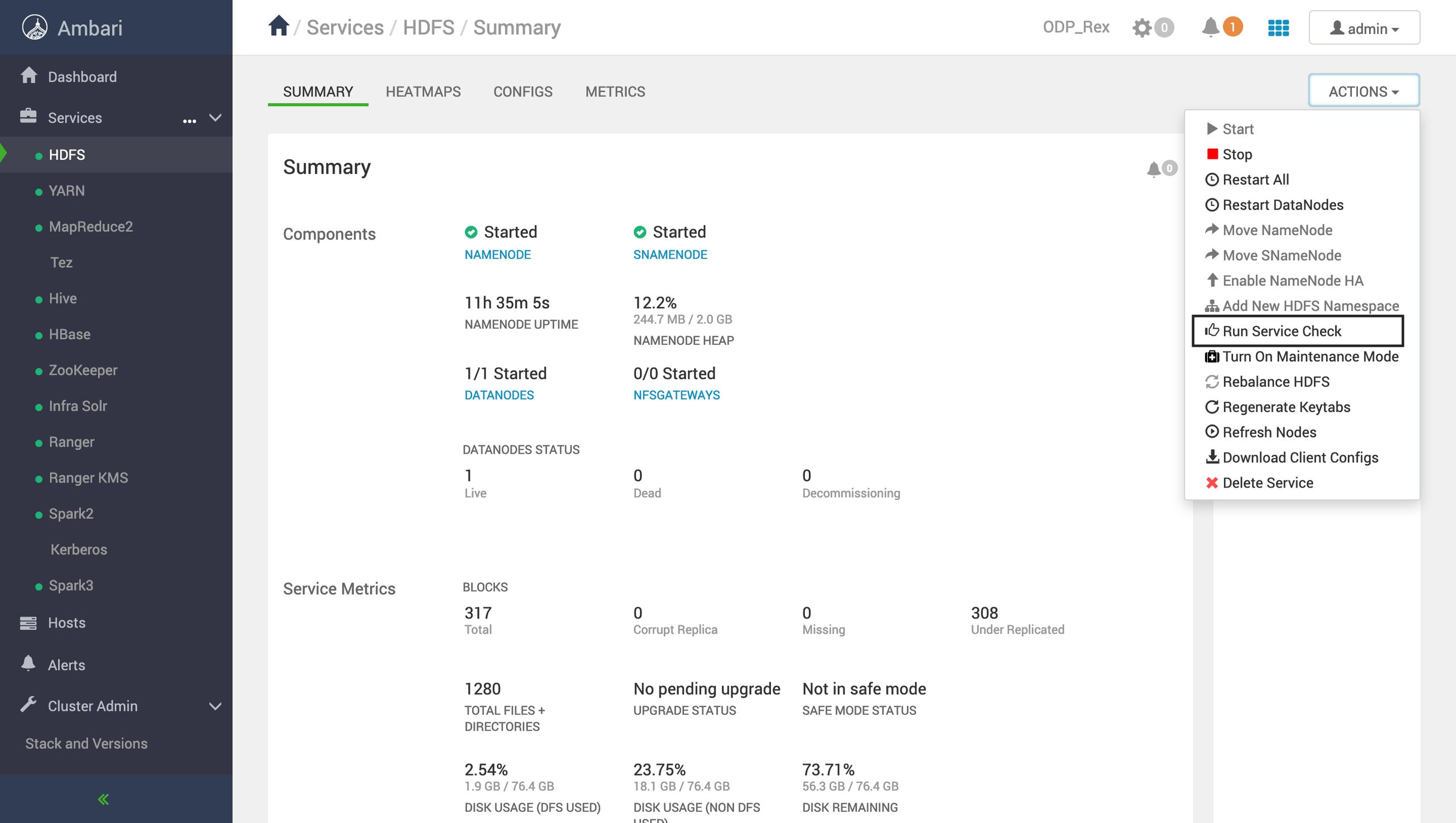
- In the Ambari UI, go to Actions → Service Check.
- Run the service check for all installed services.
- Verify that:
- All service checks complete successfully.
- The status of each service is SUCCESS.
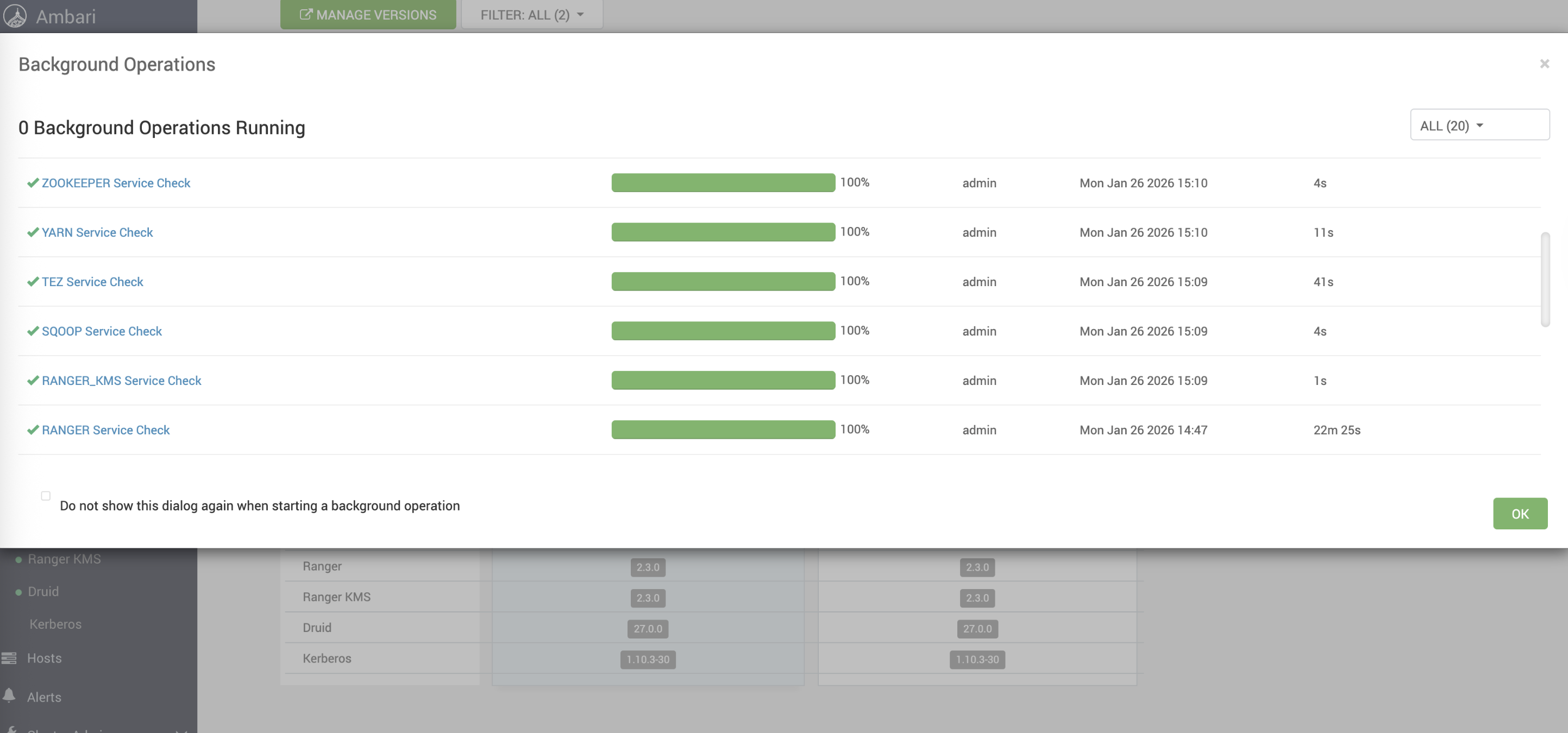
Expected Result: All installed services must pass the service check and display a SUCCESS status, as shown in the example below.
Disable Service Auto-Start
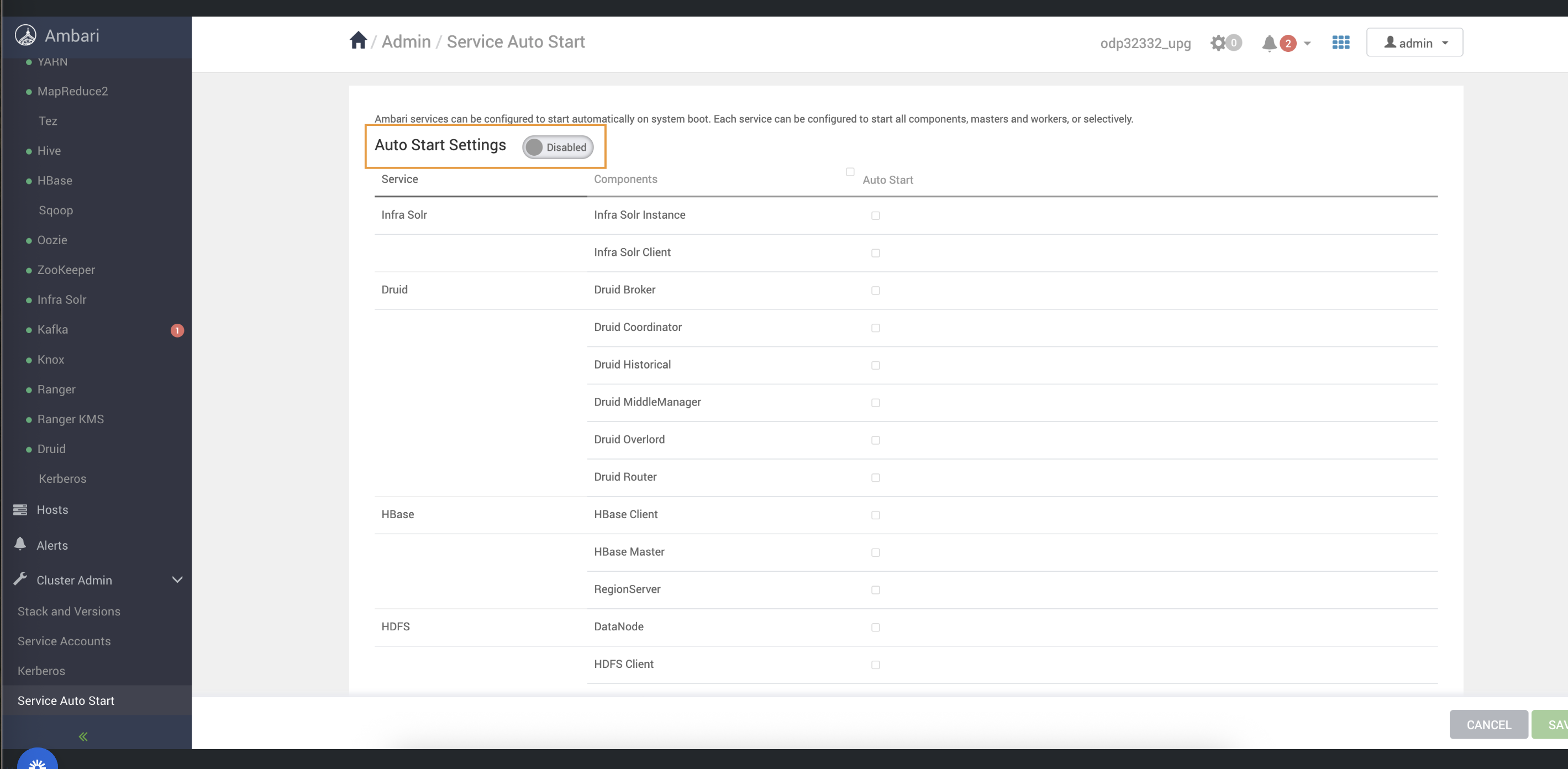
Disable Service Auto-Start in Ambari to prevent services from restarting automatically during the upgrade process.
- Navigate to Ambari UI → Actions → Service Check.
- Run service checks for all installed services
- Ensure:
- All checks completed successfully
- Status shows SUCCESS
For example, the success status must be shown as follows.