
Install ODP Packages
After registering the target ODP version and uploading the VDF file, install the ODP packages on the cluster before proceeding with the version upgrade.
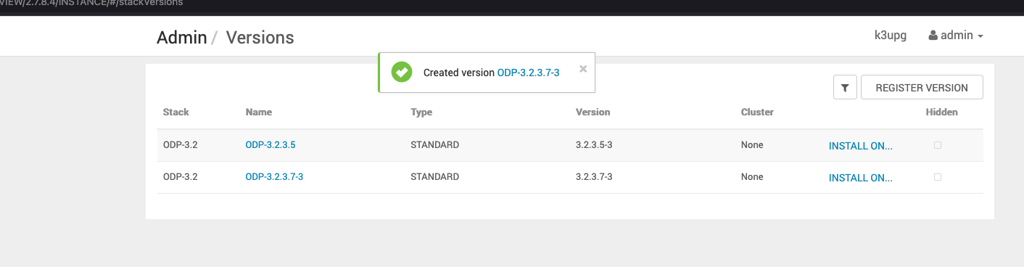
- On the Admin → Versions page, locate the newly registered ODP version.
- Select Installation On → <cluster_name>.
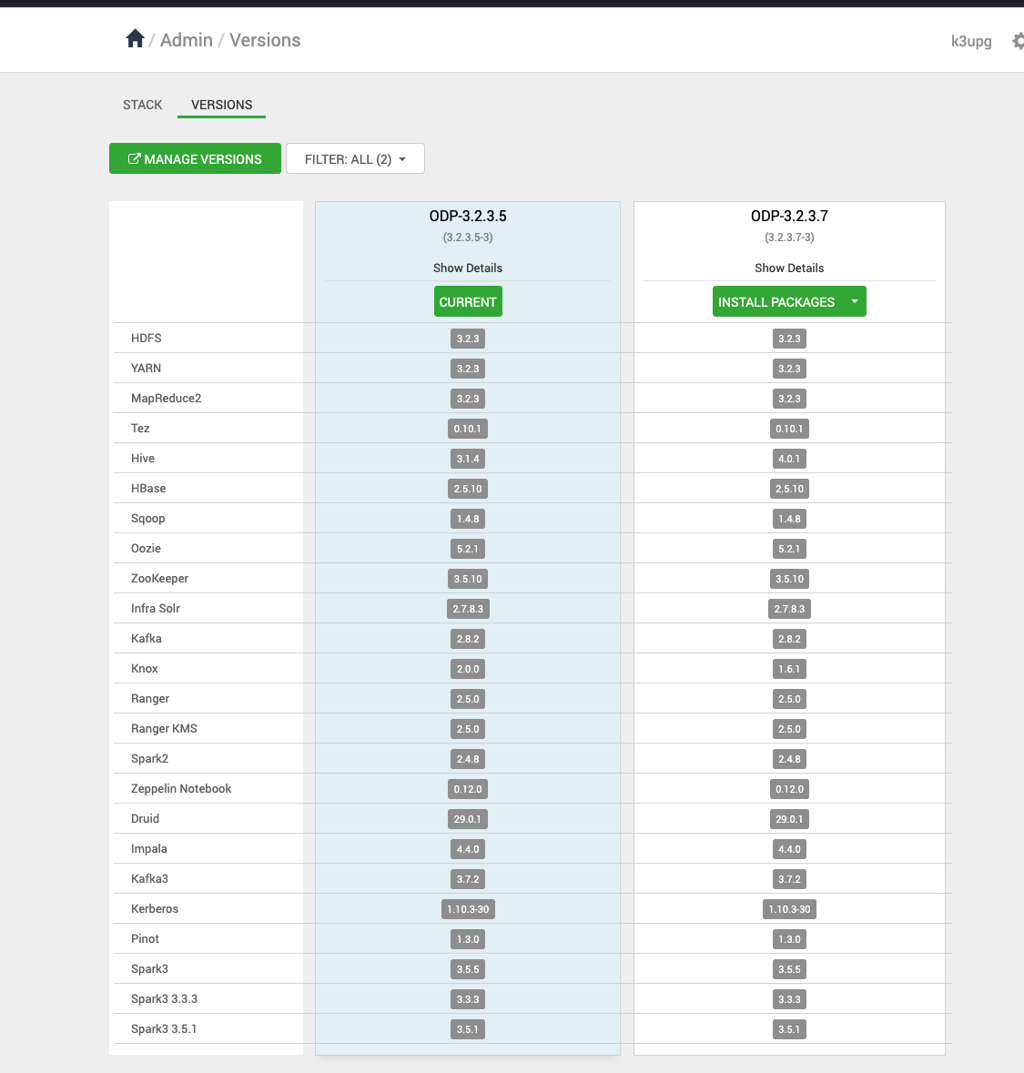
- Click Install Packages to begin installing the ODP packages.
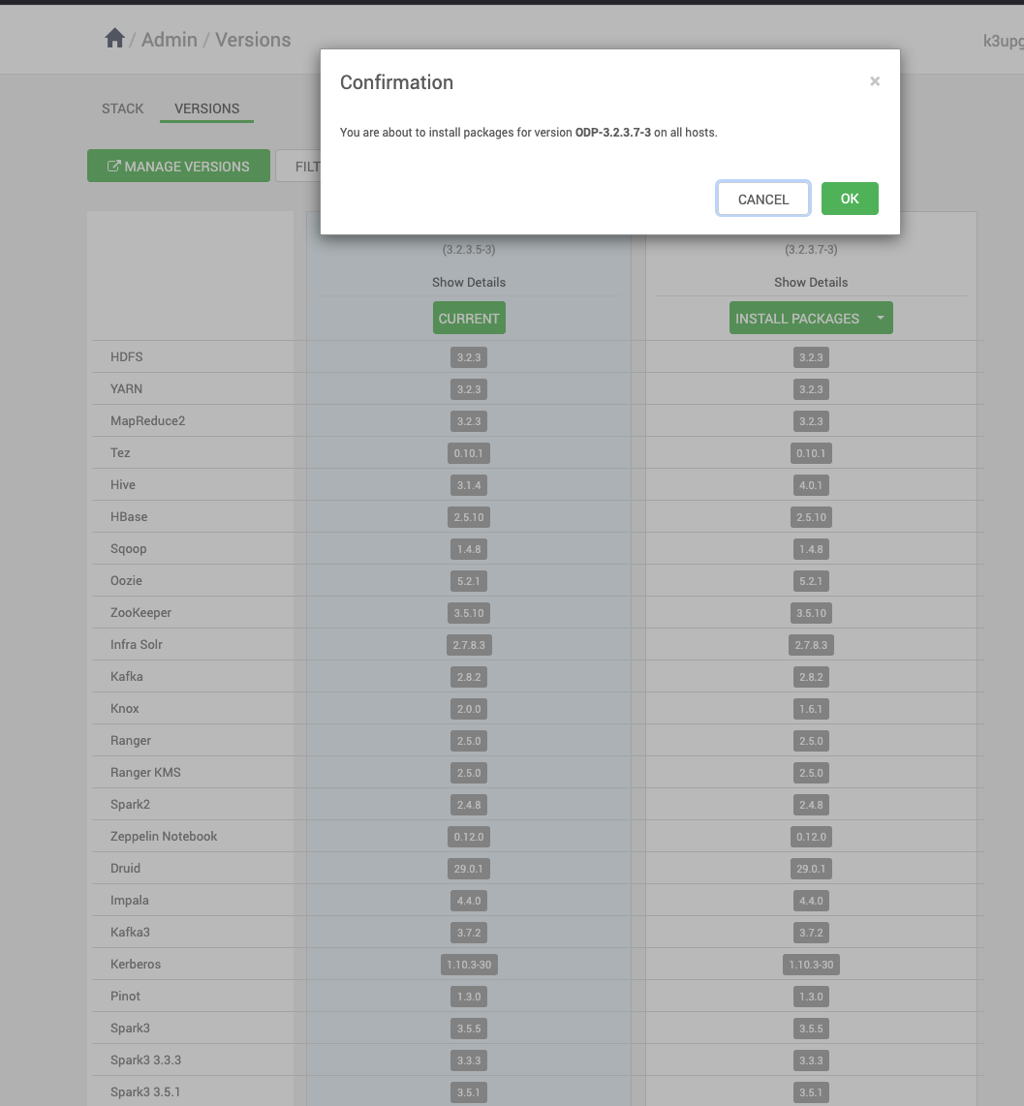
- When prompted for confirmation, click OK.
- Monitor the package installation progress from the Ambari UI.
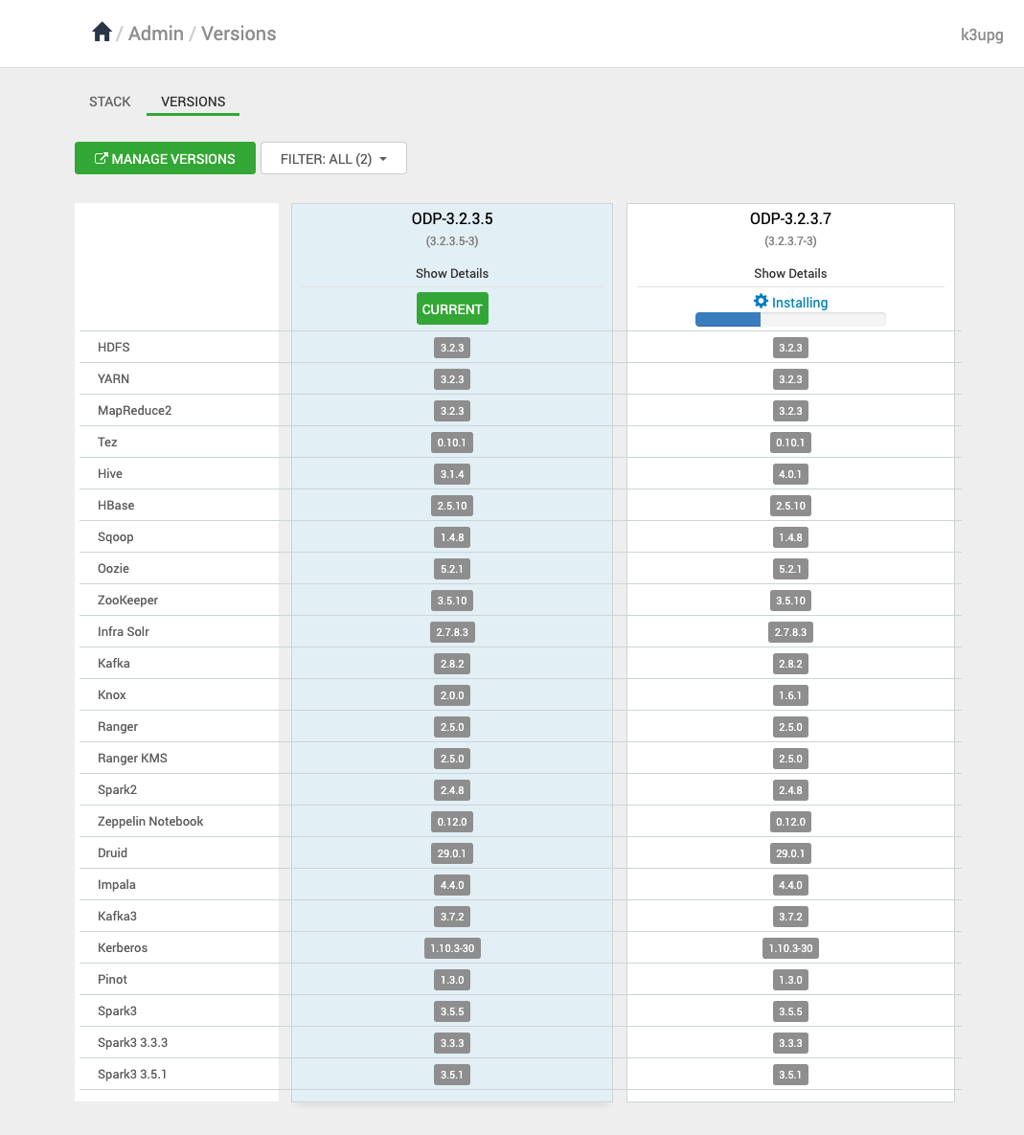
- Wait until the installation completes successfully.

Result: The ODP packages are installed successfully on the selected cluster, and the target ODP version is ready for upgrade.