Create and Update VDF File
This page helps you create and update the VDF file.
Create a local VDF file (odp-33641.xml)
Use the following command to create the file with the specified content (update the links to the latest repository URLs as needed):
OS | Version Number | Repo Name | Format | URL |
|---|---|---|---|---|
RHEL 8/9/Ubuntu /20/22 | ODP-3.3.6.4-1 | ODP-VDF | ODP VDF | https://mirror.odp.acceldata.dev/ODP/ODP-VDF/ODP-3.3.6.4-1.xml |
Update the VDF file from Ambari UI
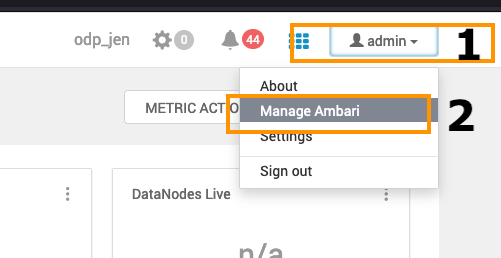
- Add the VDF file: Go to the Admin section on the top right and click on the Manage Ambari option in the menu.
- Navigate to the Versions option on the left side and click REGISTER VERSION to add a new ODP Release.
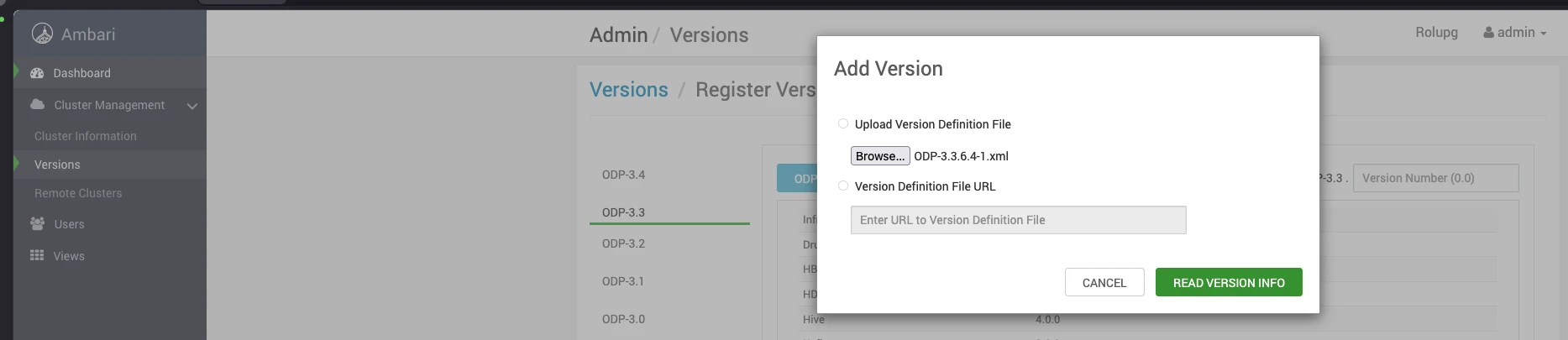
- Add a new ODP version.
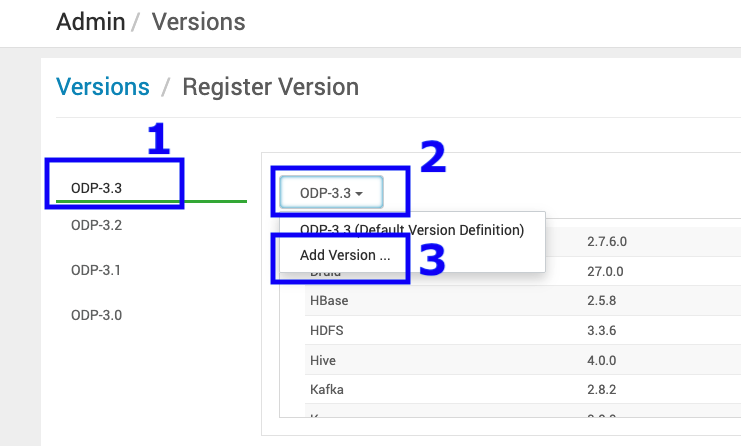
- Upload the 3.3.6.4-1 VDF ODP file and click Read Version Info.
Sample VDF File
Refer to the sample VDF file and copy it to a local machine to proceed further.
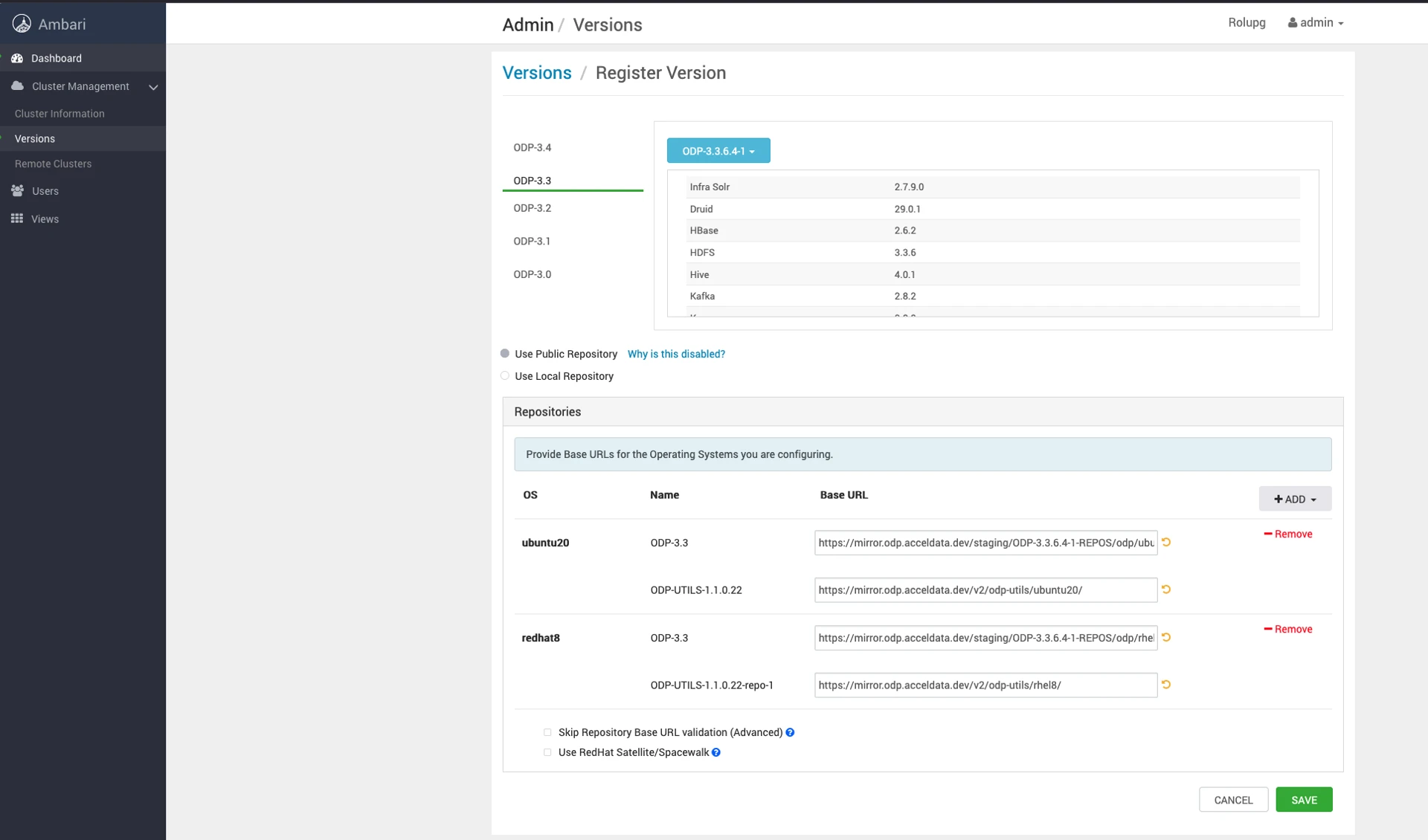
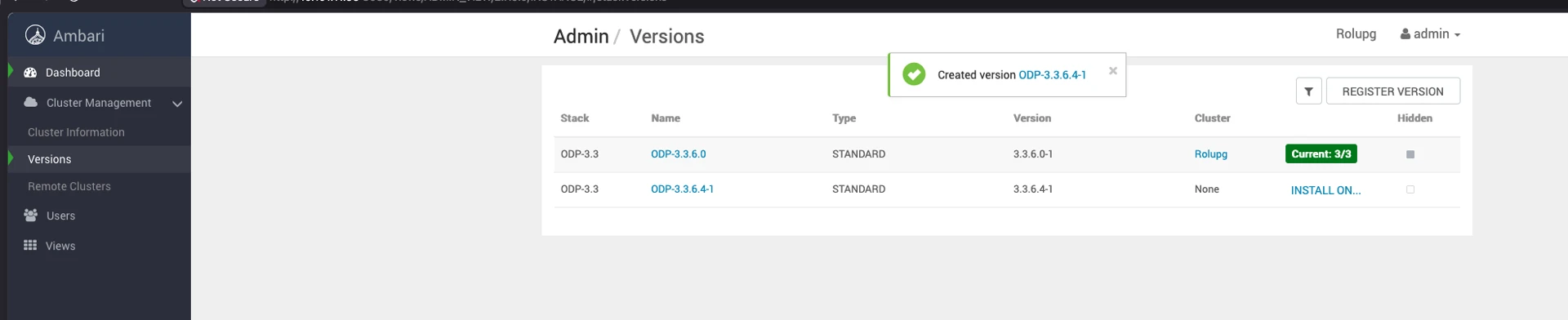
- Save the ODP-3.3.6.4-1 details appearing on the screen. Once you save the details, you can see the screen as shown below.