
Installing and Configuring Trino Gateway
Deployment Recommendation
Deploy Trino Gateway on hosts separate from Trino coordinators.
You need to provide a few options at a bare minimum to install Trino Gateway:
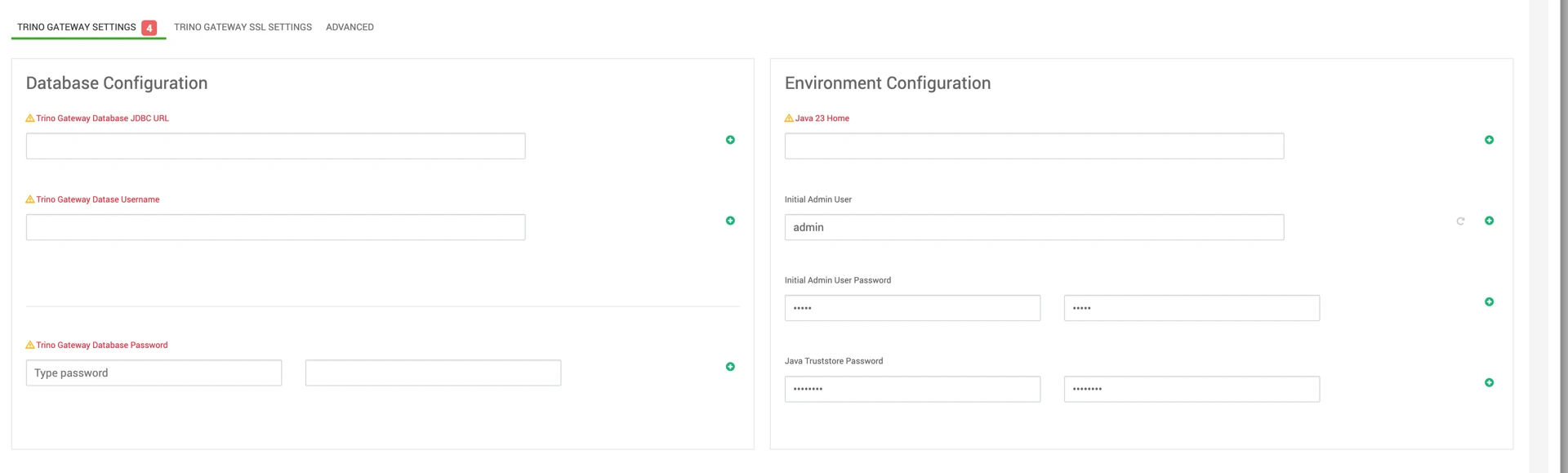
Required Configuration Parameters
The following configuration values are required during installation.
Database JDBC Connection String
Trino Gateway supports only the following databases:
Database | Example JDBC URL |
|---|---|
MySQL | jdbc:mysql://<HOST>:<PORT>/<TRINO_GATEWAY_ DB> |
PostgreSQL | jdbc:postgresql://<HOST>:<PORT>/<TRINO_GATEWAY_ DB> |
OracleDB | jdbc:oracle:thin:@//<HOST>:<PORT>/<TRINO_GATEWAY_ DB> |
No other databases are supported.
Database Credentials
Provide a database user with permissions to:
- Read
- Write
- Create
- Drop
- Update tables
within the Trino Gateway database.
JDK Path
Specify the path to JDK 23 on all Trino Gateway hosts.
Example:
/opt/jdk-23
The configured filesystem must allow execution, and the Trino Gateway service user must have read and execute permissions.
Admin User Password
The default UI admin password is:
admin
Change the default password during installation.
If LDAP authentication is enabled, the local admin user is ignored.
SSL Configuration
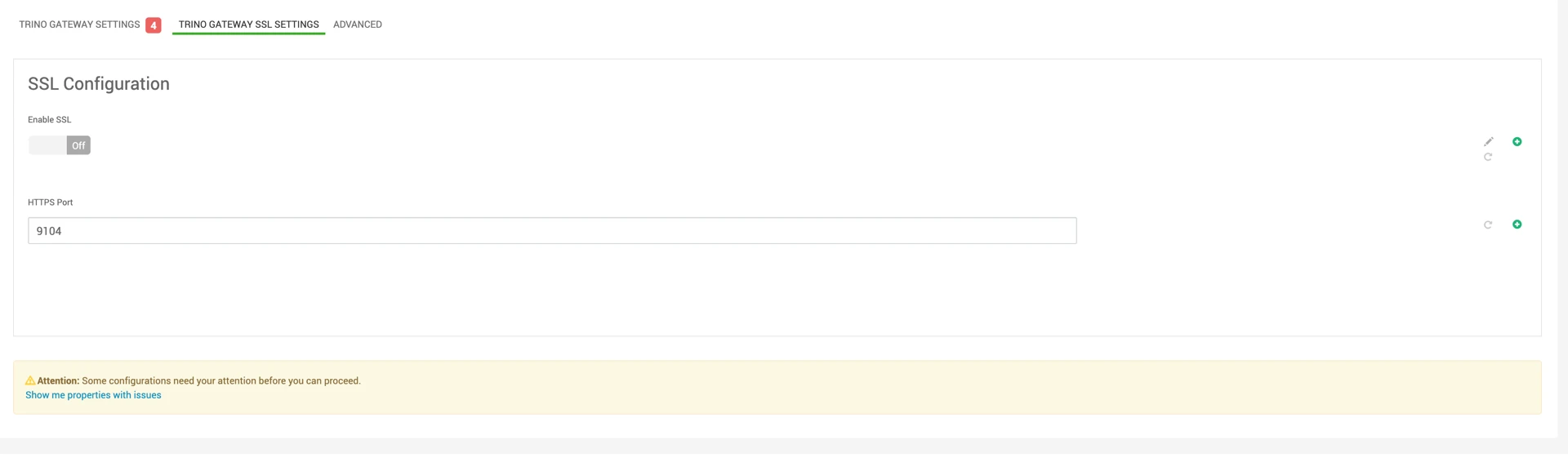
Enabling SSL
- Enable SSL by toggling Enable SSL in the Trino Gateway UI.
- Additional SSL configuration fields will become available.
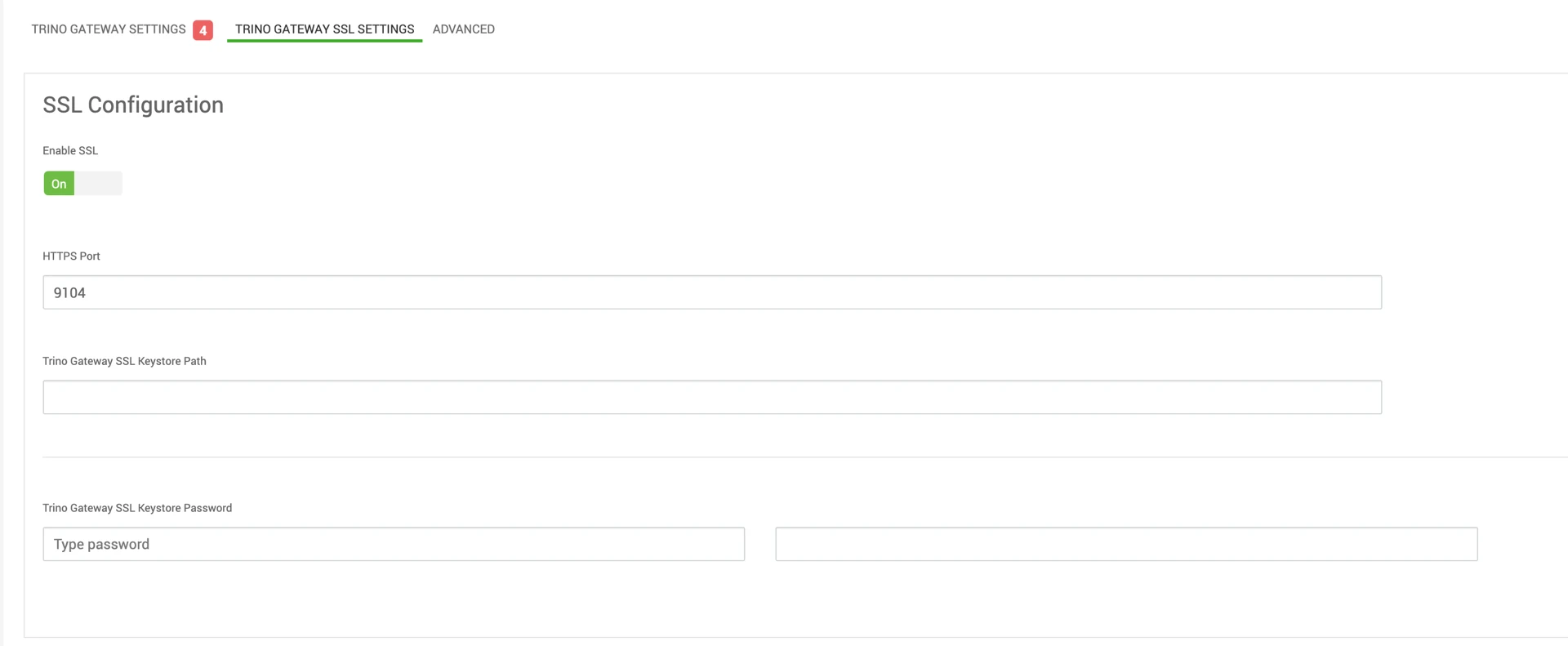
You need to provide a path to a keystore that is readable by the Trino Gateway user when SSL is enabled.
Supported Keystore Formats
The following keystore formats are supported:
- JKS
- PEM
JKS Requirements
- Must be password-protected.
- Password is mandatory.
PEM Requirements
- Must not be password-protected.
- The keystore path must be readable by the Trino Gateway service user.