Install Agents in a Custom Directory
This page describes how to deploy the Hydra Agent in a custom directory (other than /opt/pulse). It applies to all supported Pulse deployment methods:
- SSH-based deployment
- Hydra MPack (ODP clusters)
- Parcels (CDP clusters)
Introduced
This is supported from Pulse 4.1.0 onwards.
Info
- Changing the Hydra Agent directory requires an uninstall and reinstall of the agent. This process results in service downtime and the loss of existing files, including historical data such as Hydra logs.
- Before changing the agent directory, ensure that you take a backup of all required files, including Hydra logs and any other relevant data, to avoid permanent data loss.
Overview
To install Hydra Agents in a custom directory, you must:
- Uninstall the existing Hydra Agents installed in /opt/pulse.
- Update Pulse configuration files to point to the new custom directory.
- Reinstall Hydra Agents using the selected deployment method.
Update Pulse Configuration
Before installing Hydra Agents, update the Pulse configuration on the Pulse node.
Update hydra_hosts.yml
Edit the following file:
data01/acceldata/work/<cluster_name>/hydra_hosts.yml
Update these values:
hydra_pulse_home: <pulse_home_dir>
axn_plugin_dir: <pulse_home_dir>/actions/plugins
Update vars.yml Using override.yml
To update the agent directory, create an override.yml file with the following content:
agent:
agent_dir: <pulse_home_dir>
After creating the override file, run the following command:
accelo reconfig cluster
This updates vars.yml with the new Pulse home directory.
SSH-Based Hydra Agent Deployment
- Complete the Update Pulse Configuration steps.
- Deploy Hydra Agents using the following command:
accelo deploy hydra
After the deployment:
- The Hydra Agent services start automatically.
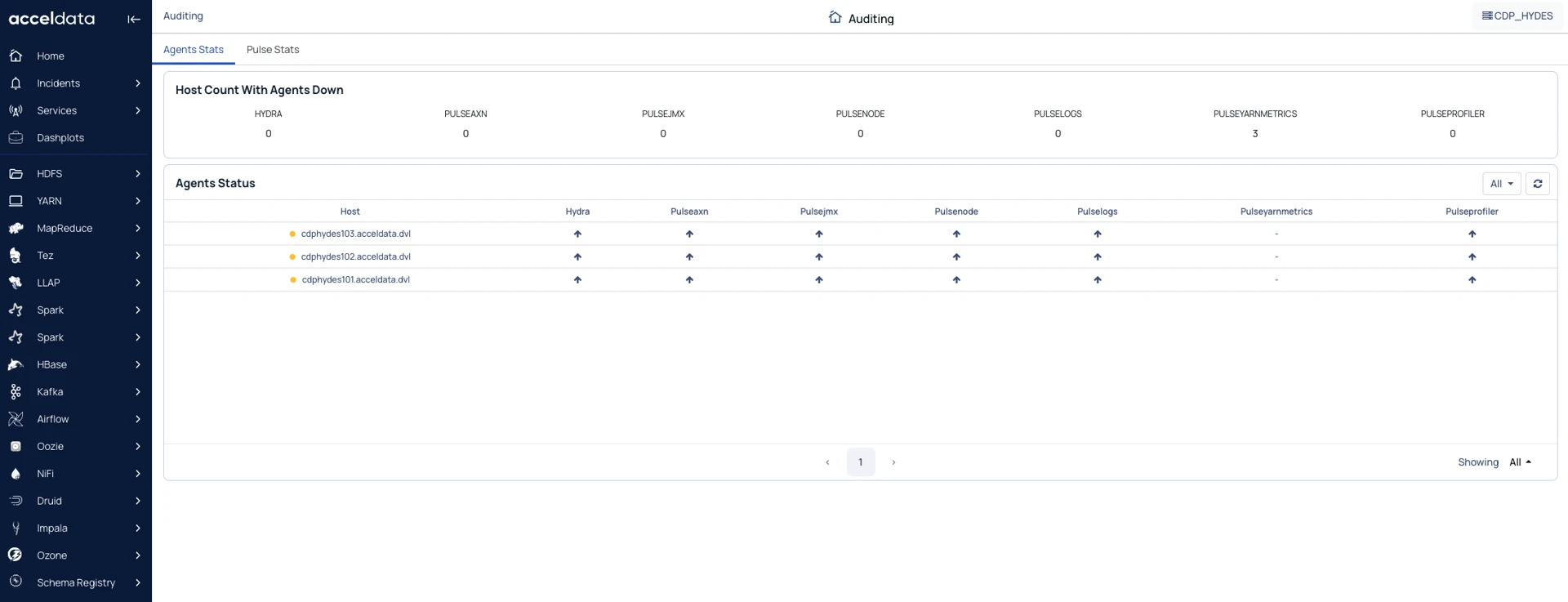
- You can see the status on the Auditing page in the Pulse UI.
Ambari MPack-Based Deployment (ODP Clusters)
- Complete the Update Pulse Configuration steps.
- Install the Hydra MPack on the Ambari cluster (refer to the MPack installation documentation).
- During Hydra Agent configuration, update the following parameters:
axn_plugin_dir
Hydra Home Directory
- Proceed with the installation.
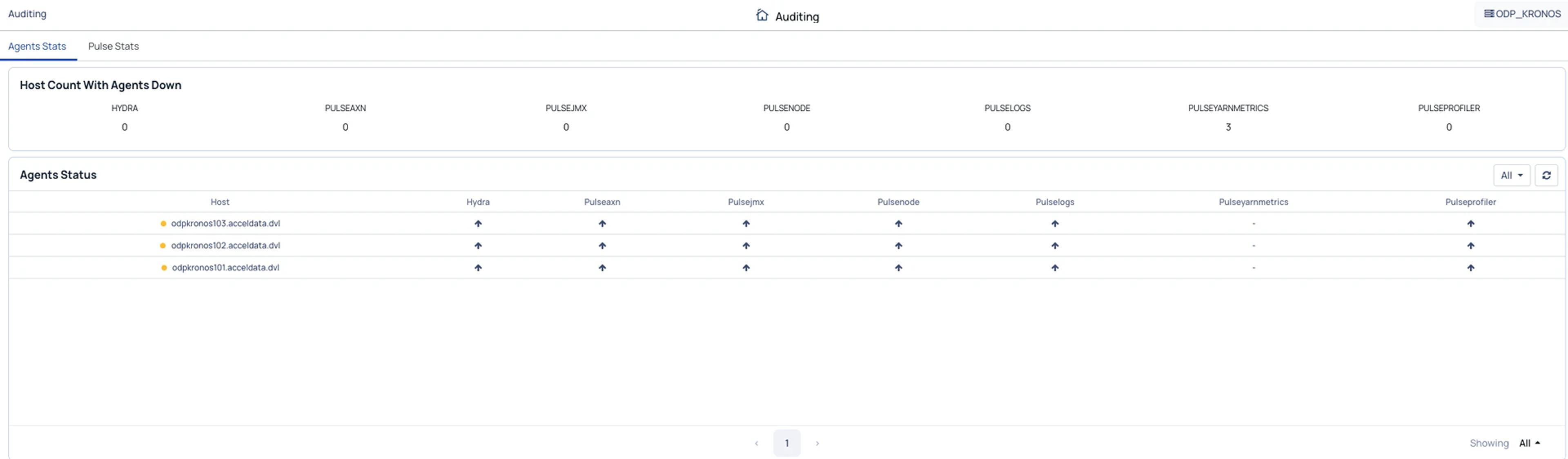
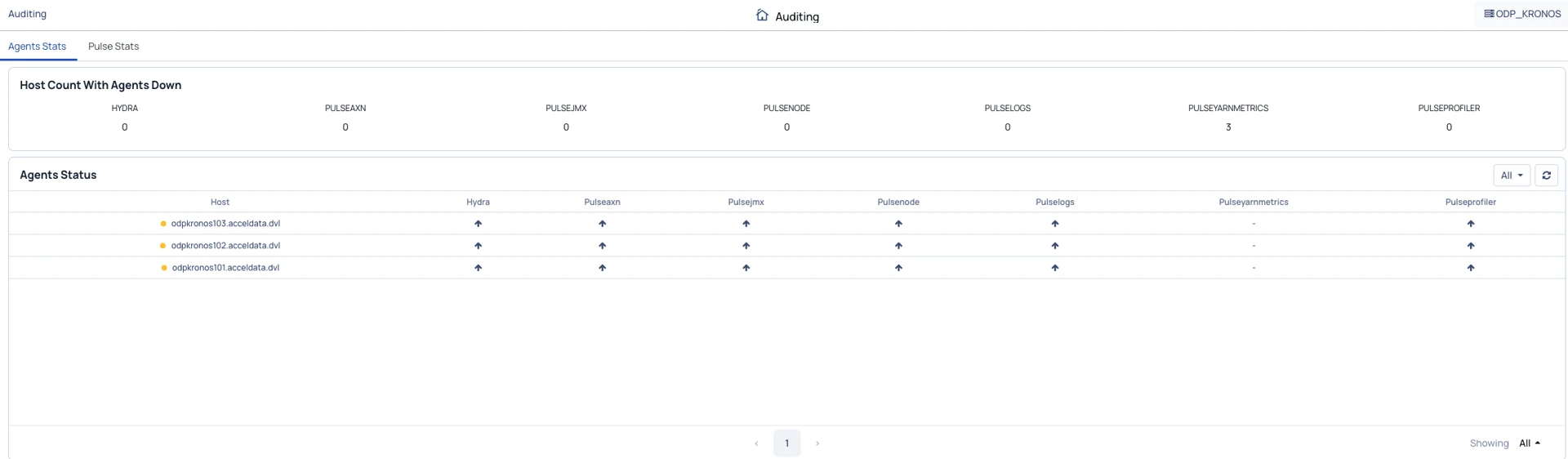
Once installation is complete, the Hydra Agent services are up and running.
CDP Parcels-Based Deployment
- Complete the Update Pulse Configuration steps.
- Add the Pulse Hydra parcels to the CDP cluster (refer to the parcels documentation).
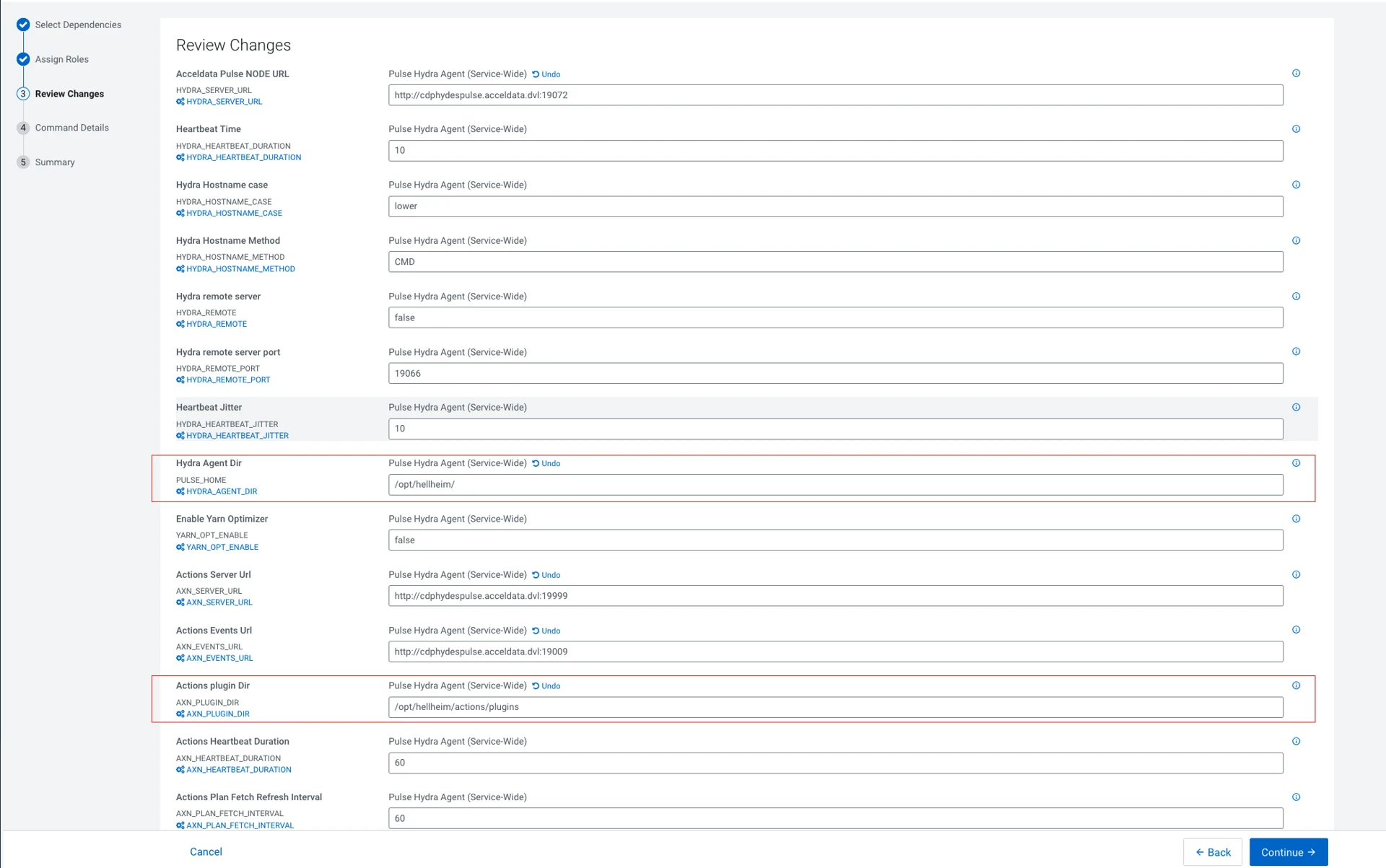
- During Hydra Agent parcel configuration, update the following parameters:
- Actions Plugin Directory
- Hydra Agent Directory
- Proceed with the installation.
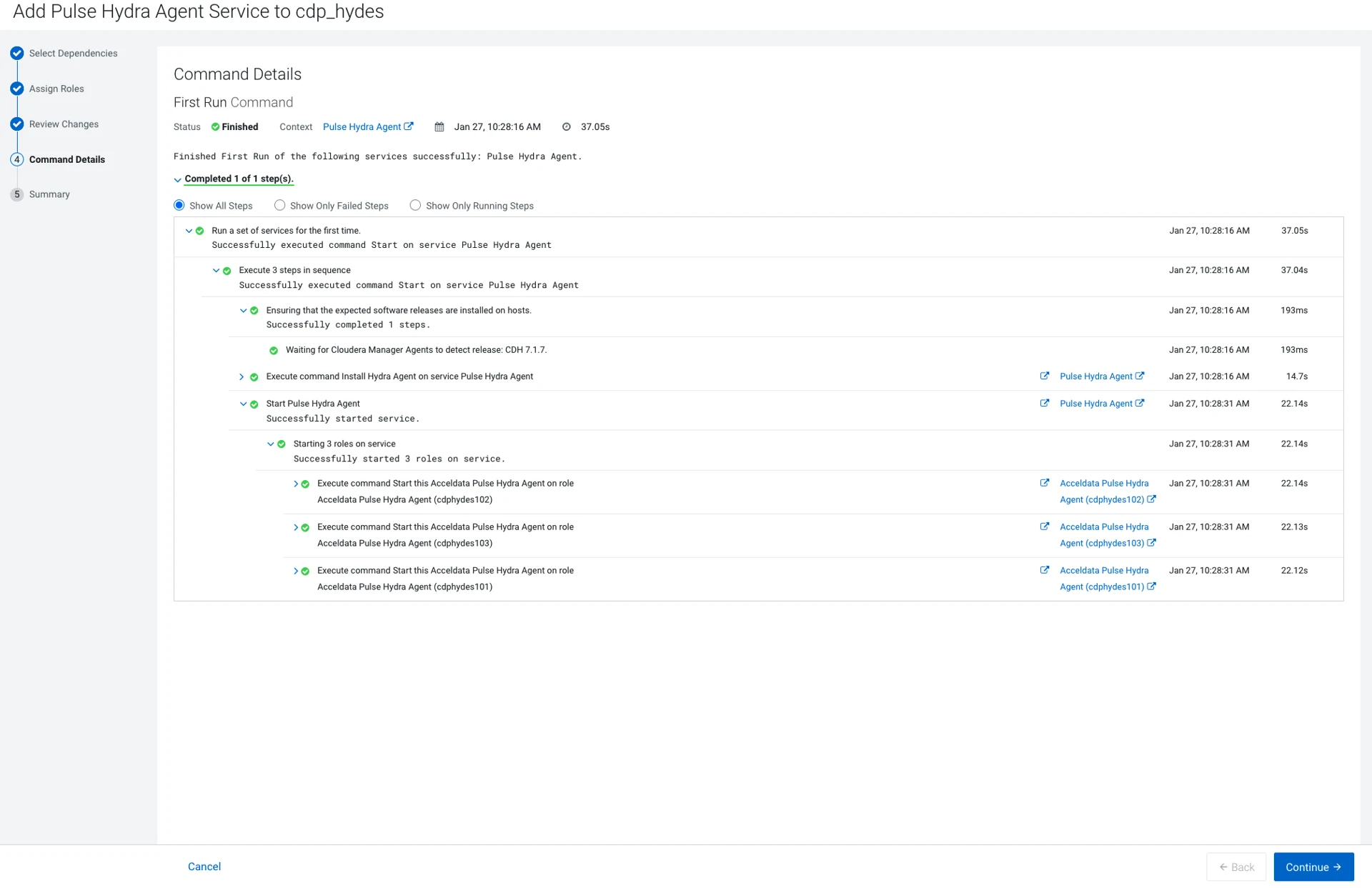
After installation, the Hydra Agent service starts successfully.