Update License
Pre-requisites
Ensure you have the updated license file from Acceldata team to update the Pulse license.
Note
Create a ticket at https://support.acceldata.io/ to receive the updated license file.
To update the Pulse license file, do the following:
- Open the license file.
- Copy the entire content of the license file.
- Login to Pulse server running the core components.
- Go to <PULSE_HOME>/work. Here <PULSE_HOME> is directory where the Pulse is installed.
Tip
Run the which accelo command to find out where Pulse is installed.
- Open and update the contents of the license file as copied on step 2.
- Run the following command to update and restart Pulse UI for new license.
accelo restart ad-graphql
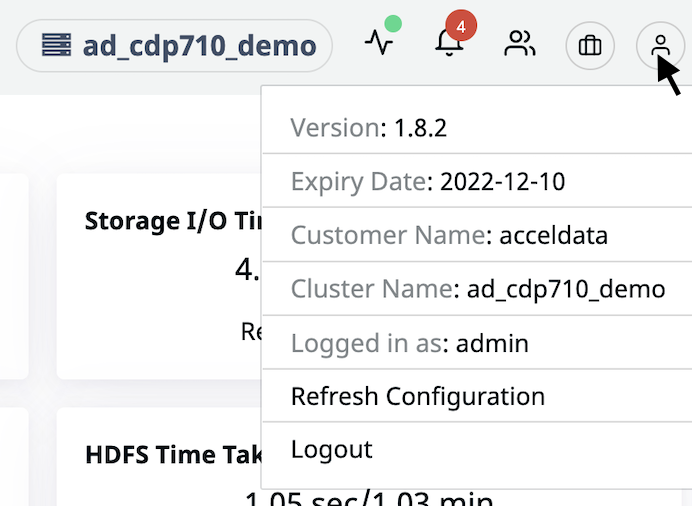
- To validate the license, open Pulse UI and check the following contents for the new license date or new components list.