Installing Custom Packages in Apache Airflow
To install Apache Airflow management pack (mpack) for Python3.11 and RHEL8 with Postgres15, perform the following steps:
- Install Python3.11 and create symlinks:
sudo ln -sf /usr/bin/python3.11 /usr/bin/python3
sudo ln -sf /usr/bin/pip3.11 /usr/bin/pip3
- Install and setup Postgres15:
sudo -u postgres psql
CREATE DATABASE airflow;
CREATE USER airflow WITH PASSWORD 'airflow';
ALTER ROLE airflow SET client_encoding TO 'utf8';
ALTER ROLE airflow SET default_transaction_isolation TO 'read committed';
ALTER ROLE airflow SET timezone TO 'UTC';
GRANT ALL PRIVILEGES ON DATABASE airflow TO airflow;
\c airflow
GRANT ALL ON SCHEMA public TO airflow;
\q
- Update PostgreSQL configuration files:
- Edit /var/lib/pgsql/15/data/postgresql.conf:
vi /var/lib/pgsql/15/data/postgresql.conf
- Uncomment the following lines:
listen_addresses = '*'
port = 5432
- Edit /var/lib/pgsql/15/data/pg_hba.conf:
vi /var/lib/pgsql/15/data/pg_hba.conf
- Add the following line:
host airflow airflow 37.27.118.52/32 md5
- Restart PostgreSQL:
sudo systemctl restart postgresql-15
- Install google-re2 package and psycopg2-binary:
pip3 install psycopg2-binary
pip3 install google-re2
If the package is not installed, download it and then install it. After running the below command, you will get a wheel package like google_re2-1.1.20240501-1-cp39-cp39-manylinux_2_24_x86_64.manylinux_2_28_x86_64.whl:
pip3 download google-re2
Info
Ensure that you have set up the repository for Airflow before proceeding with the Airflow service installation through Ambari.
- Install Mpack:
ambari-server install-mpack --mpack=ambari-mpacks-airflow-2.8.3.tar.gz --verbose
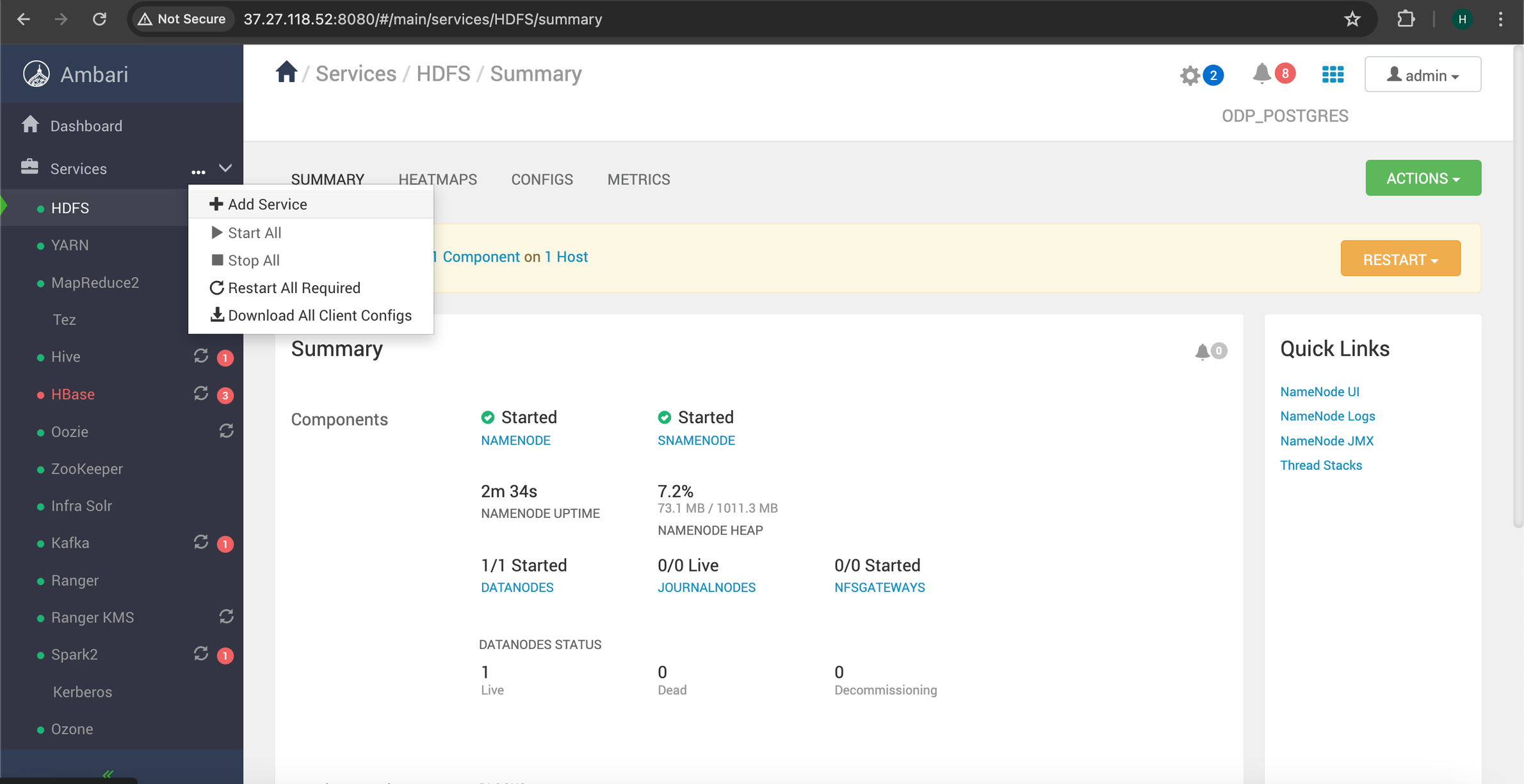
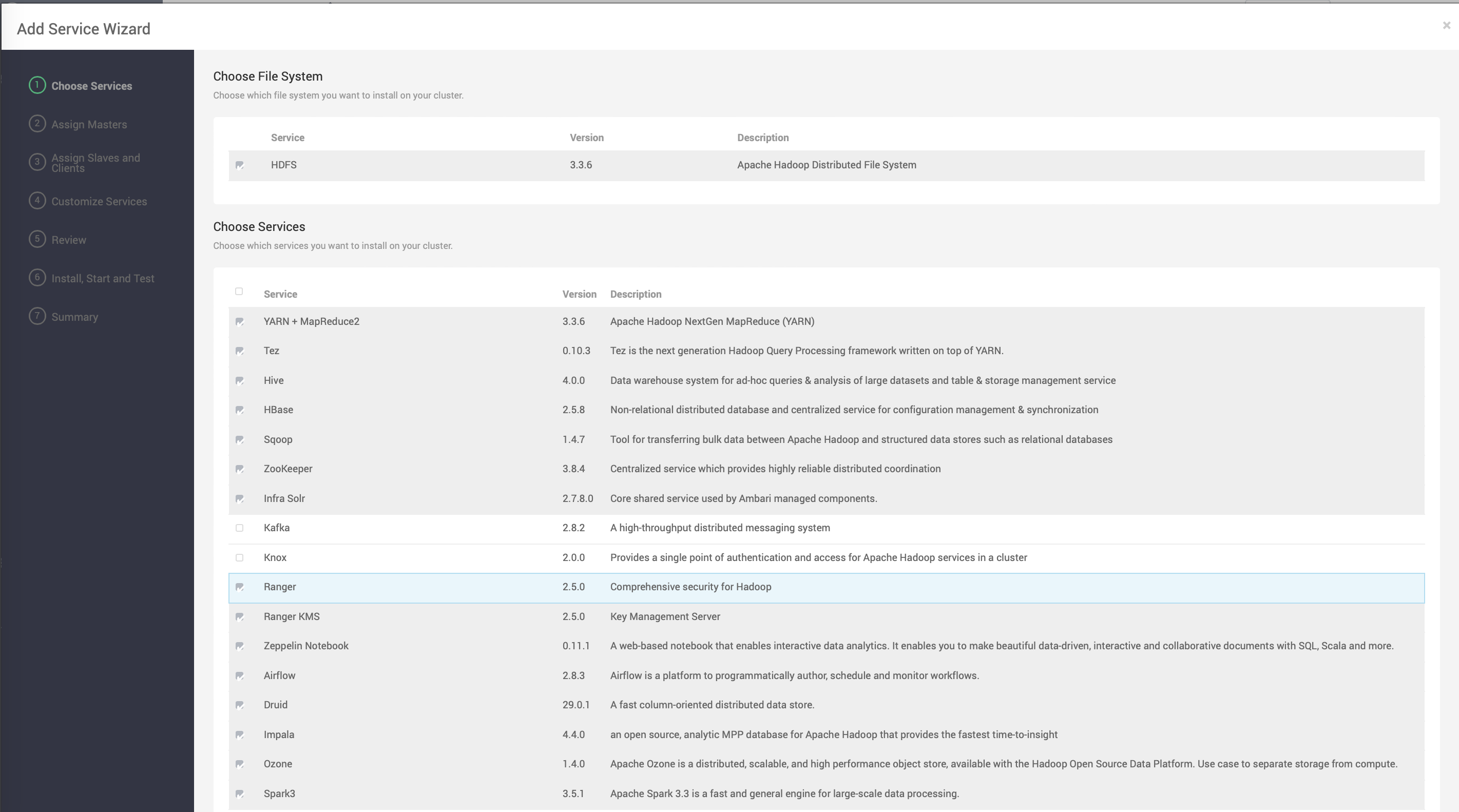
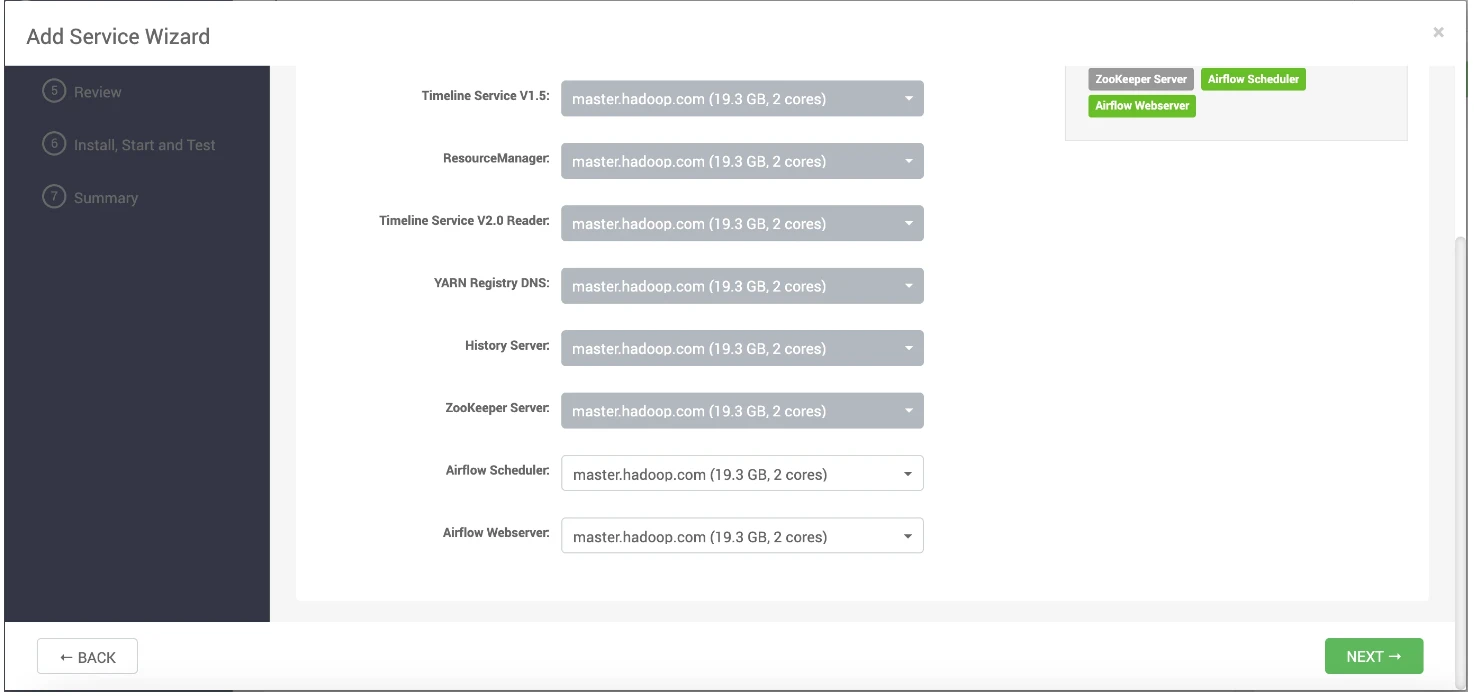
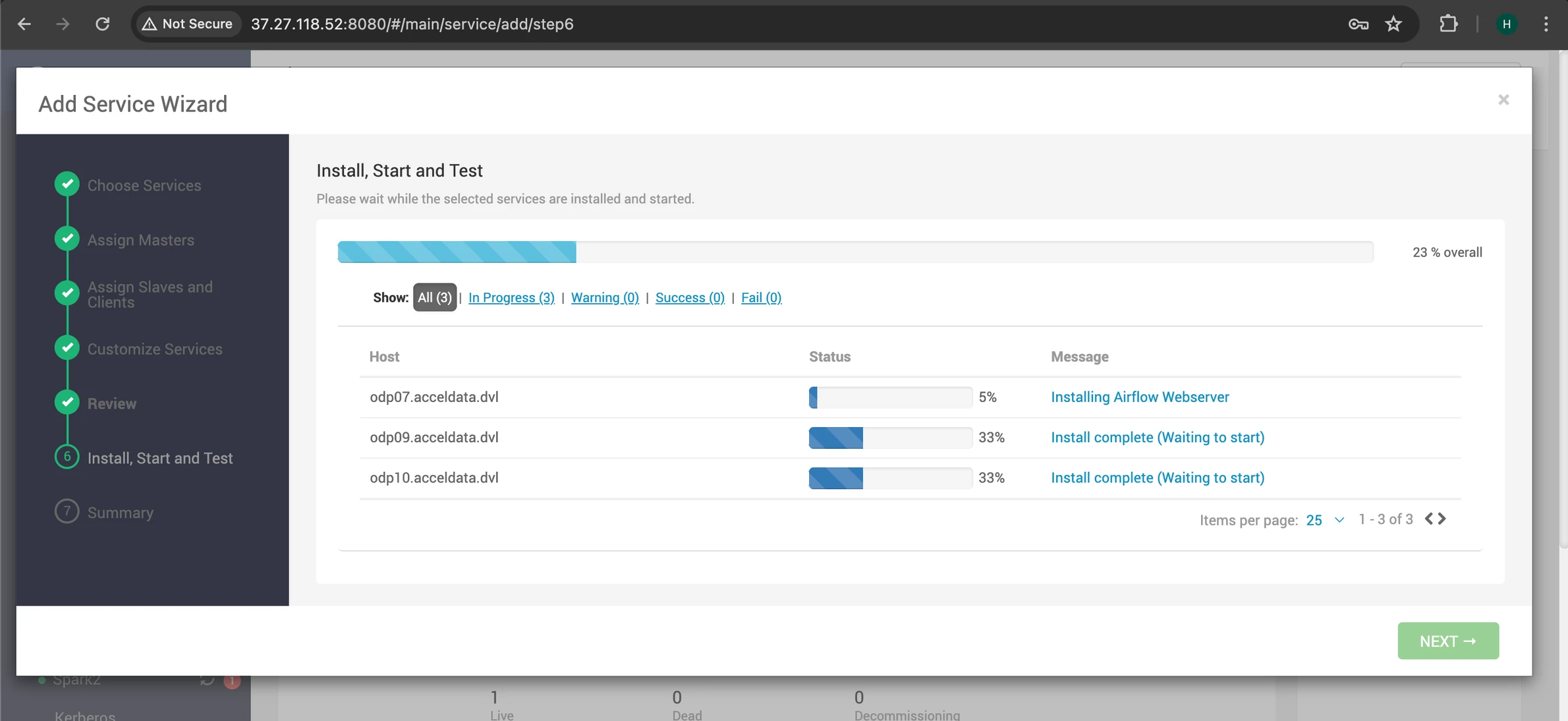
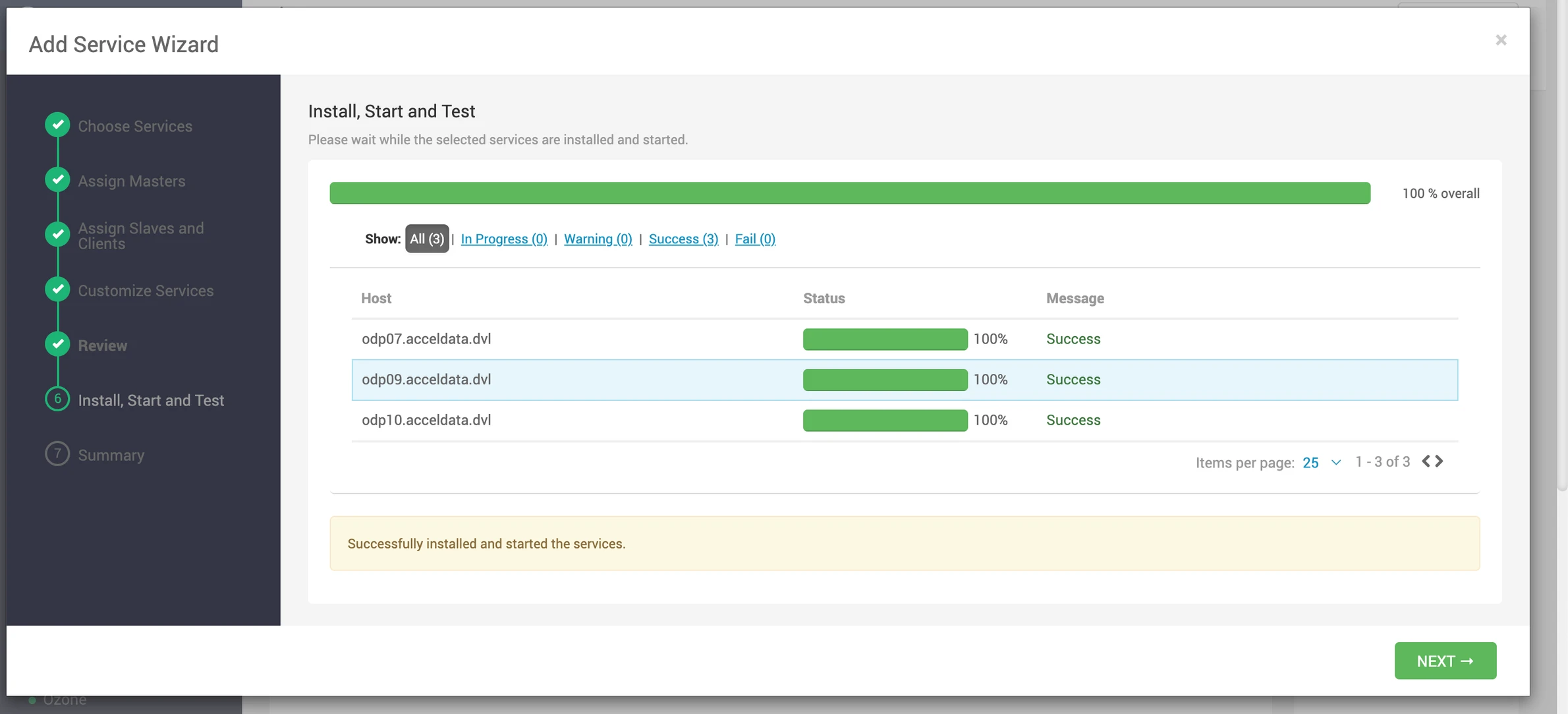
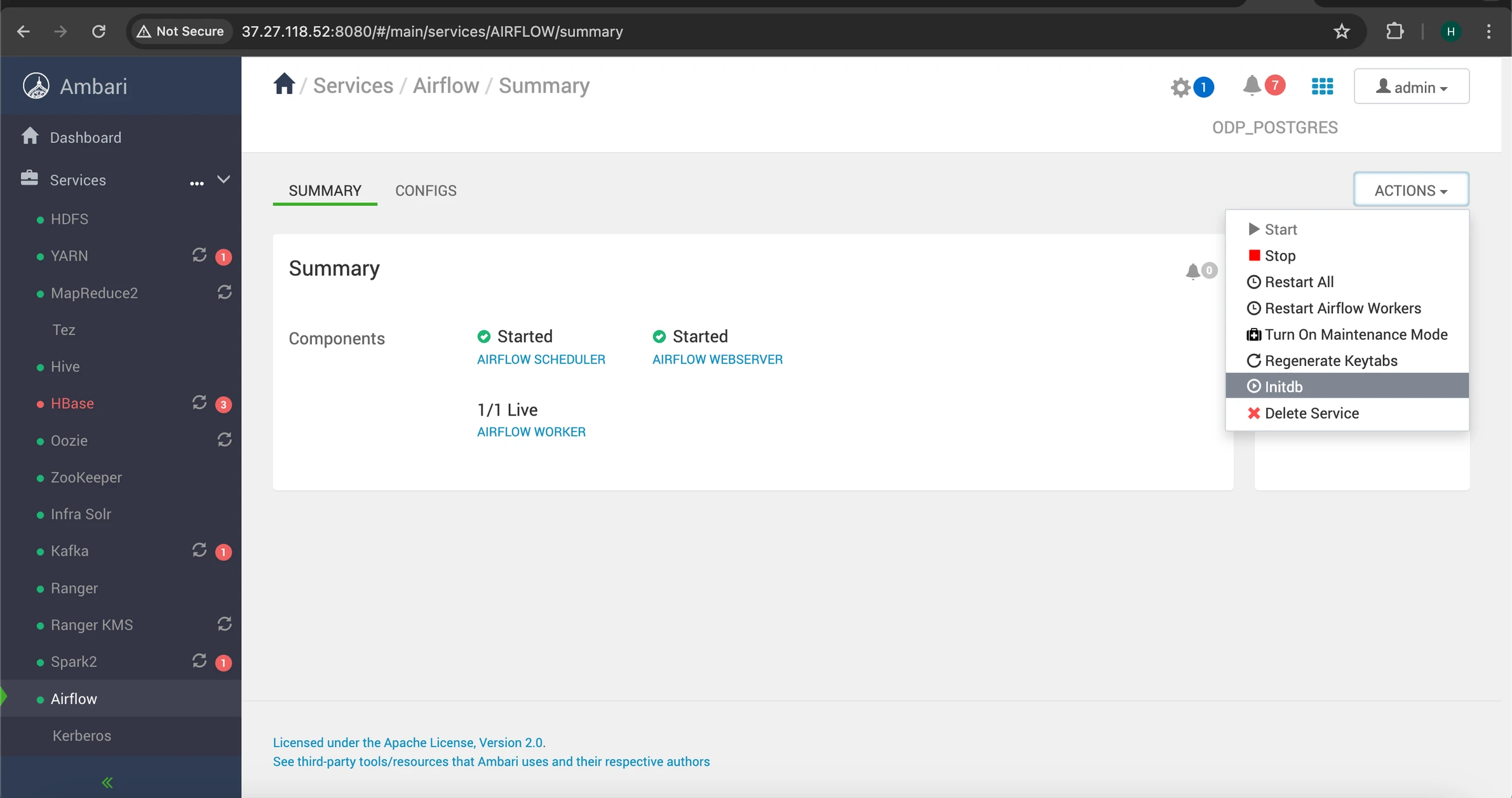
- Refer to the screenshots below for guidance on installing the service via Ambari UI:
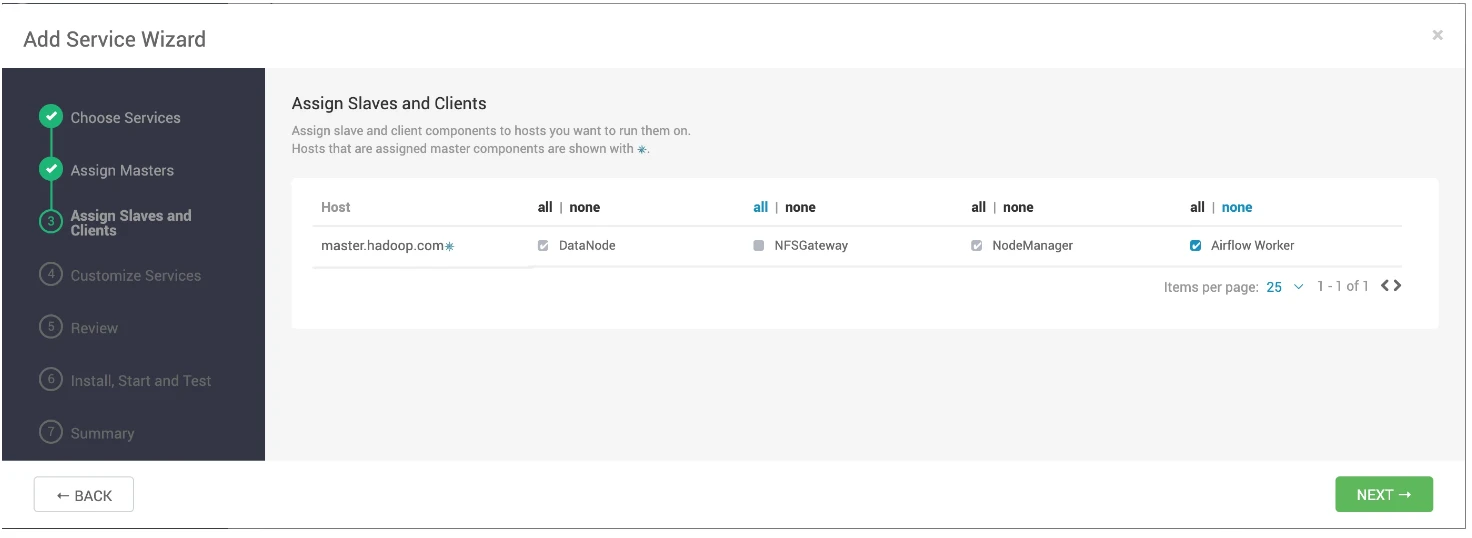
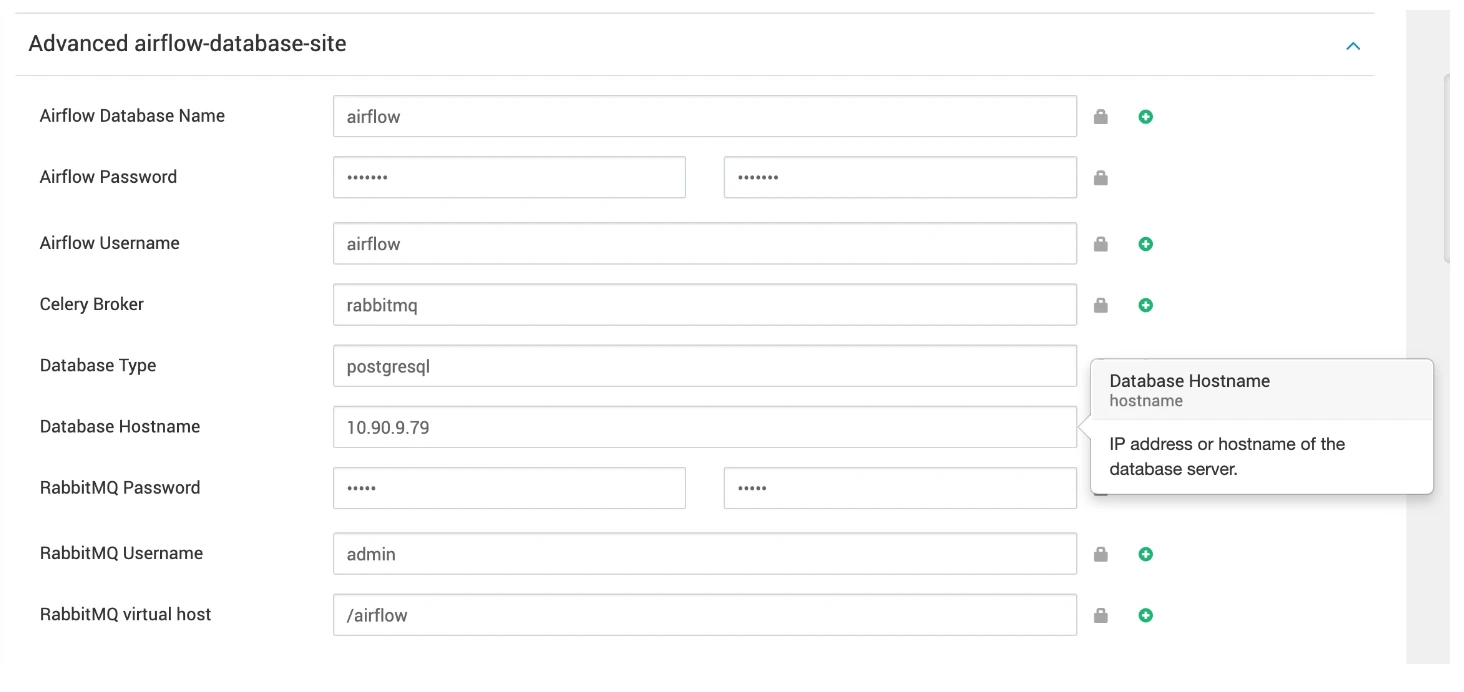
- Follow the Airflow configurations steps provided in the Apache Airflow Installation using Mpack on Ambari guide.
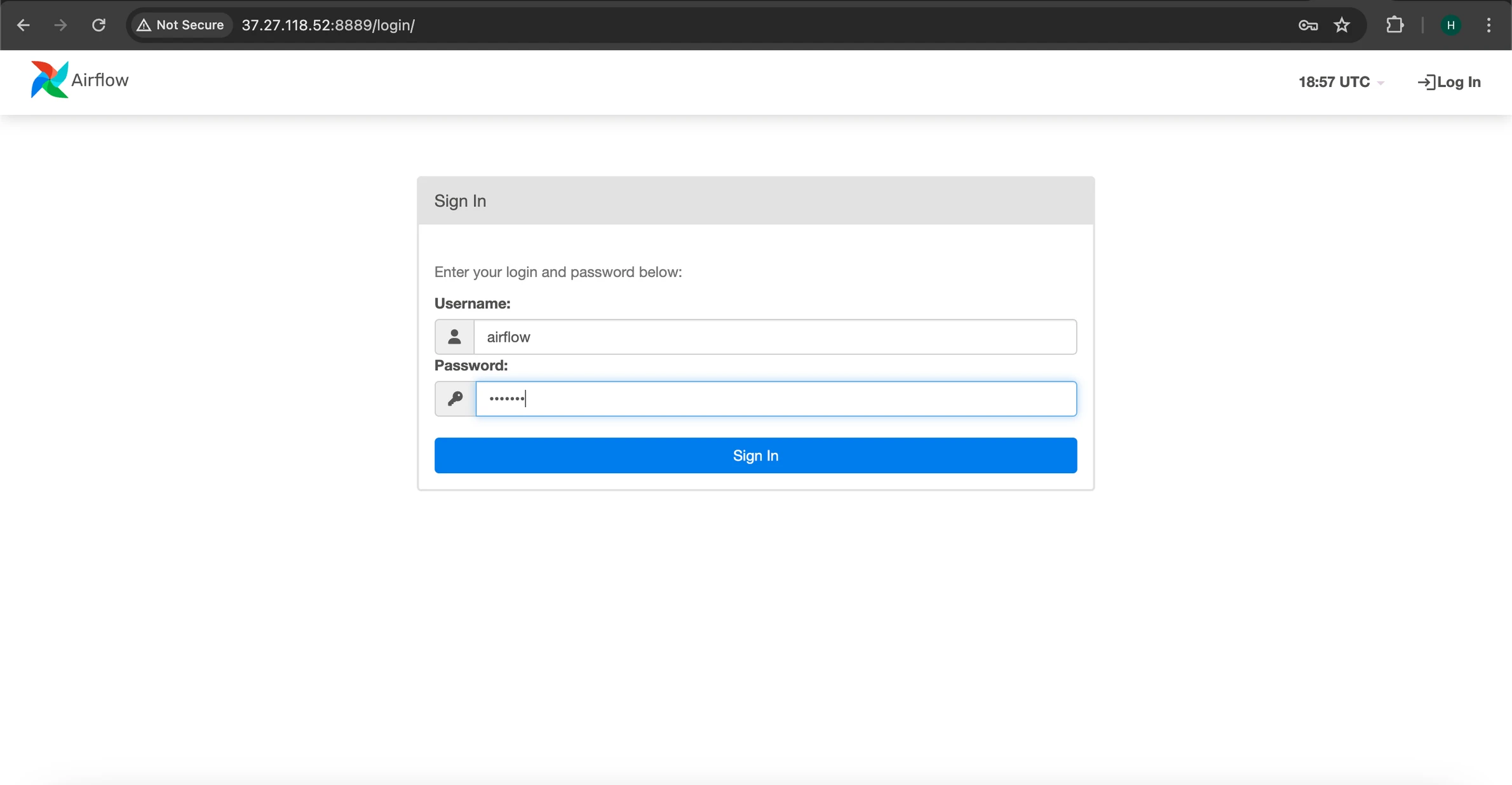
- Access the Airflow UI using your Airflow credentials, in this case we are using 'airflow' as the username and password.