Bundle Jobs
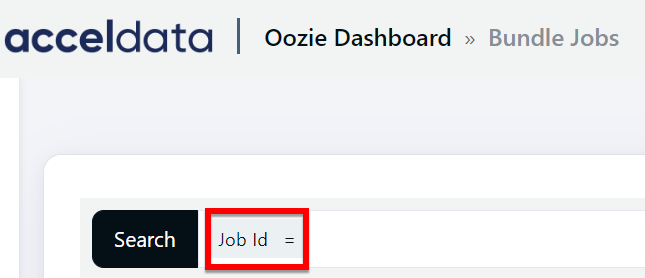
Bundle is a higher-level oozie concept for batching a collection of coordinator applications. In the bundle level, the user has the option to start,stop,suspend,resume, or rerun. The Pulse Bundle Jobs feature allows users to search by Job ID and examine the status as well as other pertinent information.
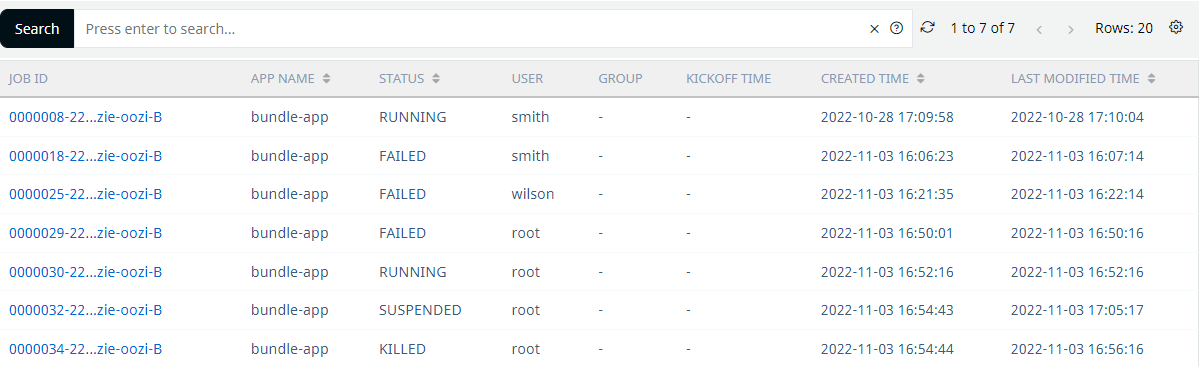
Field | Description |
|---|---|
Job ID | Displays the job application ID. Clicking on the Job ID displays the Job information. |
App Name | It displays the name of the application. |
Status | It displays the job's current state, such as Running, Paused, Failed, or Suspended. |
User | The user's name as defined by the name property. |
Group | The group name as displayed from the group property. |
Kickoff Time | Displays when the bundle begins and sends coordinator applications. |
Created Time | Displays the data and time when the bundle job was created |
Last Modified Time | Displays the date and time when the bundle job was last updated. |
Job ID
The specifics of the job application for the specified ID are displayed when you click on the JOB ID links.
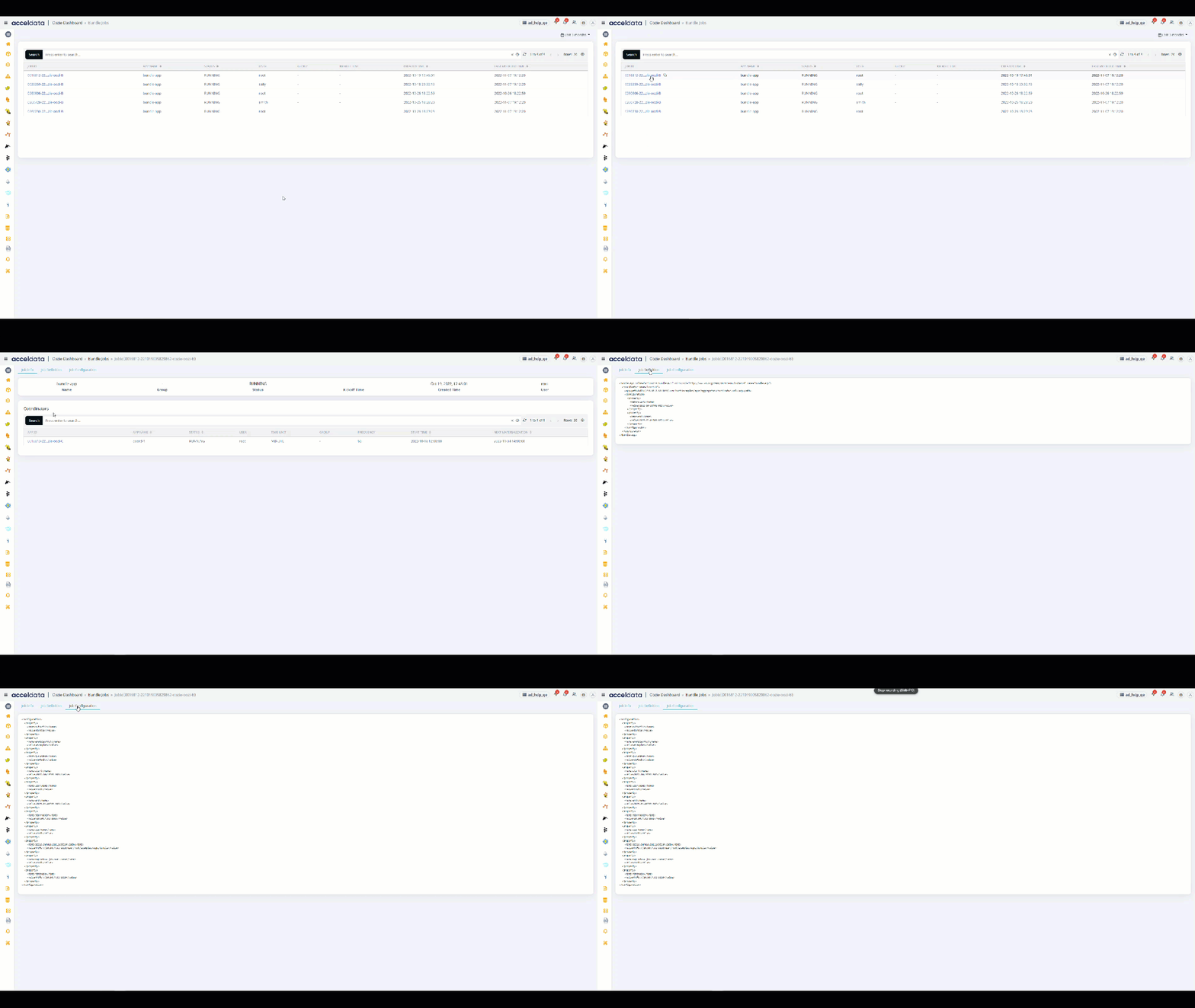
There are three tabs in the upper left.
- Job Info
- Job Defination
- Job Configuration

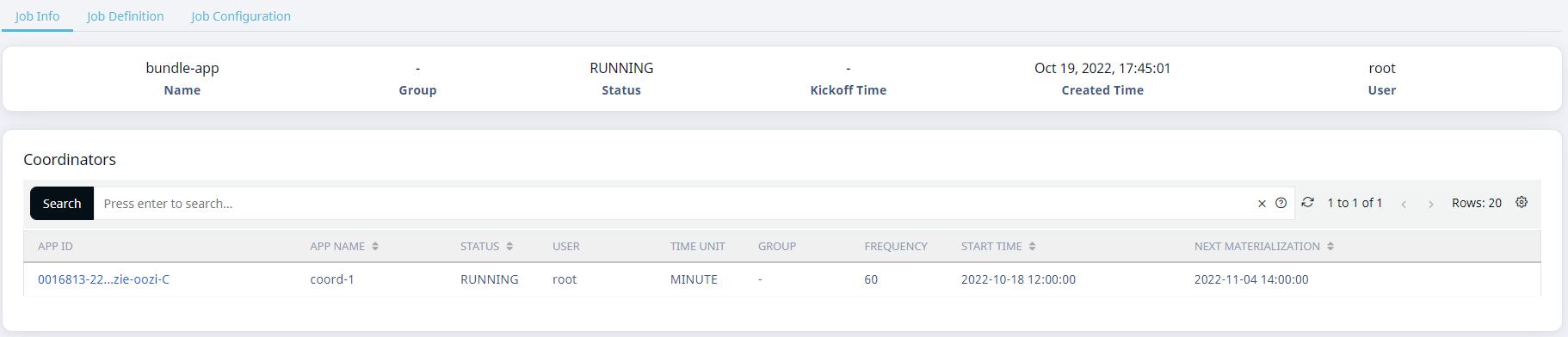
Job Info
Displays the data from the Bundle application in the summary panel and offers metrics in the coordinators panel.
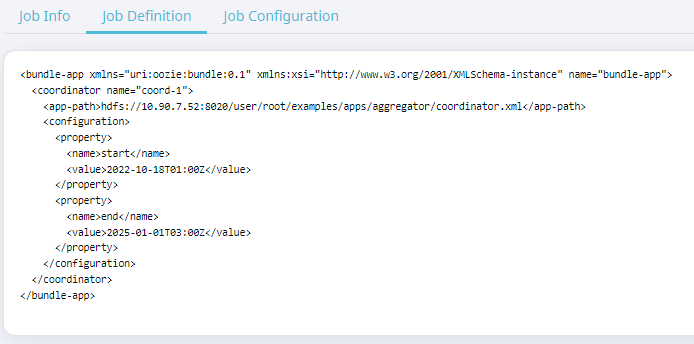
Job Defination
Displays the parameters of bundle definitions.
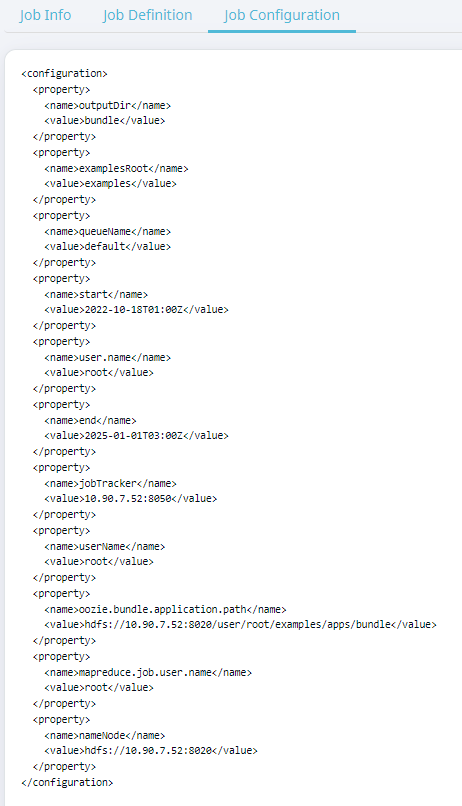
Job Configuration
Displays the setup for the related coordinator application.
Search Option
Perform the following steps to search for a record in the Applications Explorer.
- Select a search parameter. Pulse provides you multiple search parameters.
- Select a suitable operator for your parameter.
- Enter the search term and hit the enter key.
For String Data type fields, you can use the =~ operator. This operator allows you to search strings by entering partial string.