Kafka Consumer Group
The Consumer Group page displays detailed information of a selected consumer group.
Summary Panel
The summary panel displays the current status of the following metrics.
Metric | Description |
|---|---|
Num Clients | The number of clients. |
Num Topics | The number of topics. |
Client Coordinator | The host ID that is selected as client coordinator. |
State | The current state of the consumer group. The state can be either of the following: Completing Rebalance, Dead, Empty, Preparing Rebalance, Stable, Unknown. |
Assignment Strategy | The consumer or producer strategy used to read and assign data from topics. The strategy can be either Range or Round Robin. |
# of Rebalance | The number of times rebalance was done during the selected time period. |
# Rebalance Change (Avg of last 7 days) | This widget compares the average rebalances of last 7 days with current day's rebalances. |
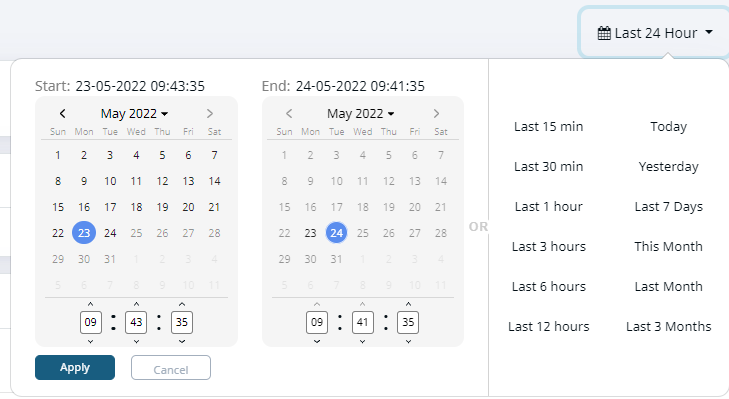
The statistics and data in the dashboard are displayed based on the date range selected.
For every consumer group, you can view data in the following columns.
Click any row in Topic to view more details of the topic.
Column Name | Description |
|---|---|
Topic | The topic name in the consumer group. |
Num Clients | The number of clients. |
Num consumers | The number of consumers. |
Lag | The amount of lag between Kafka producers and consumers. |
For every topic, you can view the following metrics.
Click Group By drop-down in the right corner of the second panel and click Topic or Client ID.
Metric | Description |
|---|---|
Consumer ID | The ID of the consumer in the topic. |
Client ID | The client ID in the topic. |
Host | The host ID the consumer group is connected to. |
Partition | The number of partitions the topic contains. |
Topic | The name of the currently selected topic. |
Lag | The amount of lag between Kafka producers and consumers. |
Offset | The current position of the consumer. In case of a lag, the Offset value will be less than the End Offset value. |
End Offset | The last numerical value of the unique identifier of a record. |
Events
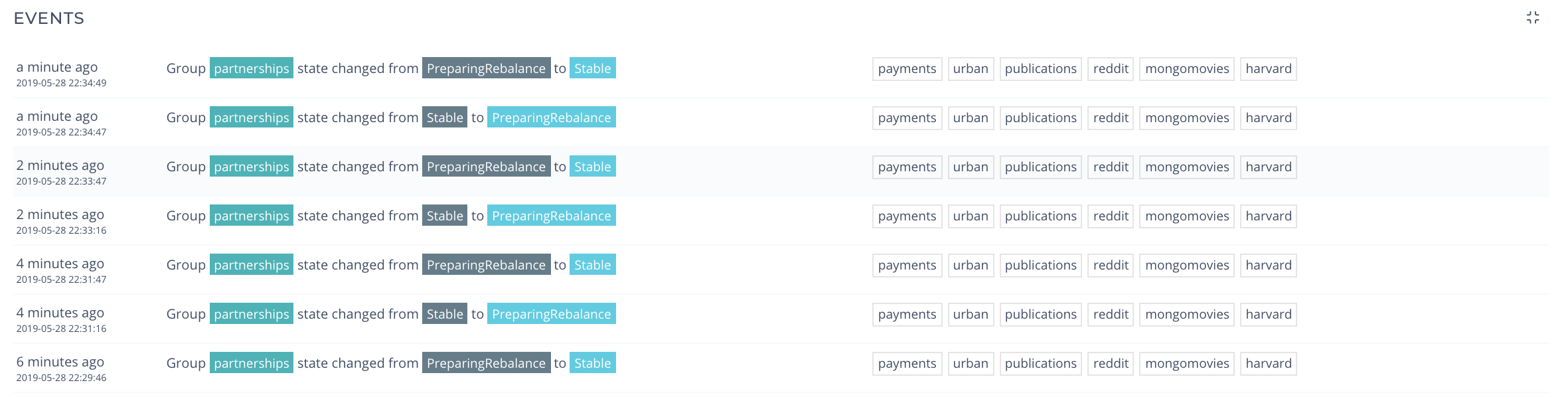
Events panel displays the set of activities occurred in the consumer group of Kafka services, as shown in the following image.