
Configuring YarnSpawner and HDFSCM
Follow the steps below to configure YarnSpawner and HDFSCM for JupyterHub.
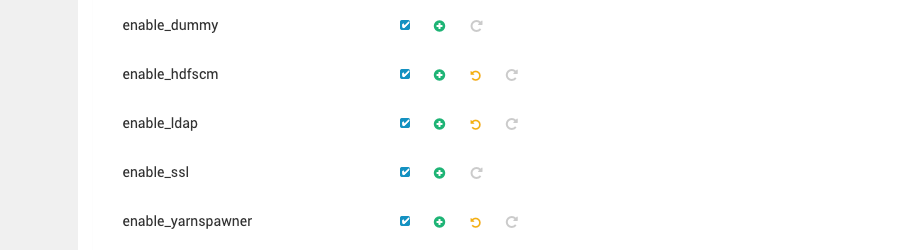
- Update the JupyterHub Configuration: To enable YarnSpawner and HDFSCM just click the checkbox for both on ambari ui.
- Save and Restart JupyterHub
- After making the above changes, save the configuration file.
- Restart the JupyterHub service to apply the changes.
- Launch the JupyterHub Server
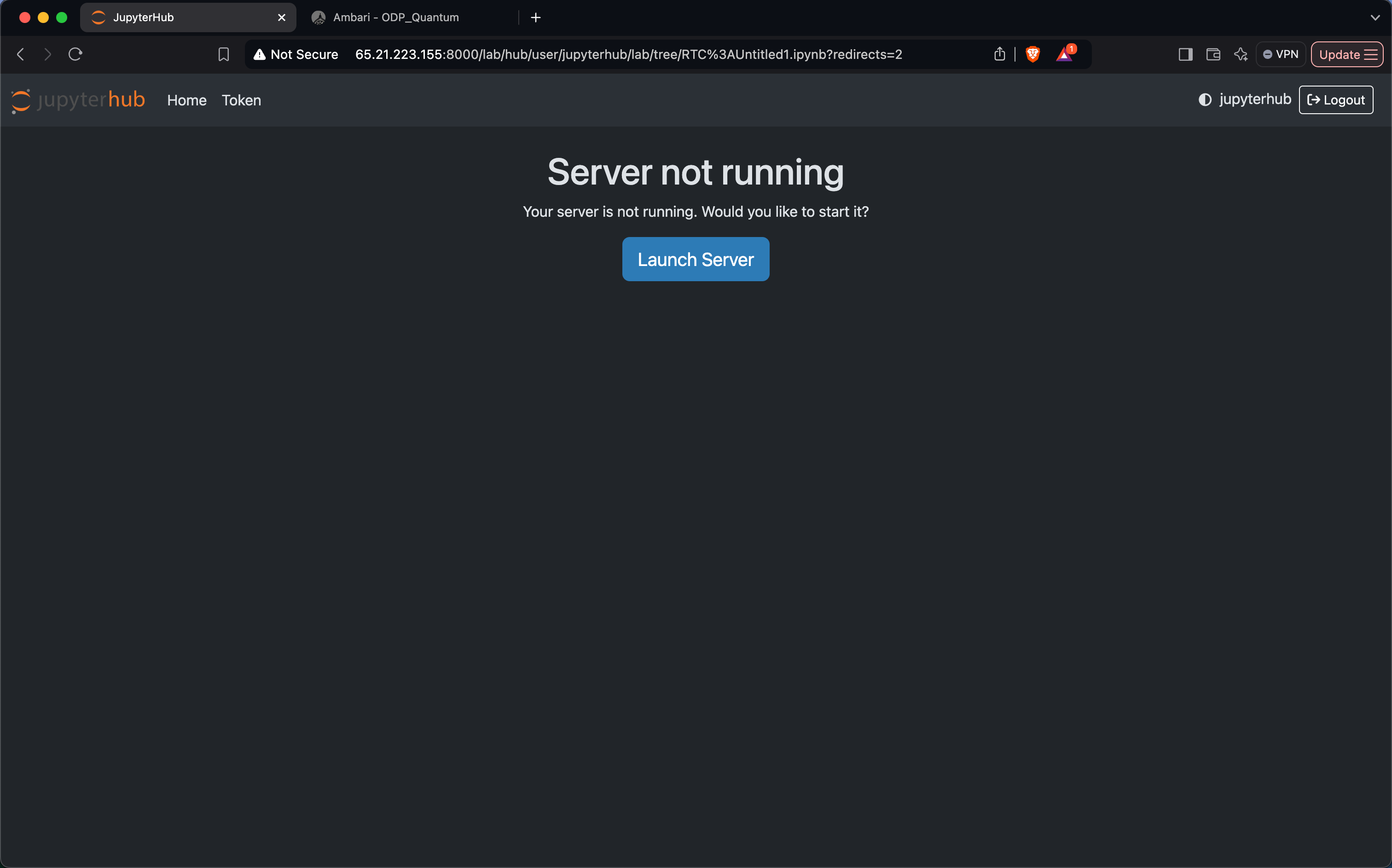
- Click on Launch Server to start the JupyterHub server.
- Refresh the JupyterHub web interface.
- Resource Allocation via YARN
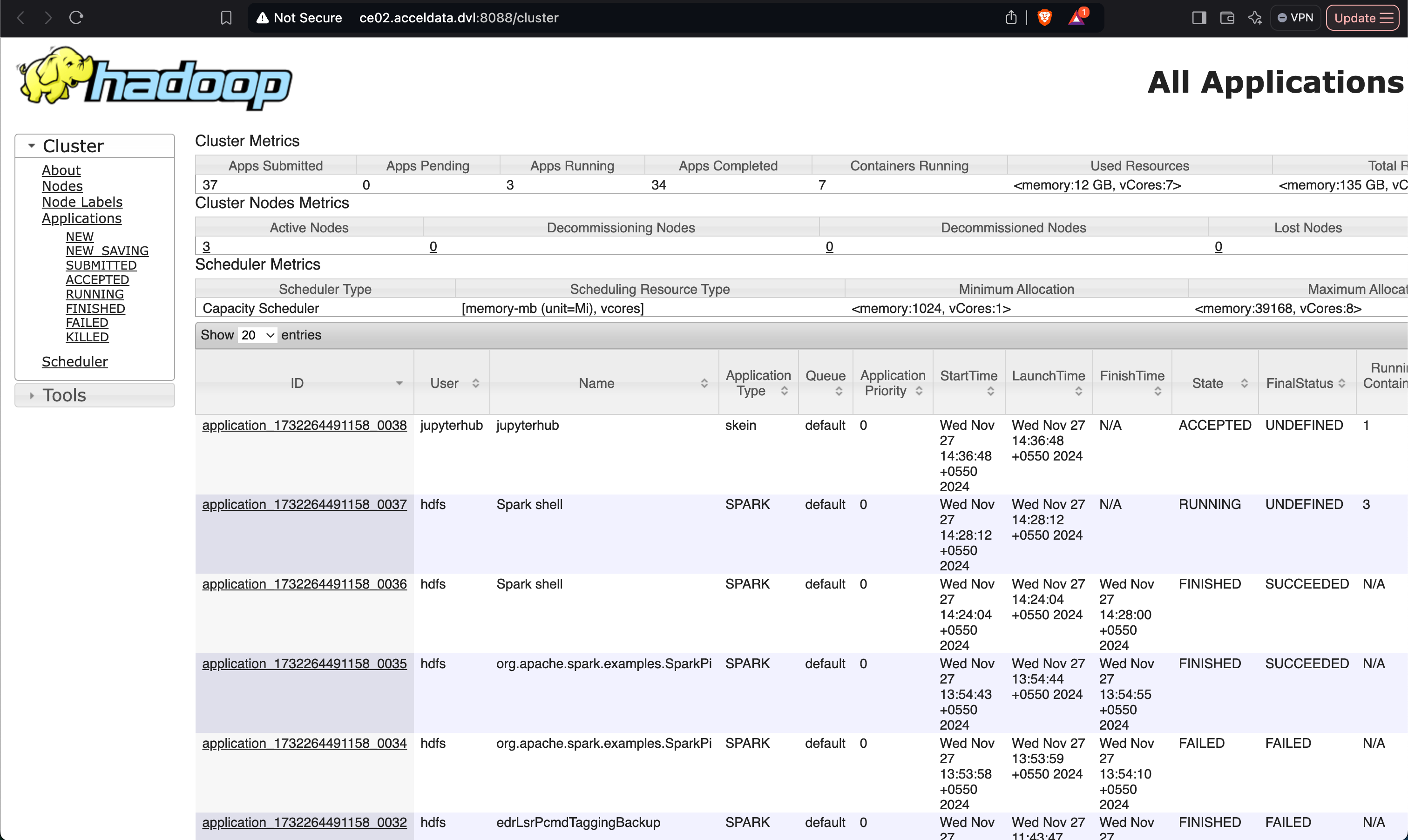
- Upon launching, a job will be submitted to the YARN queue.
- YARN allocates the required resources for the JupyterHub server.
- Using the JupyterHub Server
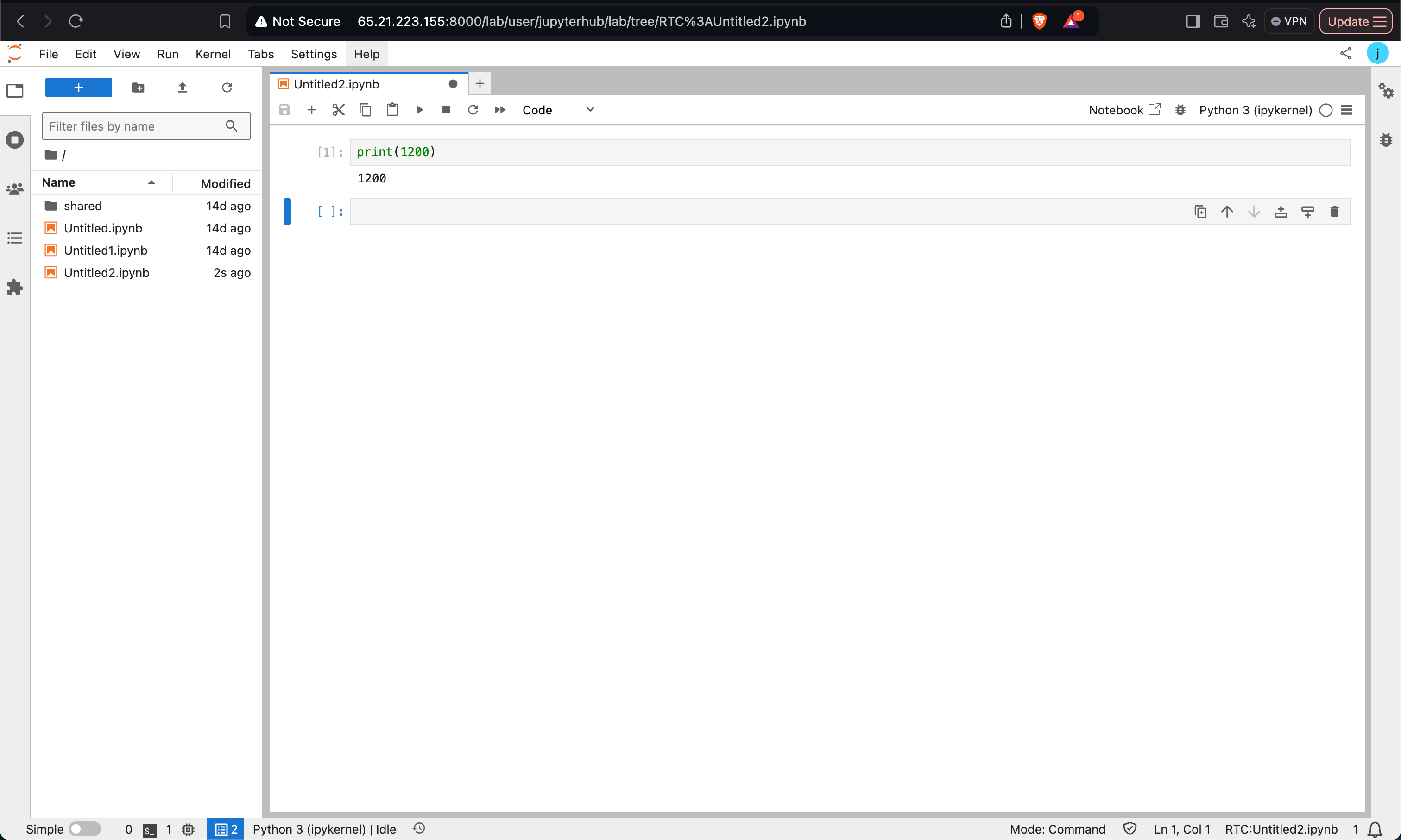
- Access the JupyterHub server from the web interface.
- Create a Python notebook or any other notebook of your choice.
- File Storage on HDFS
- Notebooks will be automatically saved to the HDFS path, organized under the logged-in user's directory.
- This setup ensures that all notebook files are retained in the HDFS path associated with the logged-in user.
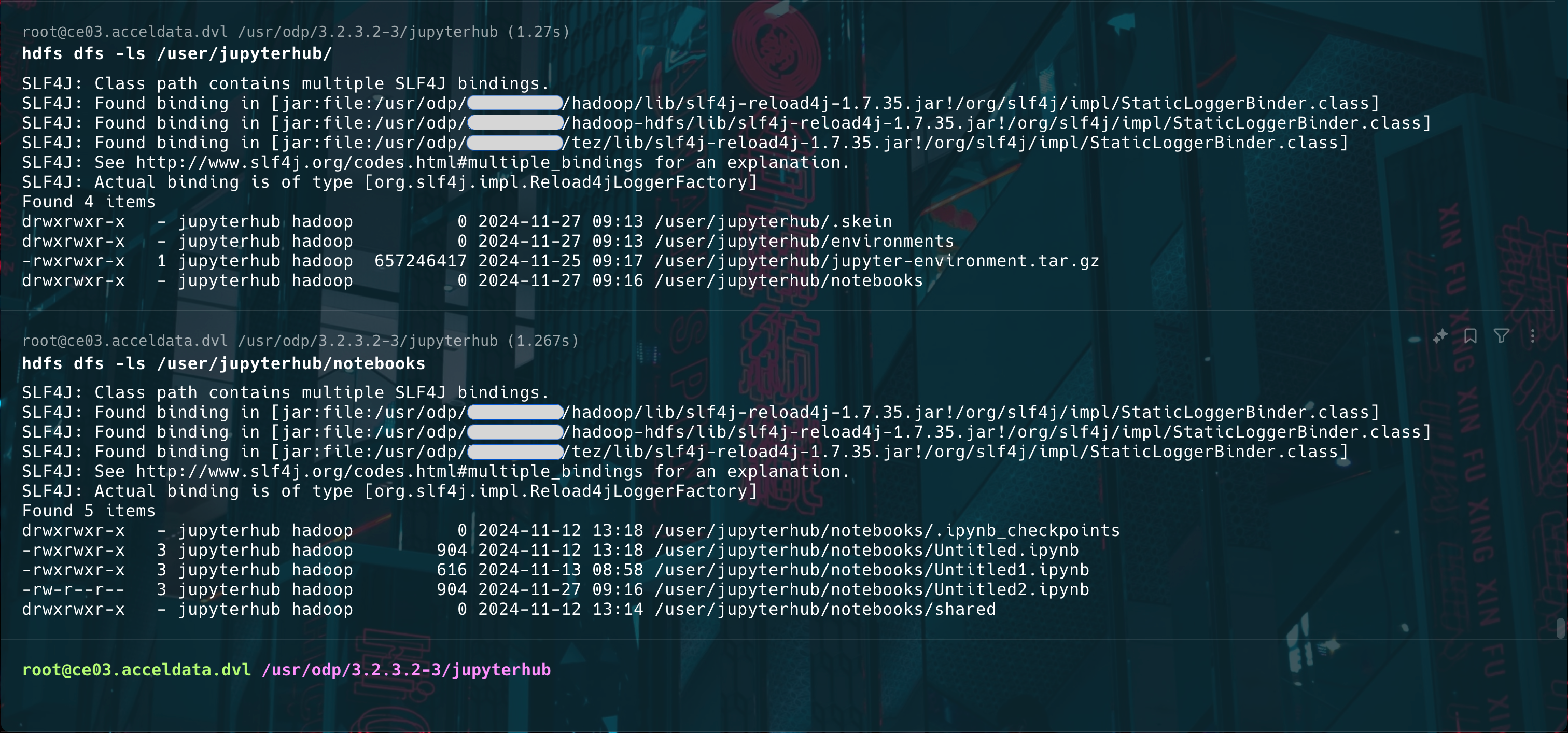
By following these steps, you can seamlessly integrate YarnSpawner and HDFSCM with JupyterHub, enabling efficient resource management and persistent notebook storage.
Have a suggestion?