
Pre-requisites for Upgrade
Make sure to clone the below repository to meet the required prerequisites before upgrading.
git clone https://github.com/acceldata-io/ce-utils.git
Navigate to the odp-upgrade-to-3_3_6_1_1 directory, and follow README.md to meet the prerequisites before starting the upgrade process.
Increase the NameNode Timeout Value
To ensure that Ambari requests to start the NameNode and does not timeout during an upgrade, you must configure the Ambari NameNode restart timeout parameter using upgrade.parameter.nn-restart.timeout in the /etc/ambari-server/conf/ambari.properties file on the Ambari Server host.
You may need to add the restart timeout parameter and value to the Ambari server host following a default installation. For a large cluster, you must add 50% to the usual time (in seconds) that is required to restart the NameNode.
For example, on the Ambari server, observe the time (in seconds) required to restart the active NameNode. If the time taken to restart the active NameNode is more than 10 minutes (600 seconds) and the cluster is large, then add the following parameter to the /etc/ambari-server/conf/ambari.properties file on the Ambari Server host.
parameter.upgrade.parameter.nn-restart.timeout=900
After adding or resetting the Ambari NameNode restart parameter, restart the Ambari server before upgrading it to a newer version using the below command.
ambari-server restart
Unsupported components
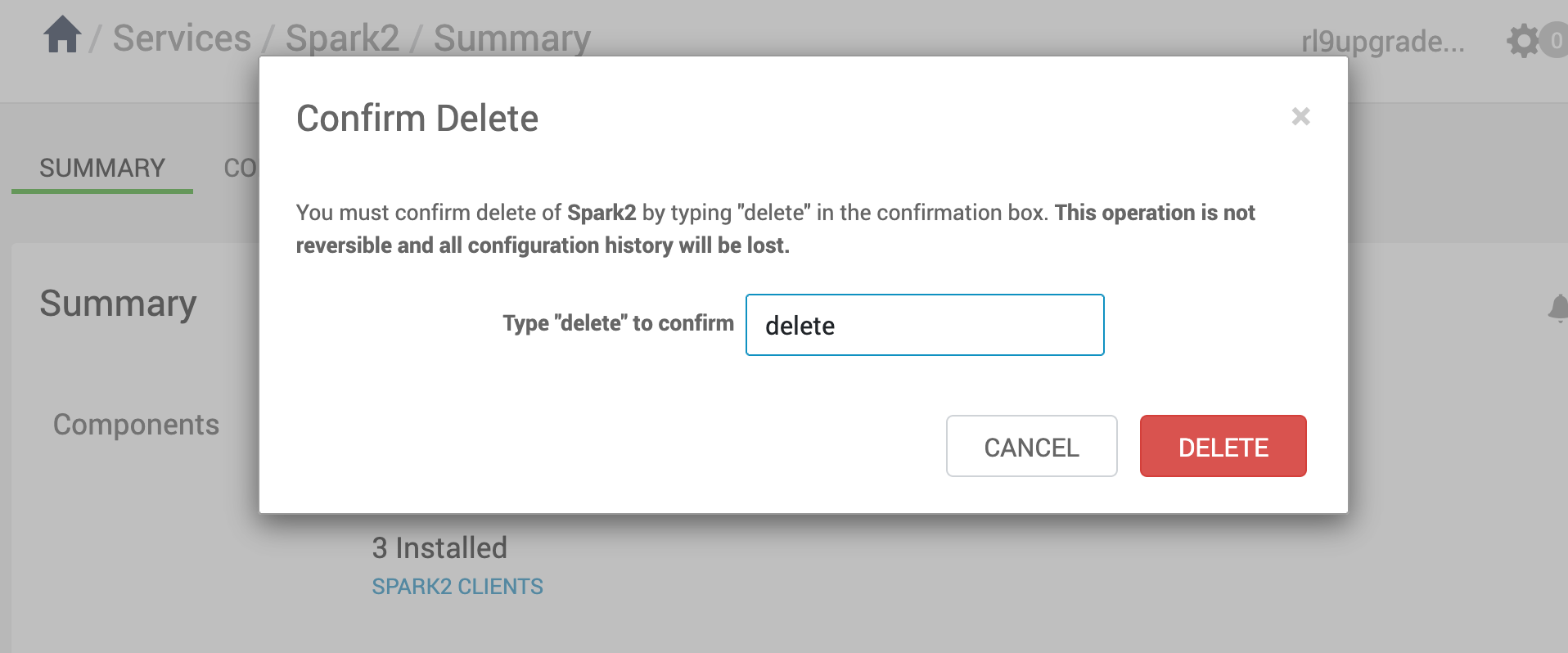
if the existing cluster has spark2 service running, remove the service as its not supported in 3.3.6.x lines.
If Spark2 cannot be deleted and displays the following error, follow these steps to resolve the issue.
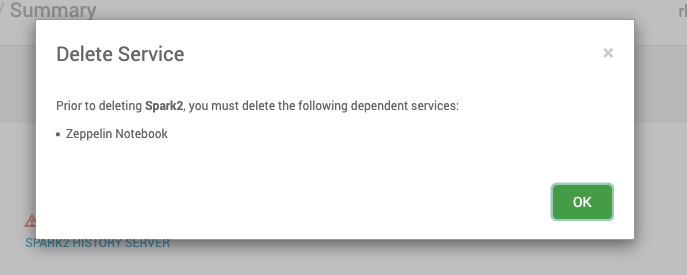
Clone the repository and Change into the upgrade files directory for version 3.3.6.1.1.
git clone https://github.com/acceldata-io/ce-utils.git
cd ce-utils/odp-upgrade-to-3_3_6_1_1/upgrade_files_336/
Replace the Zeppelin’s files
Take the backup of current files.
cp /var/lib/ambari-server/resources/stacks/ODP/3.3/services/ZEPPELIN/package/scripts/master.py /root/
Replace with the below file.
cp zeppelin_pack_scripts_master.py /var/lib/ambari-server/resources/stacks/ODP/3.0/services/ZEPPELIN/package/scripts/master.py
Replace the Zeppelin’s metainfo.xml fiel as well.
cp /var/lib/ambari-server/resources/stacks/ODP/3.0/services/ZEPPELIN/metainfo.xml /root/
cp zeppelin_metainfo.xml /var/lib/ambari-server/resources/stacks/ODP/3.0/services/ZEPPELIN/metainfo.xml
Restart the Ambari Server.
ambari-server restart
Then now delete Spark 2.

The below image shows the successful deletion of Spark 2.