ODP Rolling Upgrade
Follow the below steps for ODP express upgrade.
- On the Ambari UI, navigate to the Admin > Versions page and click Upgrade.
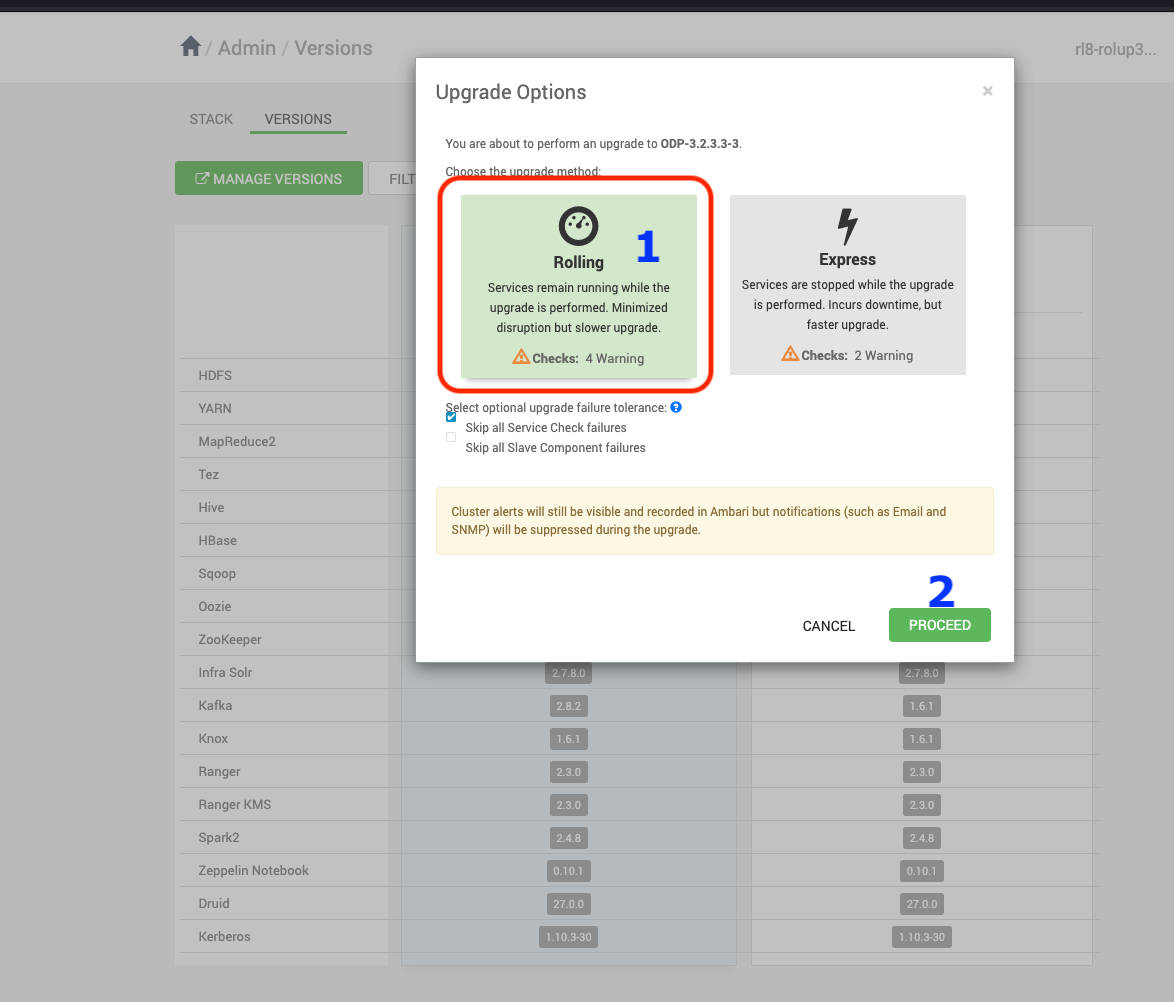
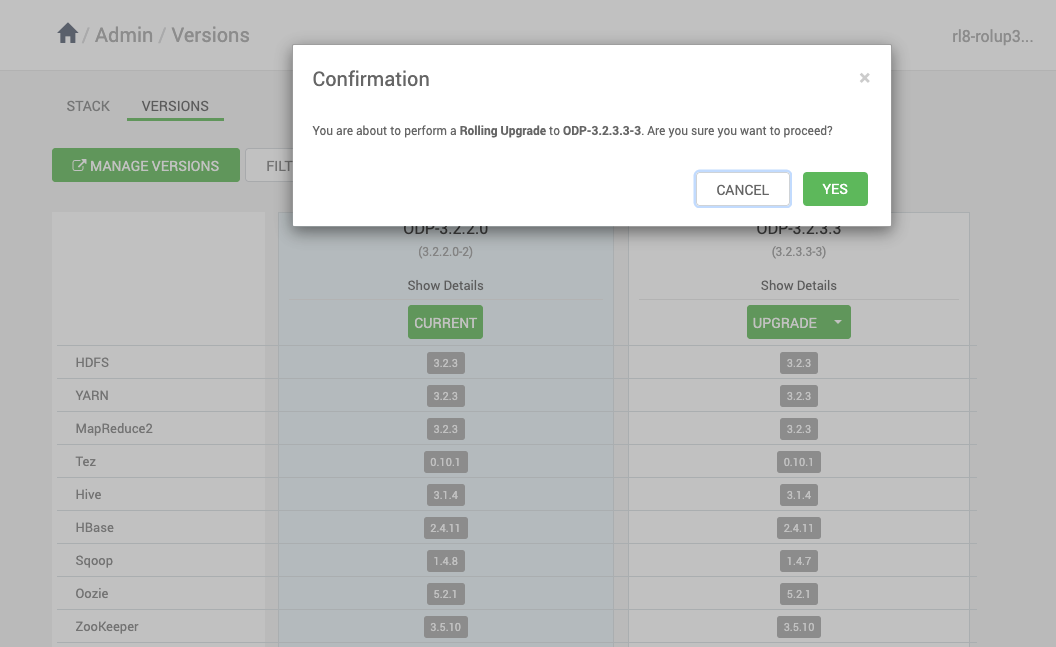
- Make sure to take all the Database backups.
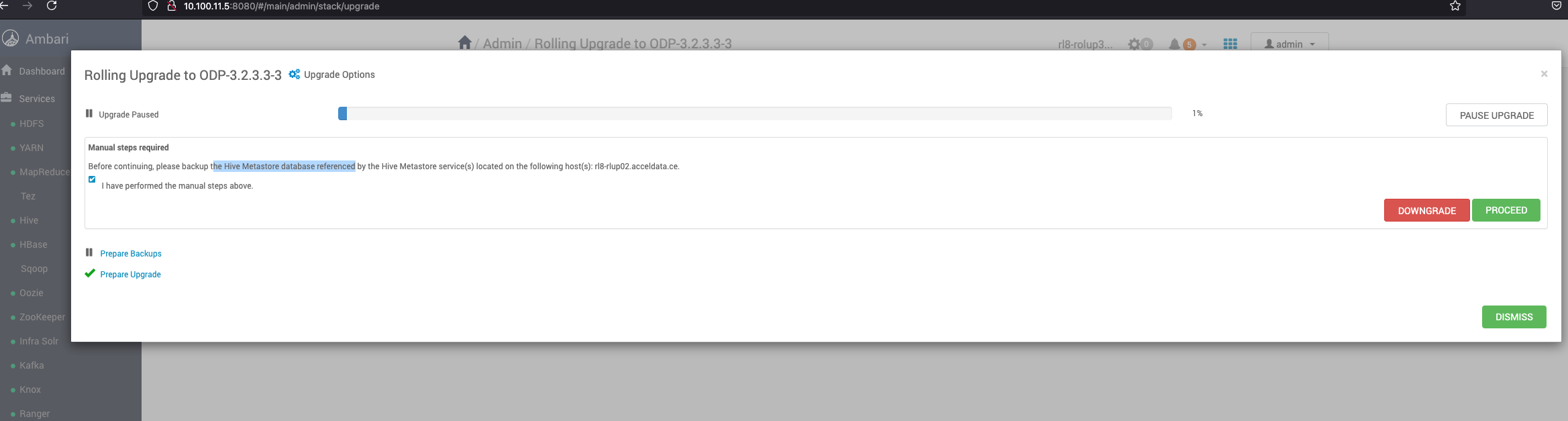
- The following services are expected to fail: Ranger, KMS, and Kafka. You can Ignore and Proceed further.

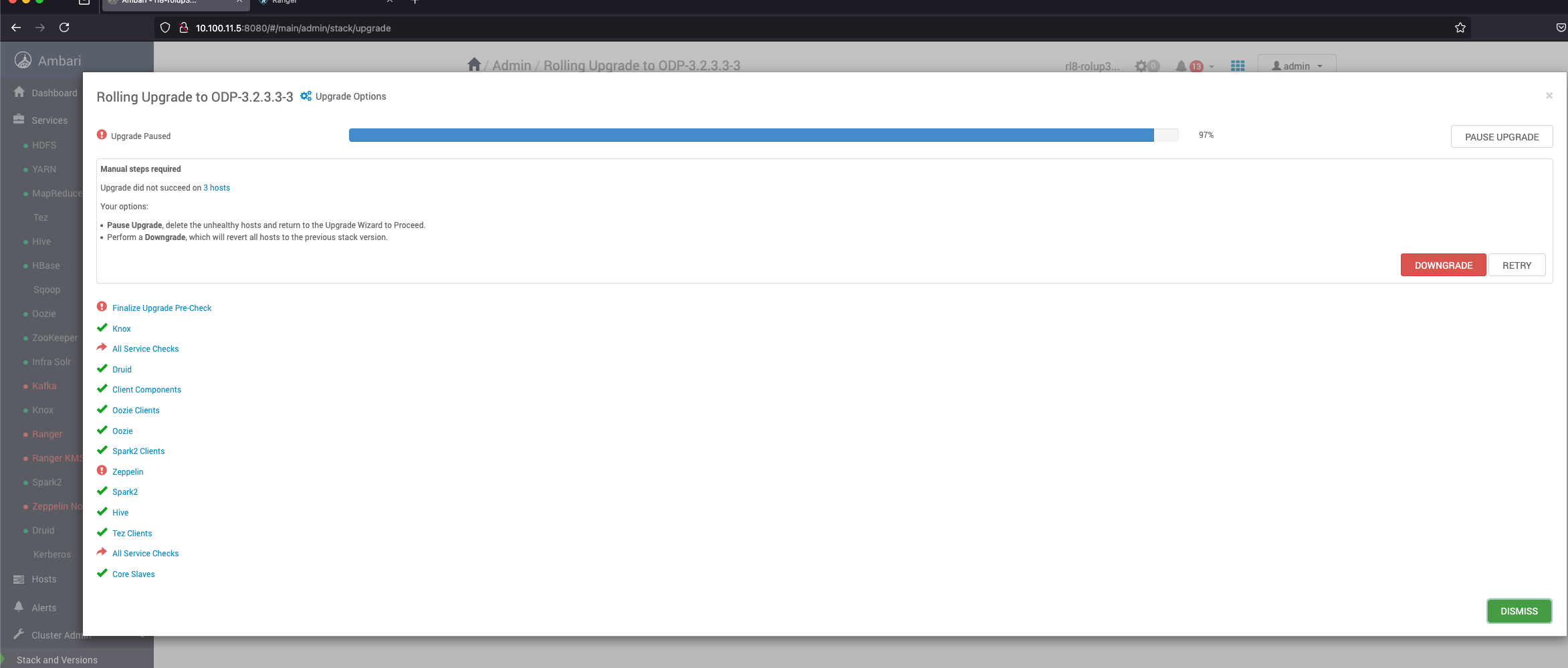
- During the upgrade process, once all the service-related steps are completed, the upgrade may reach a point where it cannot proceed further due to certain services being down. This is an expected behaviuor, and you may see errors similar to the following in Ambari UI:
- Pause the Upgrade process.
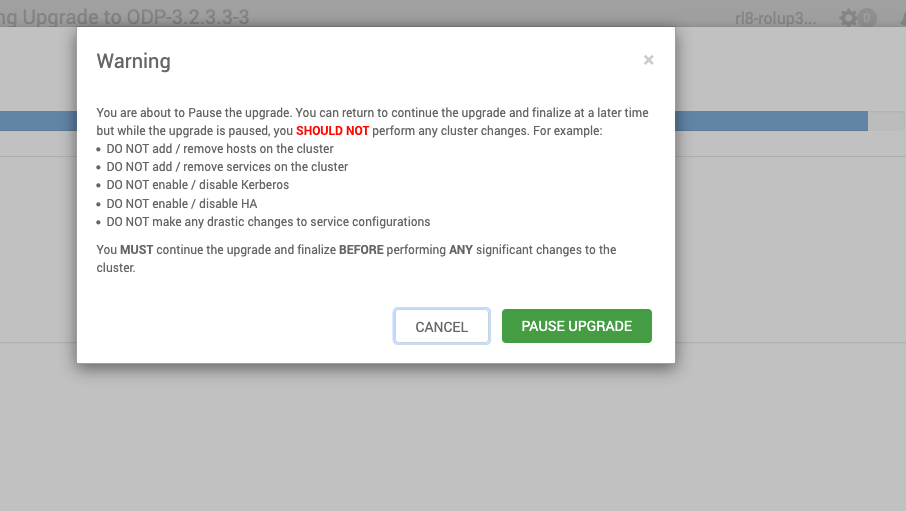
- It is necessary to pause the upgrade and resolve the failed service issues before proceeding. As there are known limitations to start Kafka, Ranger and KMS, follow the steps in this documentation page to fix the issues: https://docs.acceldata.io/odp/odp-3.2.3.2-3/documentation/known-limitations.
- After applying the necessary fixes, follow these steps to ensure all the services are running correctly.
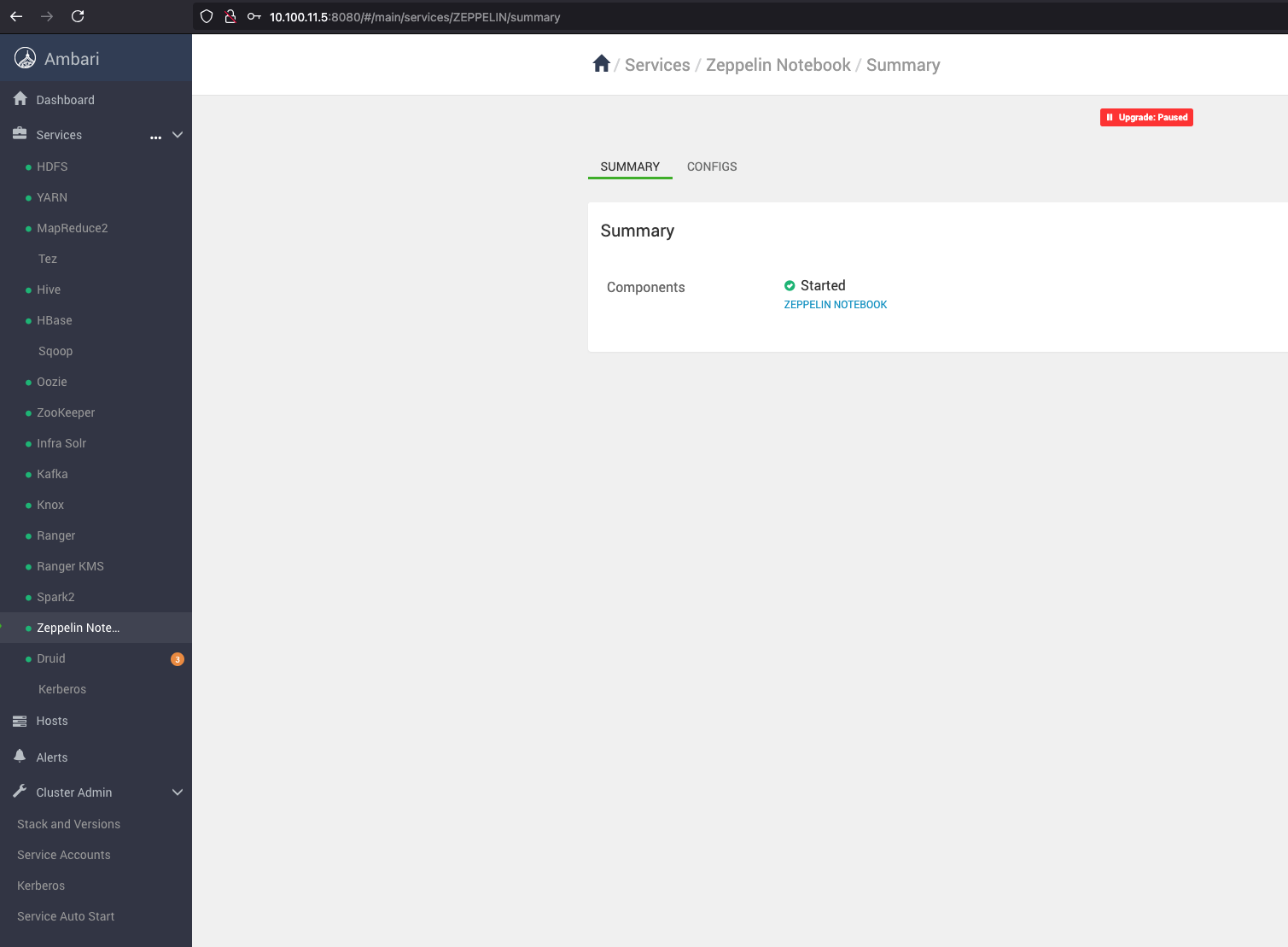
- Resume the Upgrade: Go back to the upgrade paused state and resume it.
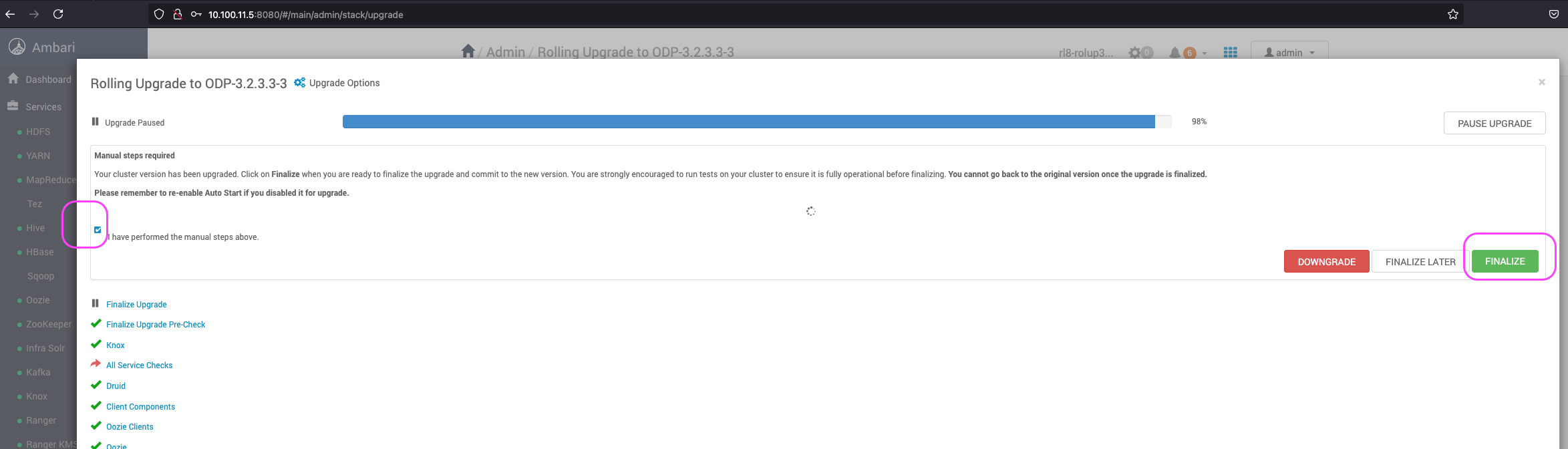
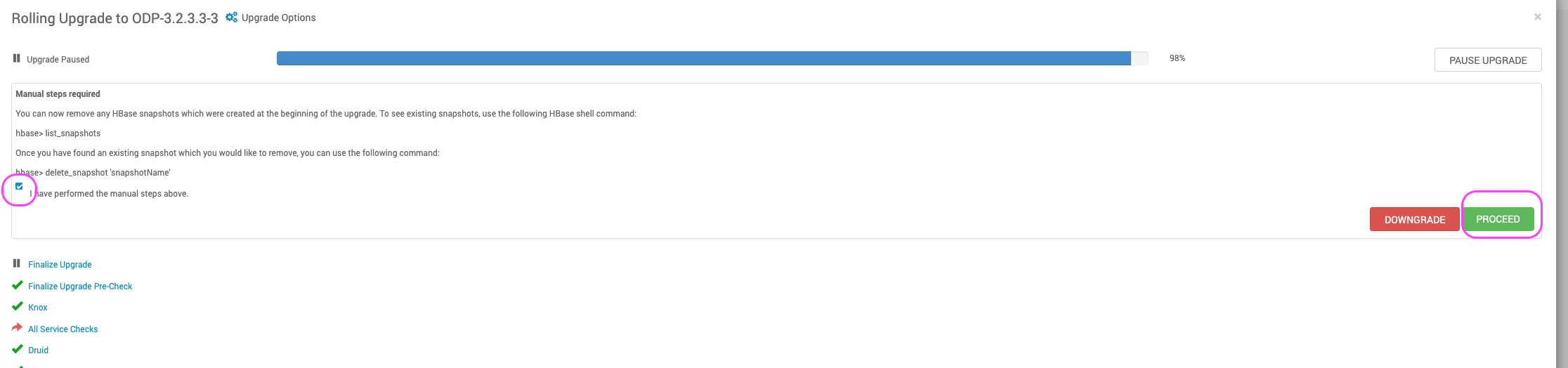
- Finalize the Upgrade.
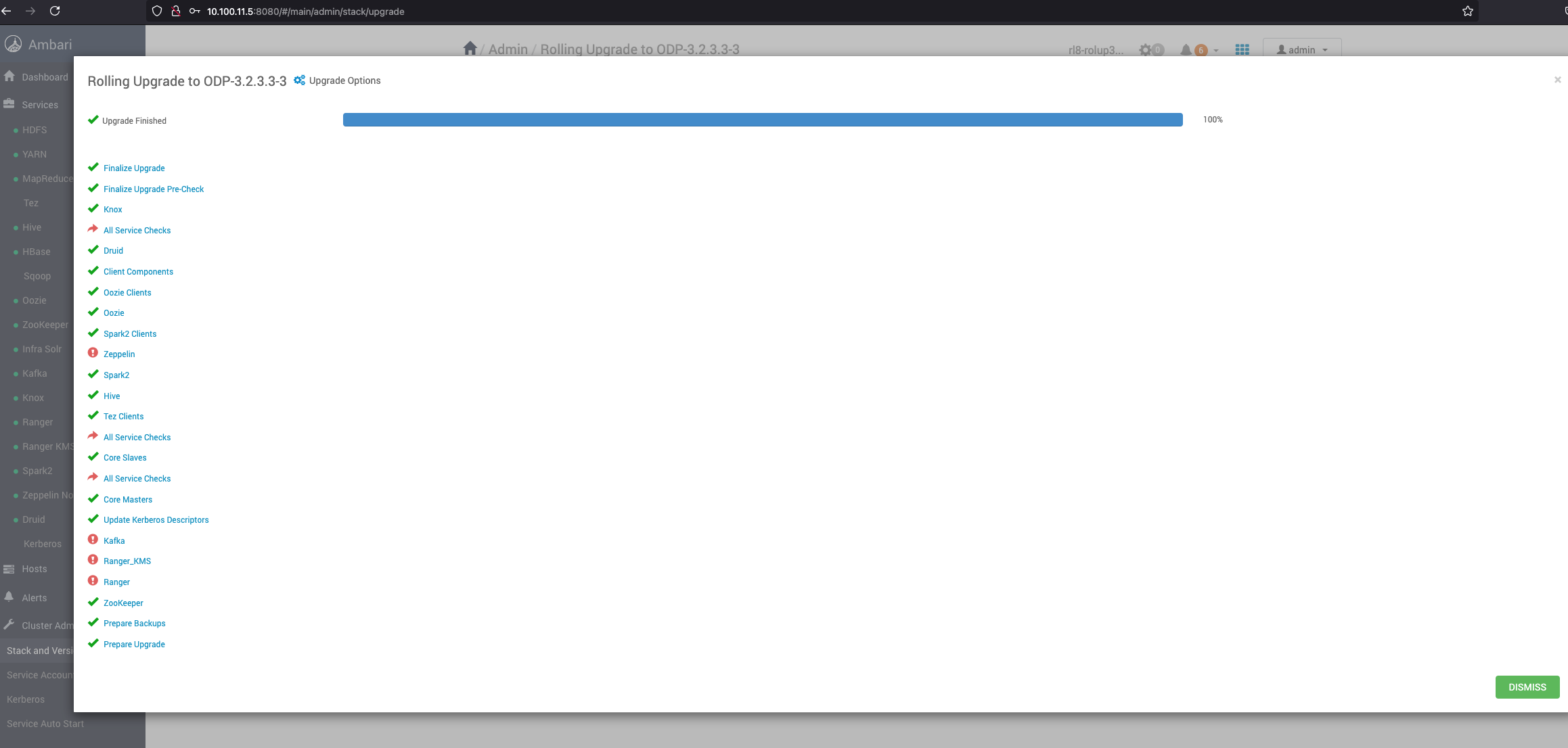
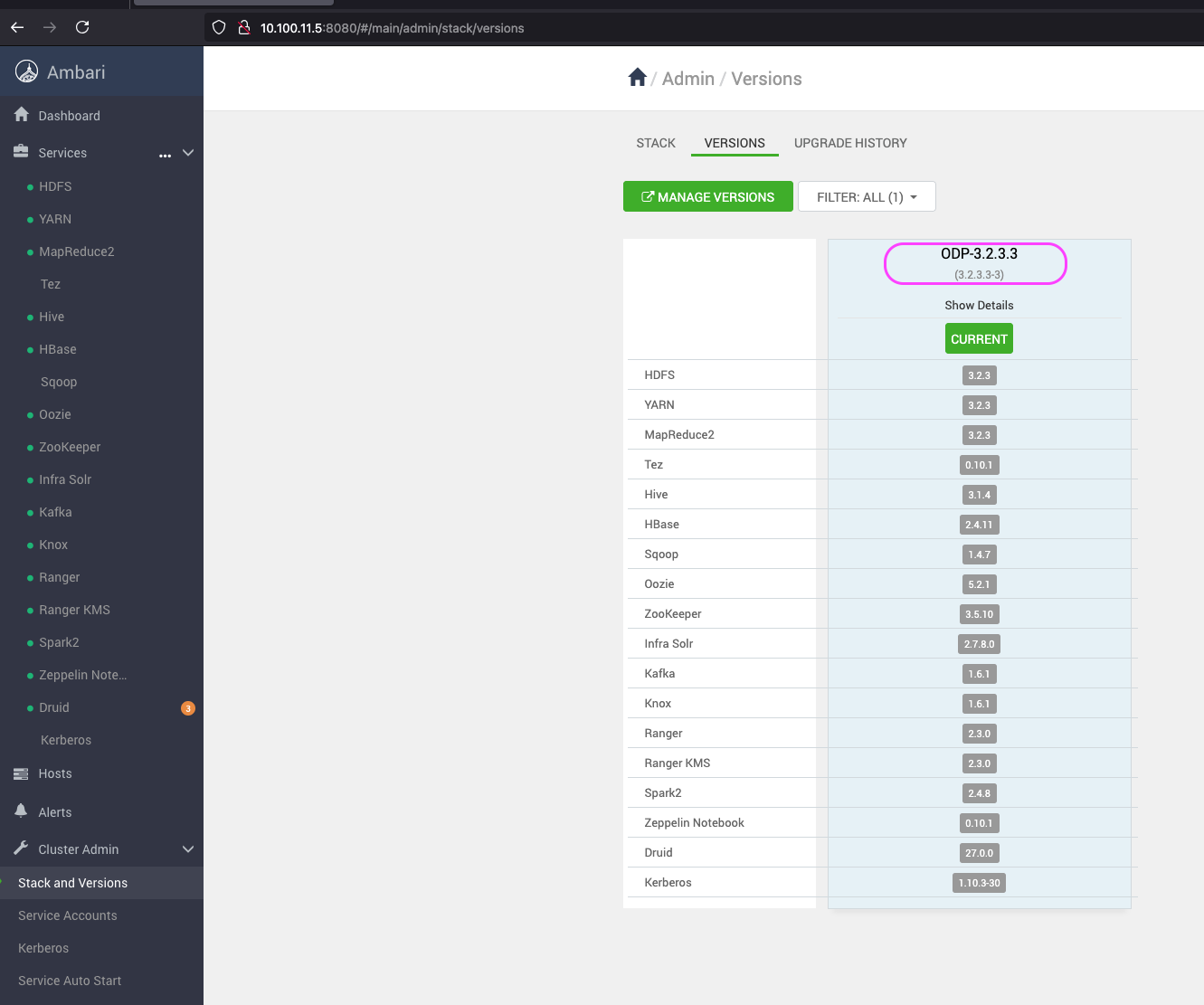
- After Upgrade, verify the Current version.
Sanity Checks for Services
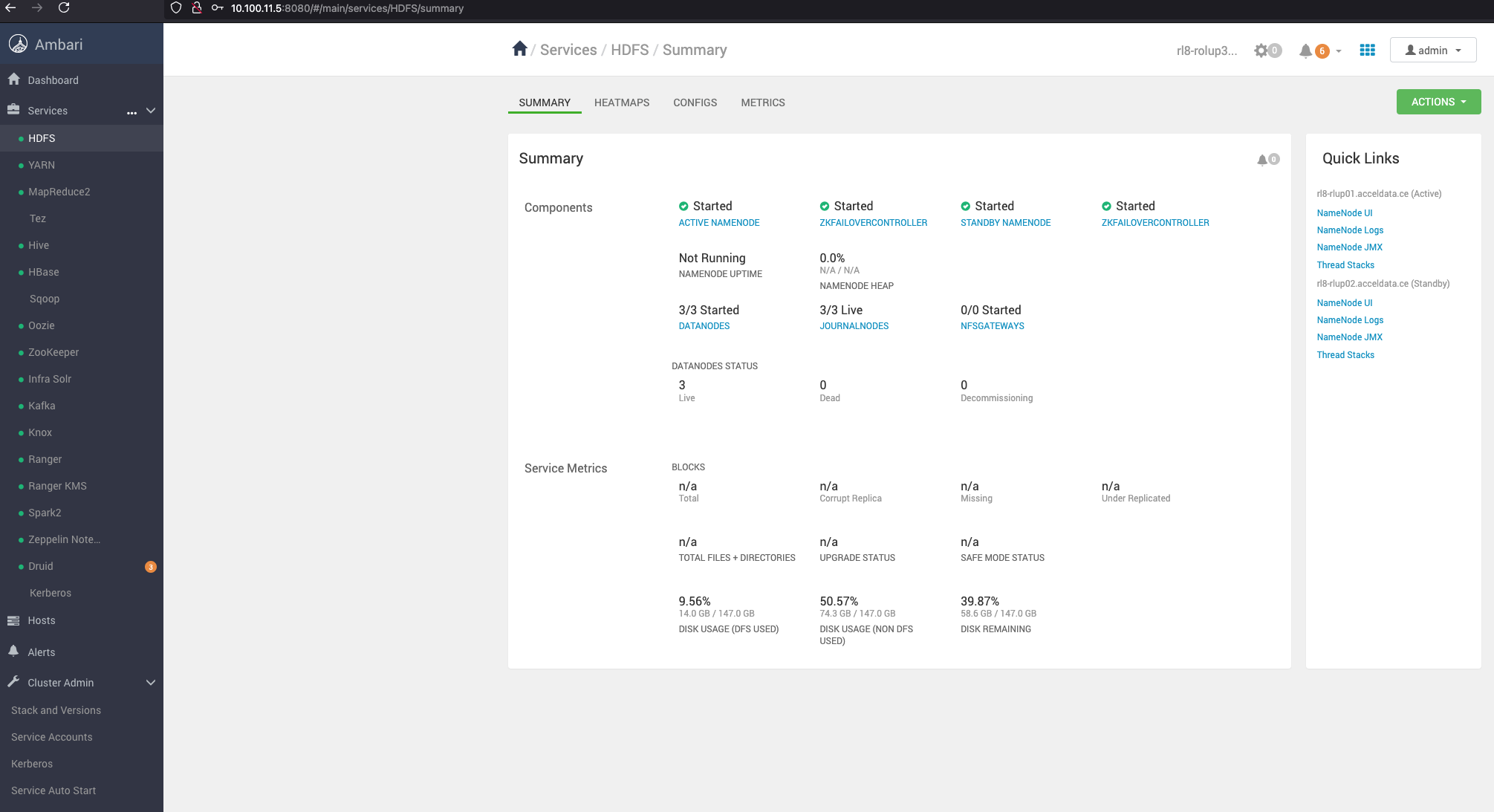
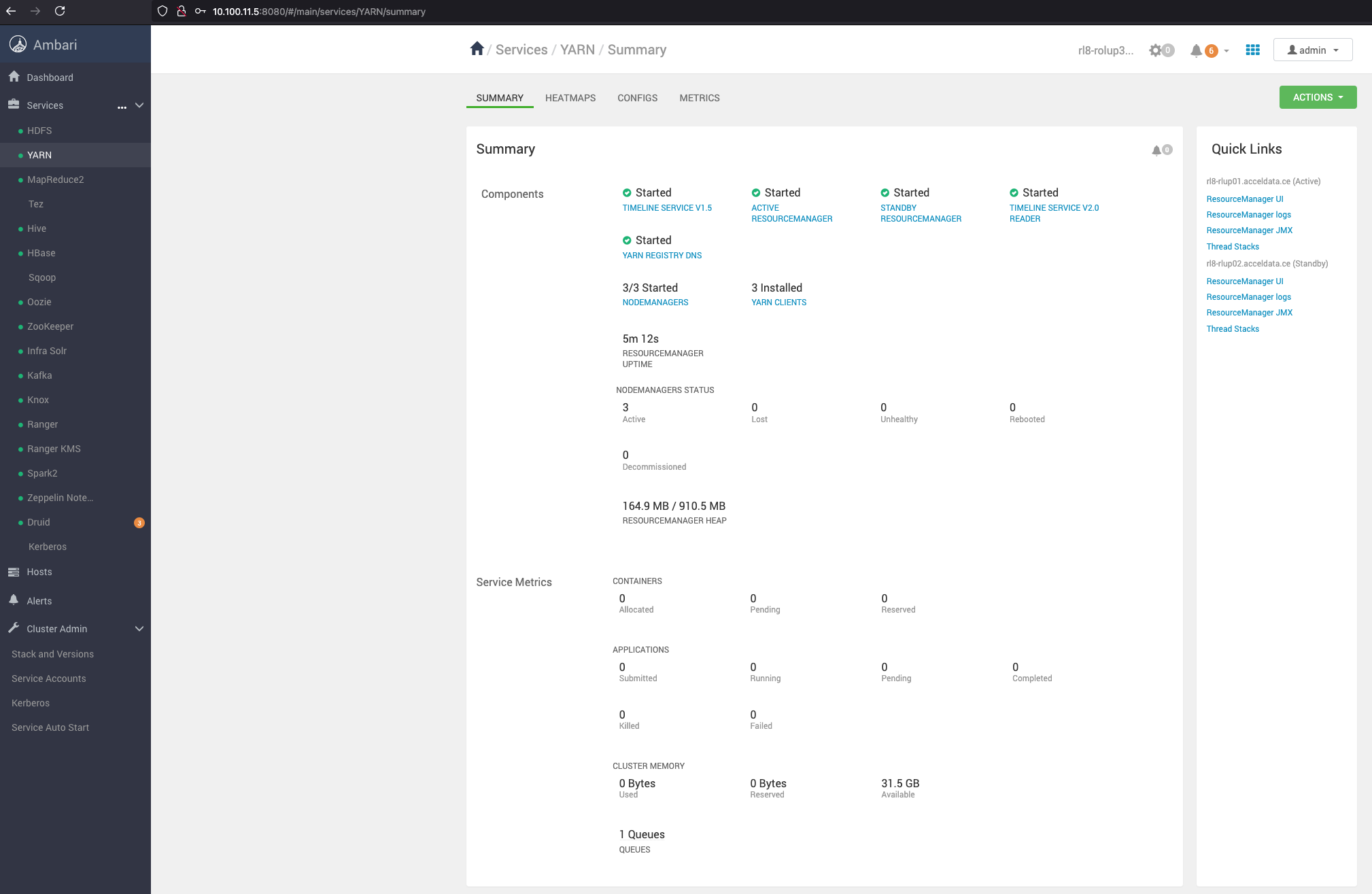
Verify the service health status.