ODP Express Upgrade
Follow the below steps for the ODP express upgrade.
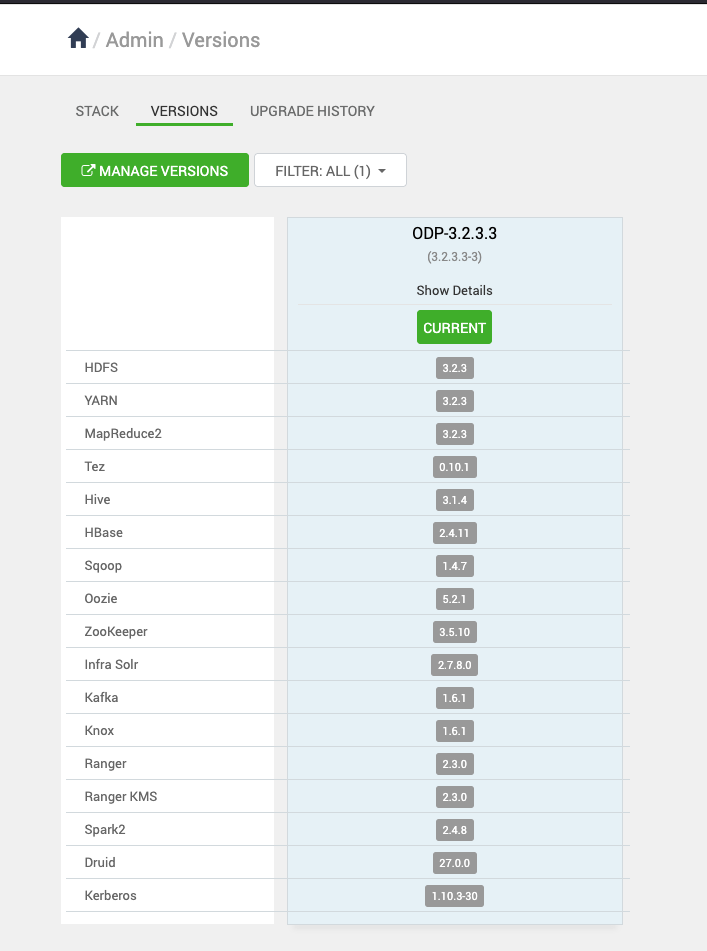
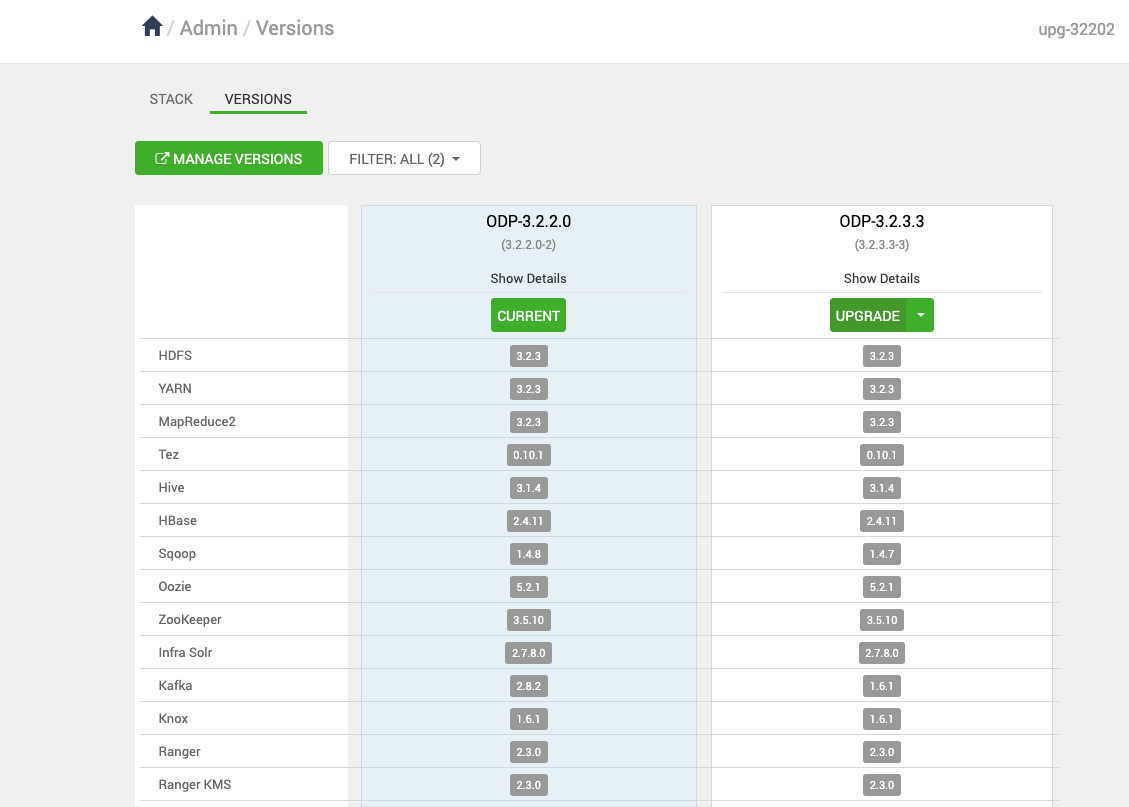
- On the Ambari UI, navigate to the Admin > Versions page and click Upgrade.
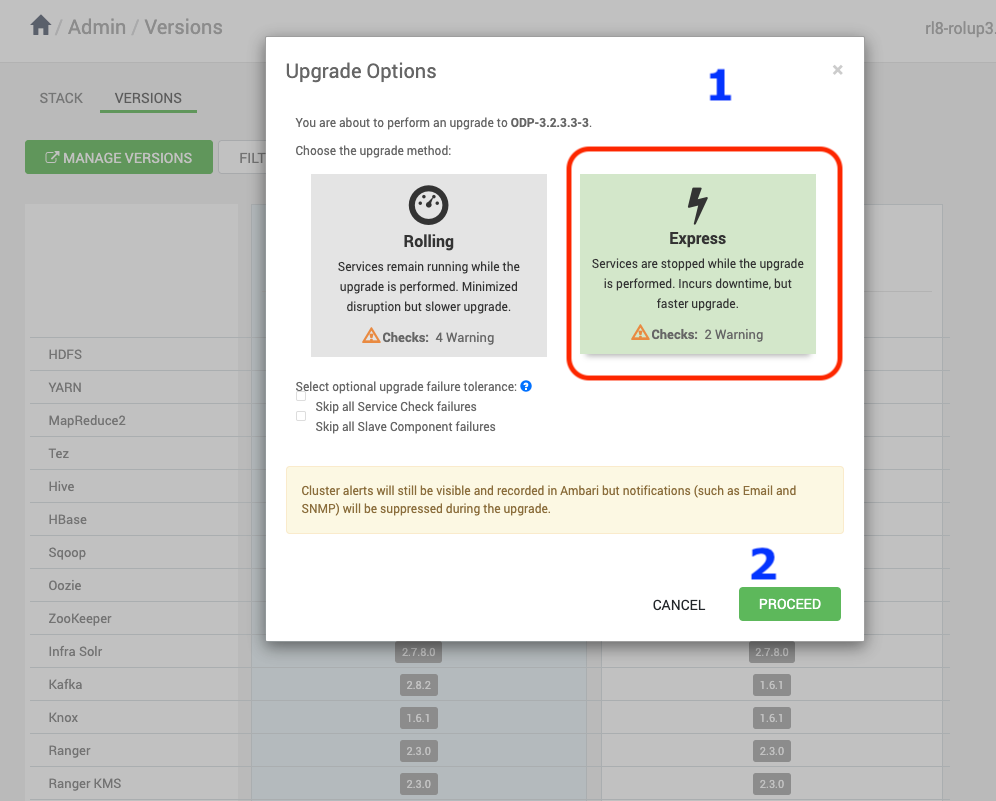
- Select the Express upgrade from the Upgrade Options.
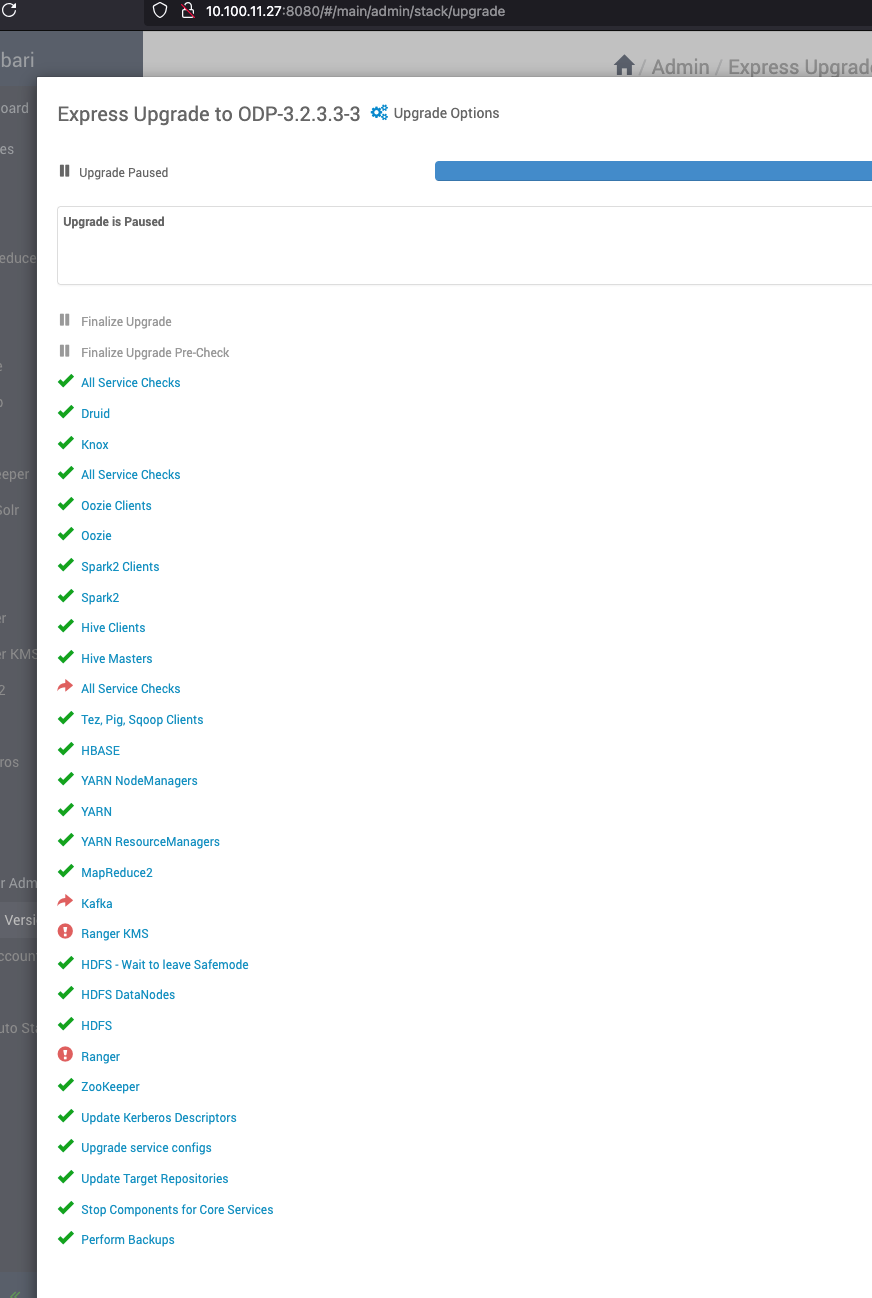
- During the upgrade, it is expected that Ranger, KMS, and Kafka may fail to start due to configuration or dependency changes. You can Ignore and proceed further.
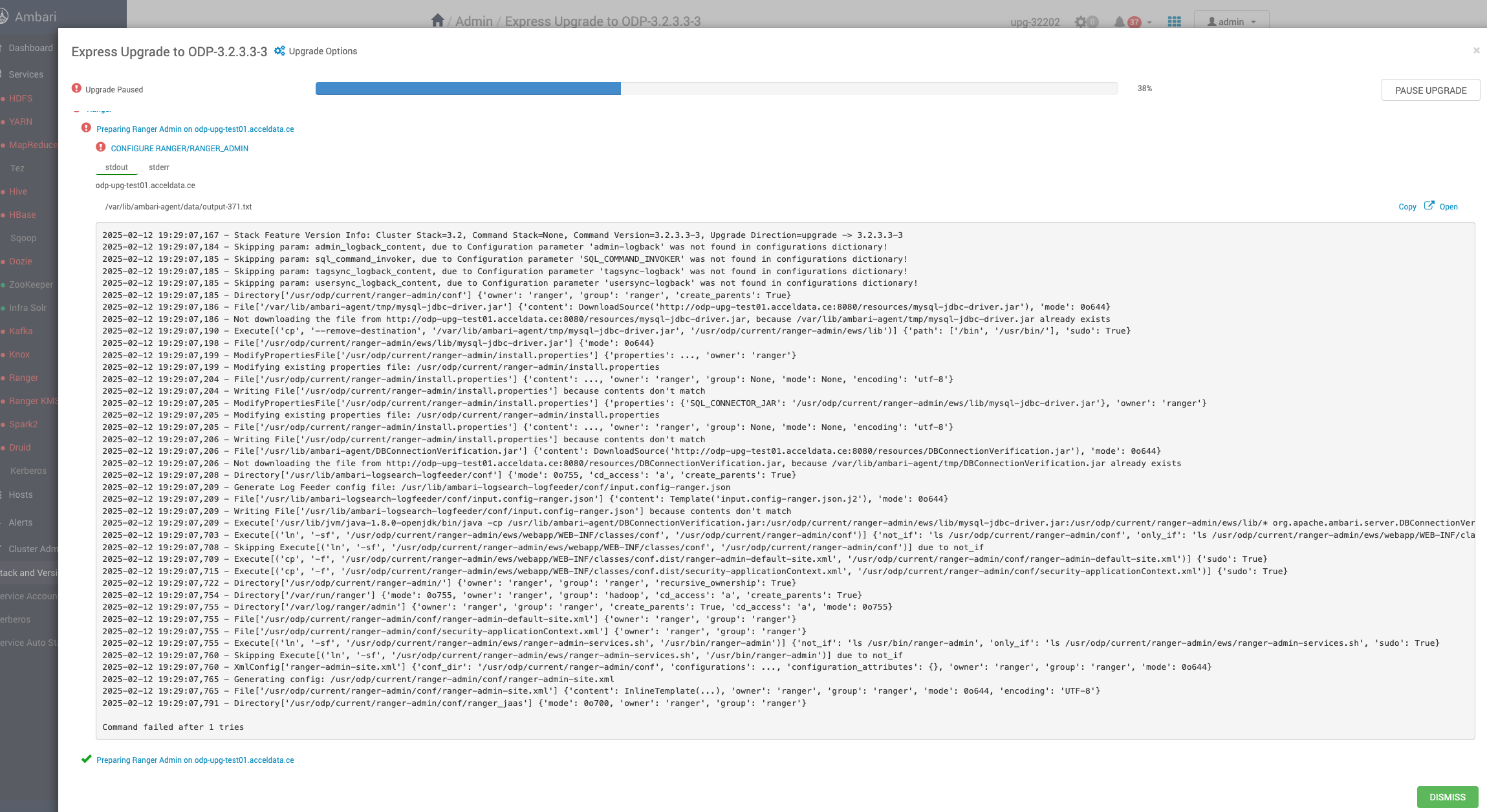
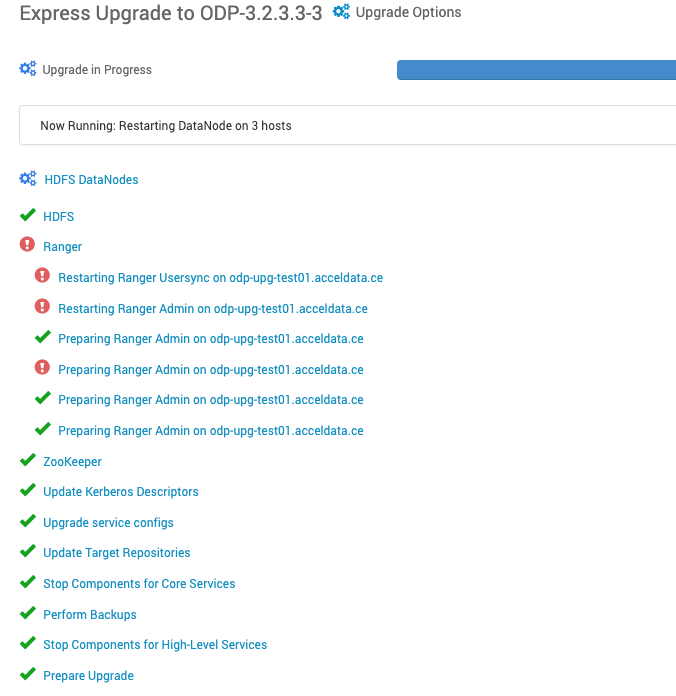
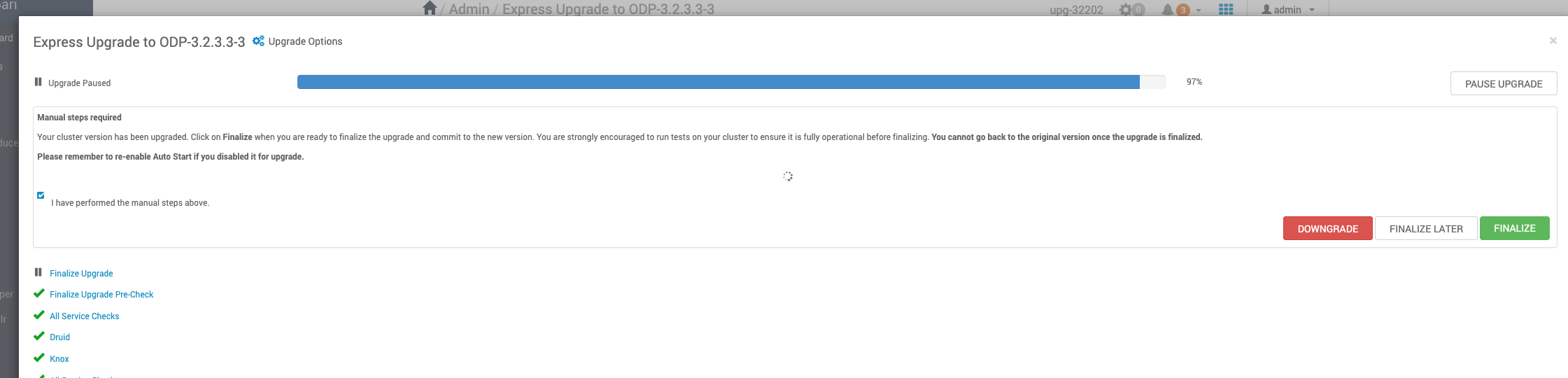
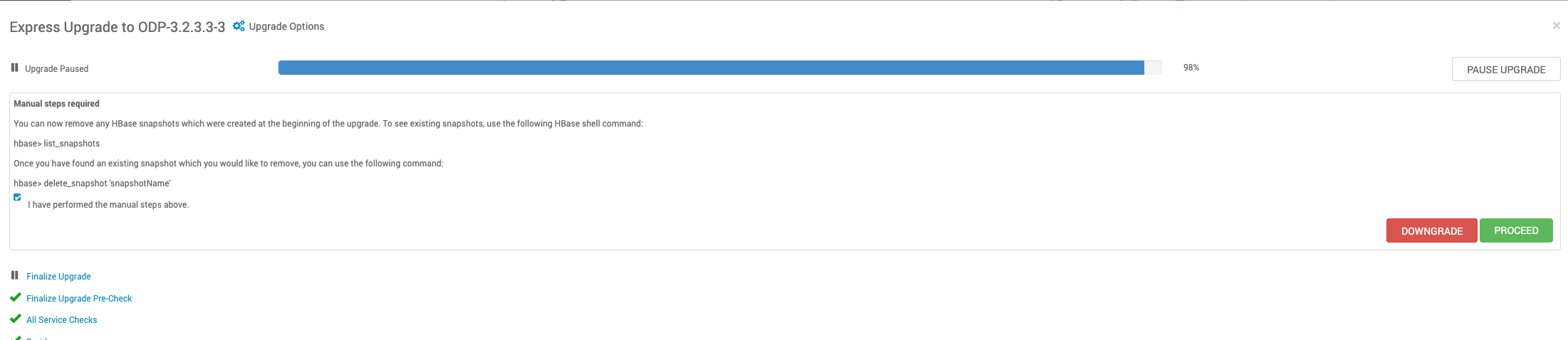
- Keep proceeding with the upgrade process.
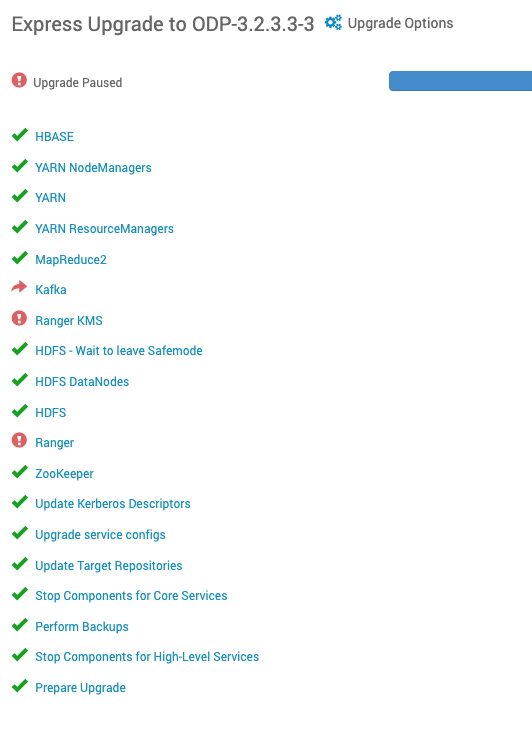
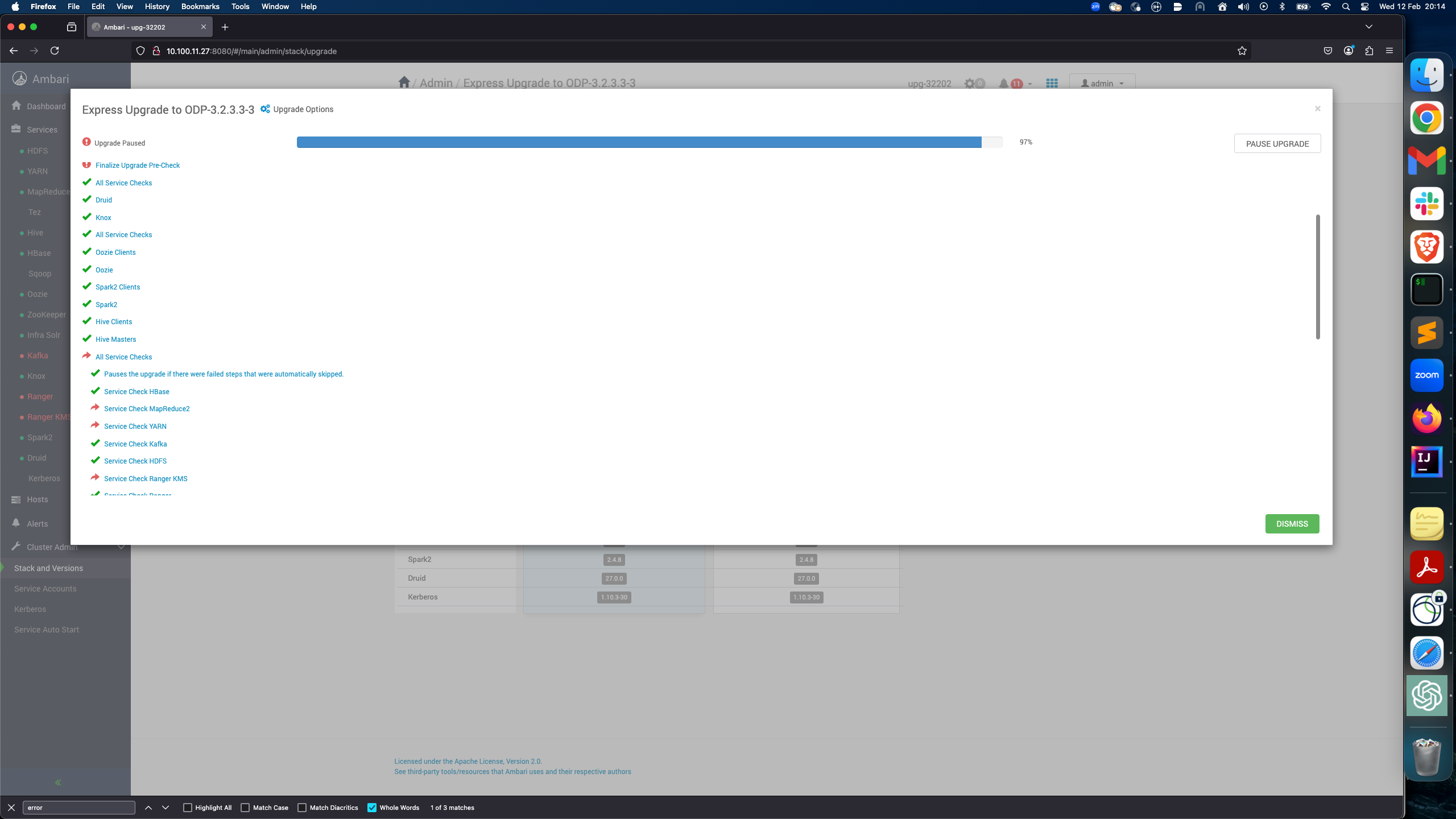
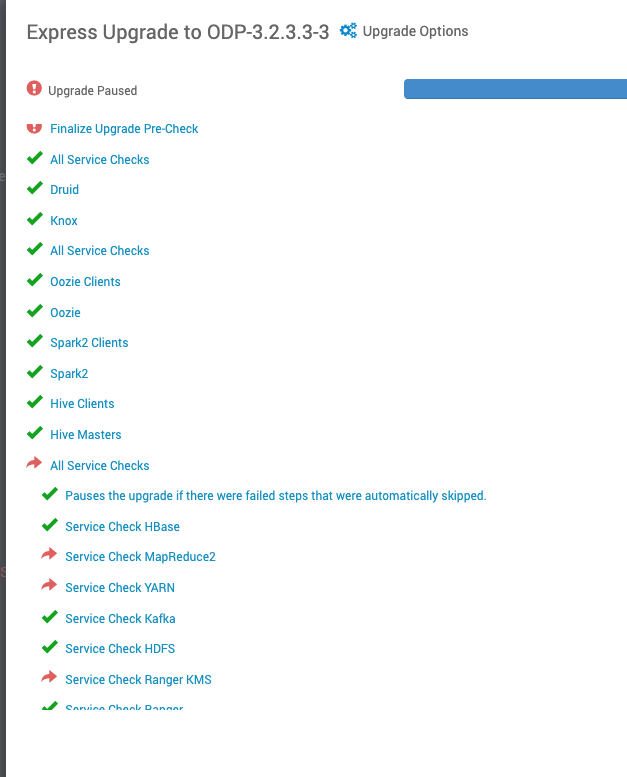
- Pause the Upgrade.
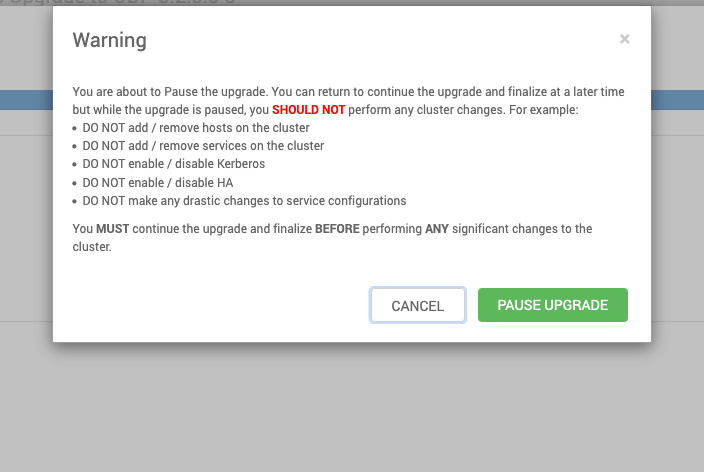
- After pausing the upgrade, perform the following steps in the backend.
- If the migration is NOT from 3.2.3.2-x, you will see the upgrade failures for Kafka, ranger, and ranger-kms services for the these limitations: https://docs.acceldata.io/odp/odp-3.2.3.2-3/documentation/known-limitations.
- Follow the provided workaround steps and make sure the services up and running.
- Proceed with the Upgrade.