
Configure Impala with Hue
Hue automatically configures and enables Impala integration when it detects Impala in the cluster.
Verify Impala integration
- In the Ambari UI, go to the Hue configuration page.
- Under HUE SERVICE MODULE, verify that the Impala module is enabled.
If the module is set to OFF or isn't displayed, Hue couldn't detect Impala in the cluster.

If you installed Impala after installing Hue, restart Hue so that it can detect Impala.
Customize the Impala configuration
To customize the configuration:
- In the Ambari UI, go to Advanced services.
- Modify the
impala-configproperty.
Ambari saves the generated configuration to:
/etc/hue/conf/impala.ini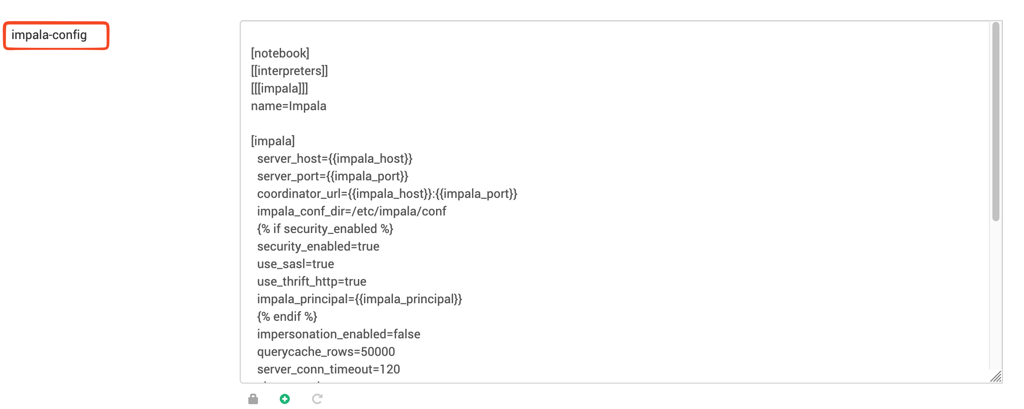
Have a suggestion?