
ODP Express Upgrade
Follow the steps below for the ODP Express upgrade.
Once the installation of the ODP-3.3.6.4-1 package is complete, proceed with the 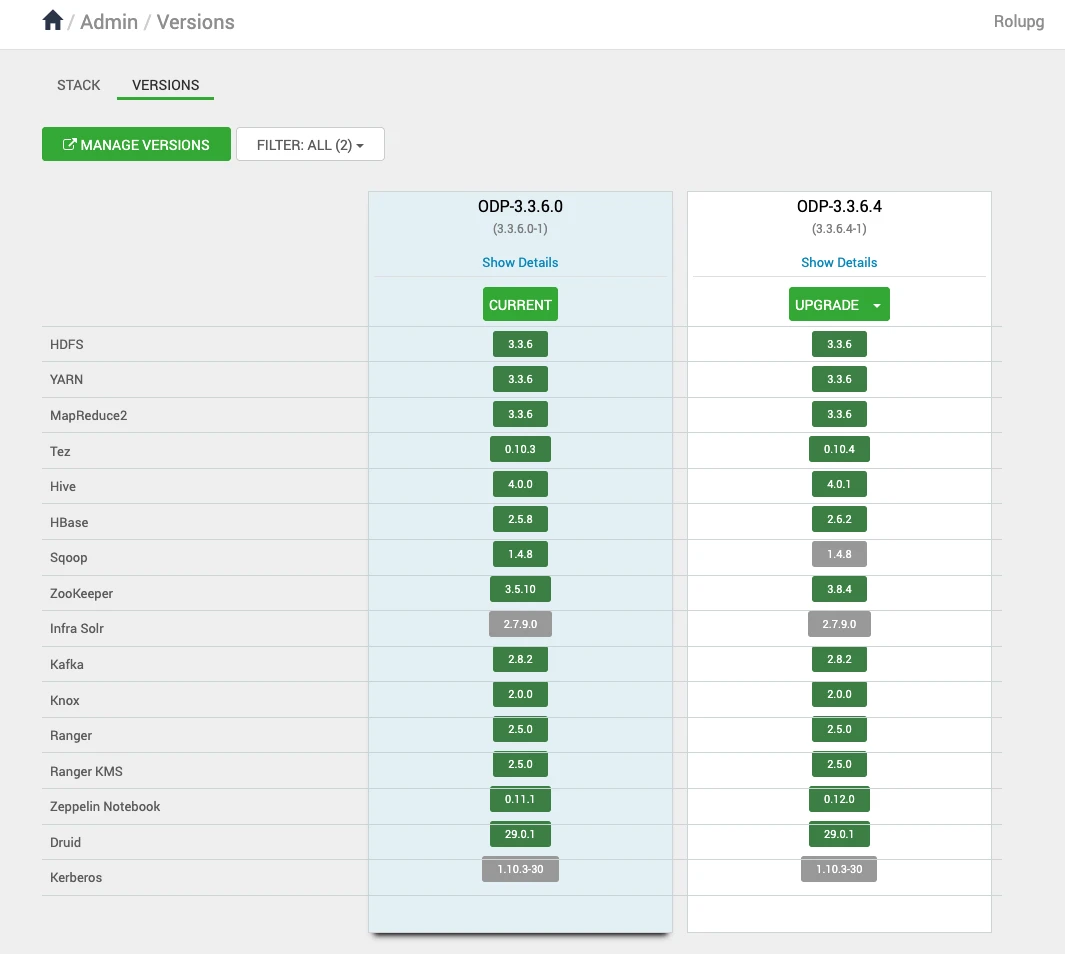 upgrade process.
- On the Ambari UI, navigate to the Admin > Versions page and click Upgrade.
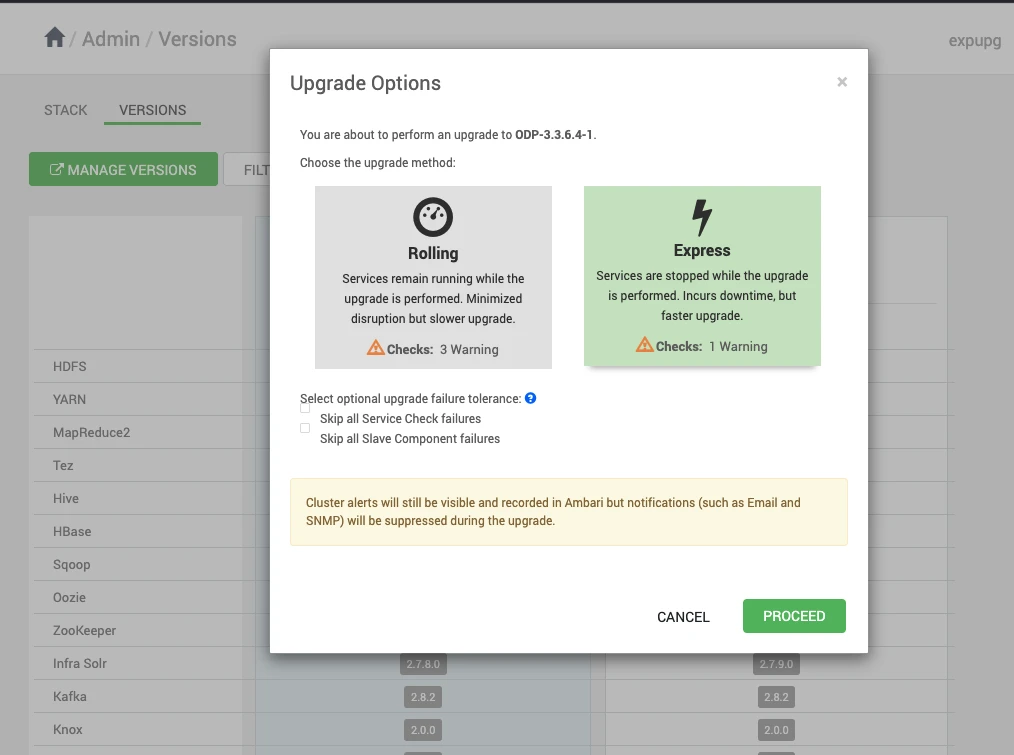
- Upon clicking Upgrade, the Upgrade Options, such as Rolling and Express, appear on the screen. In the Upgrade Options, select Express and click Proceed.
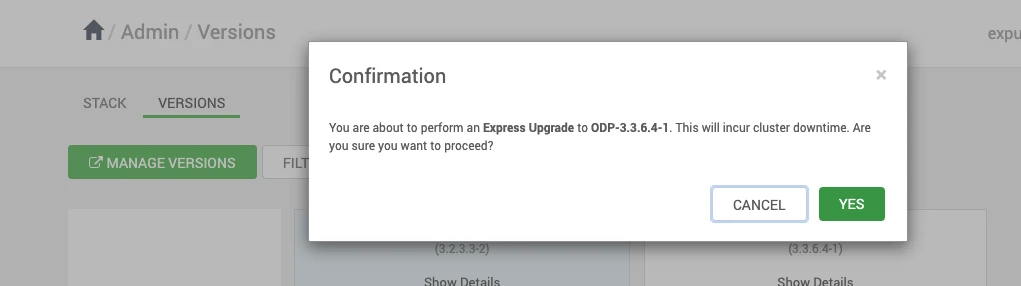
- Select YES to confirm the Express Upgrade to ODP-3.3.6.4-1.
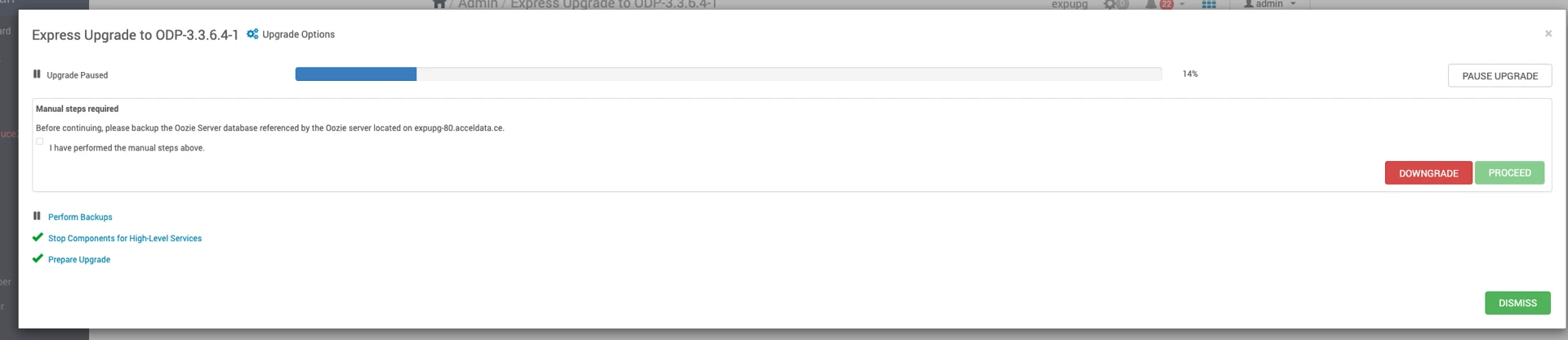
Info
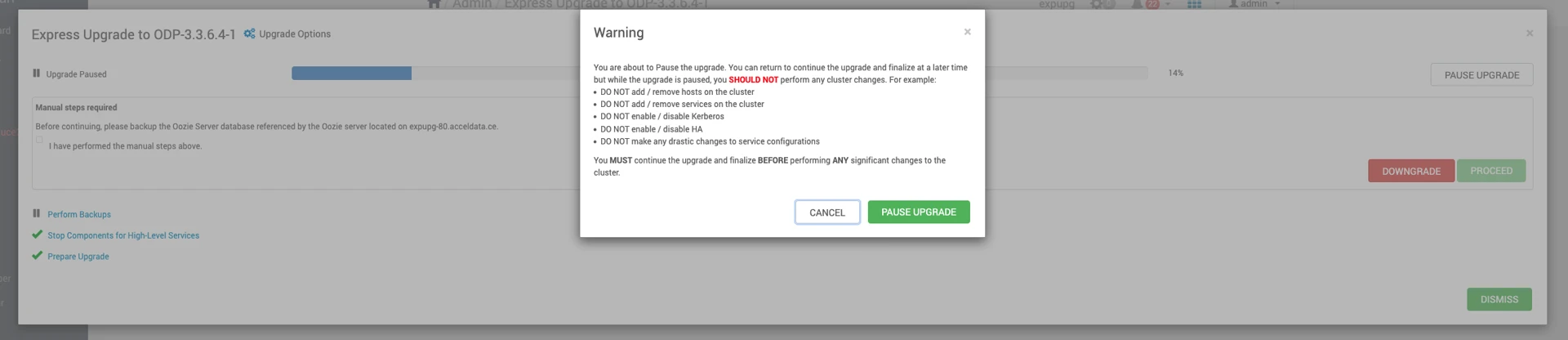
Before accepting Perform Backups, pause the upgrade and proceed to next Ambari Upgrade section
Have a suggestion?