
Express Upgrade
Follow the steps below for the ODP Express upgrade.
Steps
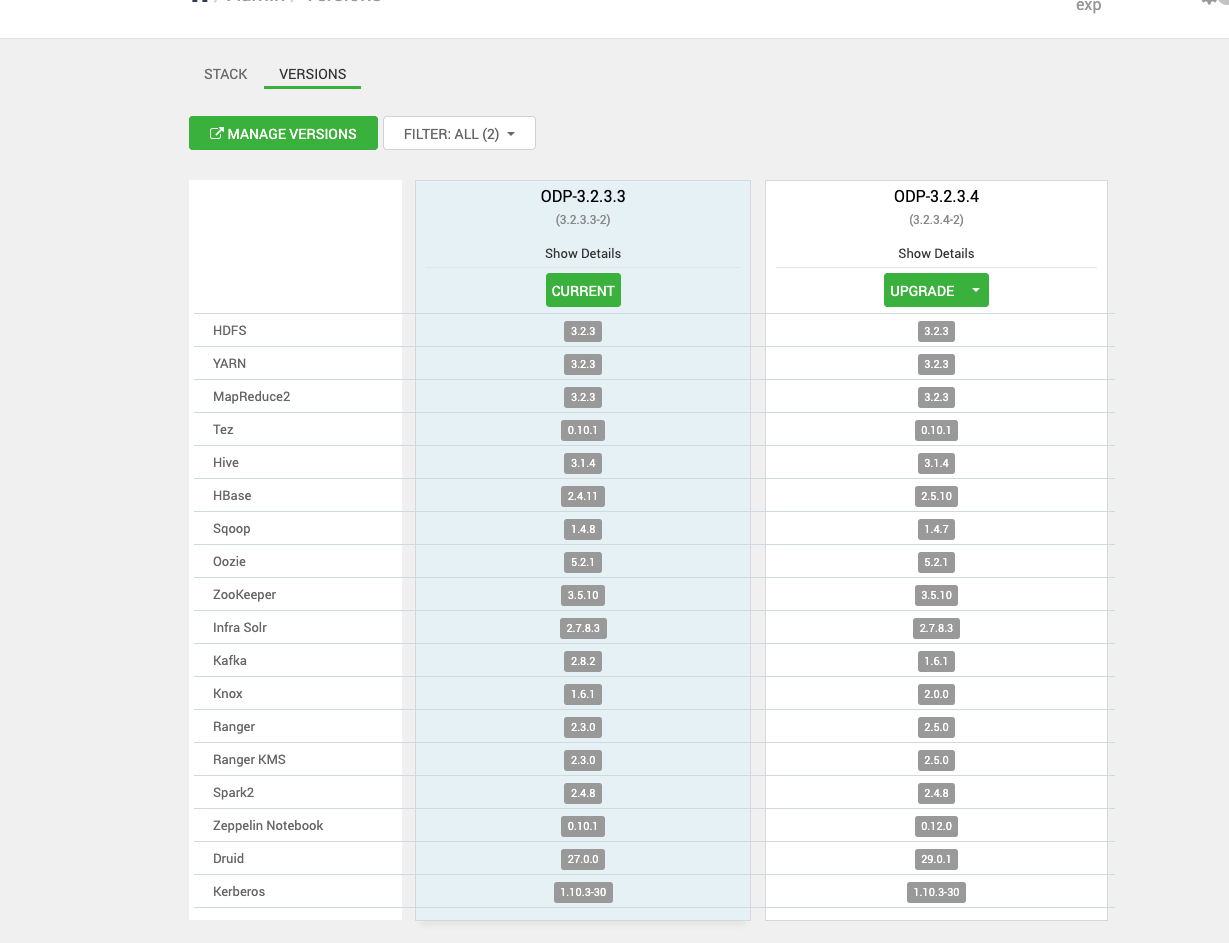
- On the Ambari UI, navigate to the Admin > Versions page and click Upgrade. The upgrade options appear on the screen.
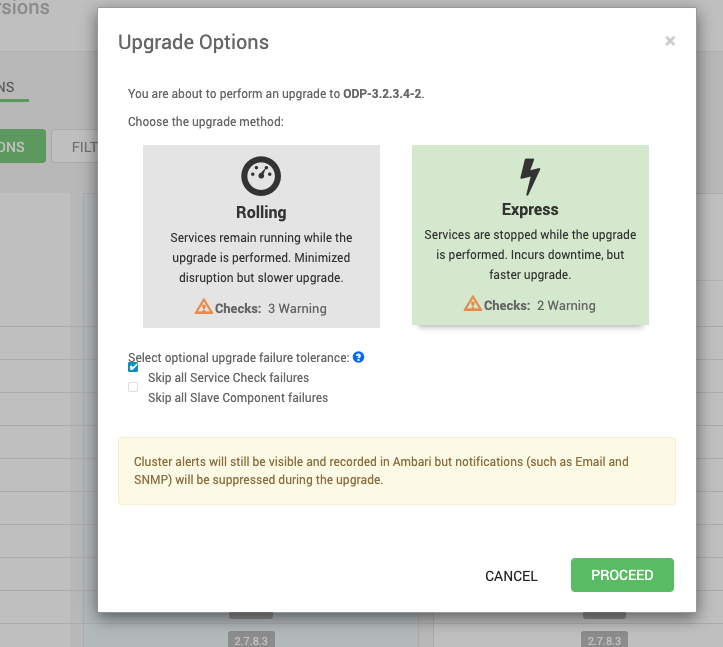
- Select the Express upgrade from the Upgrade Options.
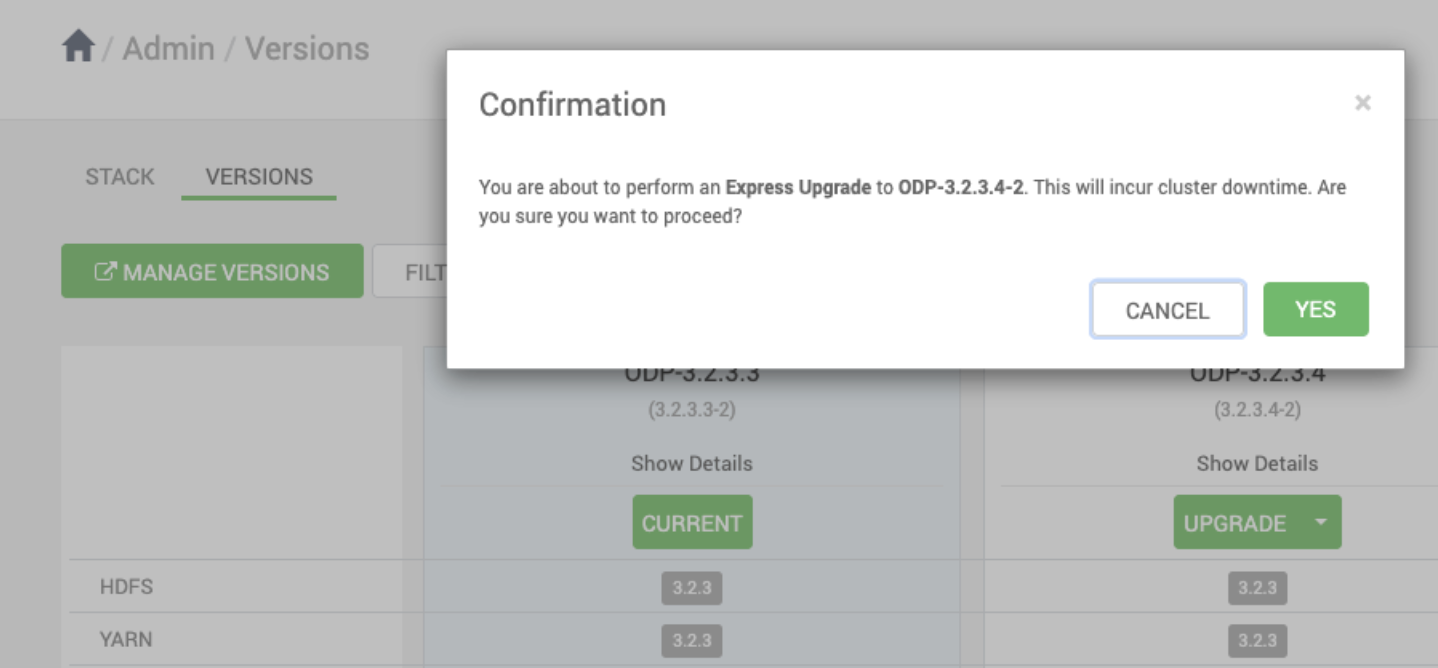
- Click Yes to proceed with the upgrade process.
- During the upgrade, it is expected that Ranger, KMS, and Kafka may fail to start due to configuration or dependency changes. You can ignore and proceed further.
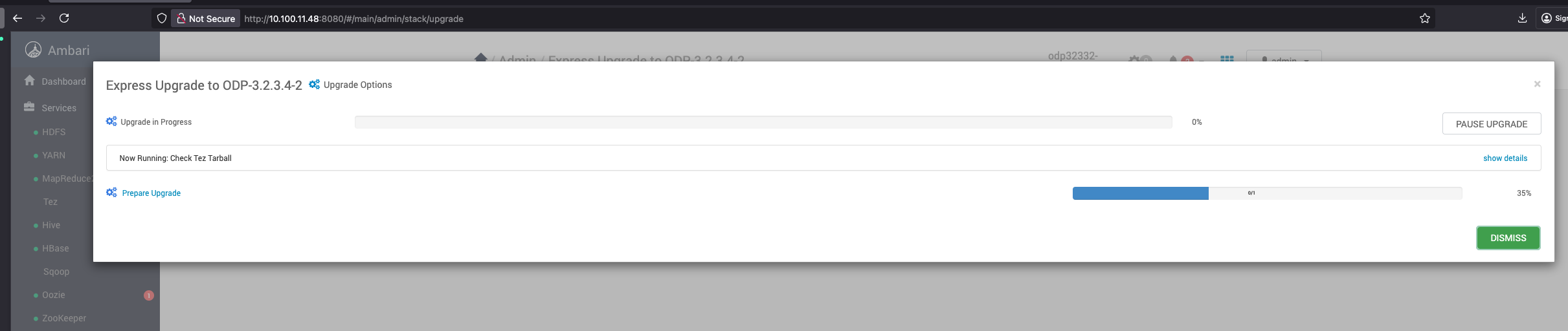
- Keep proceeding with the upgrade process.
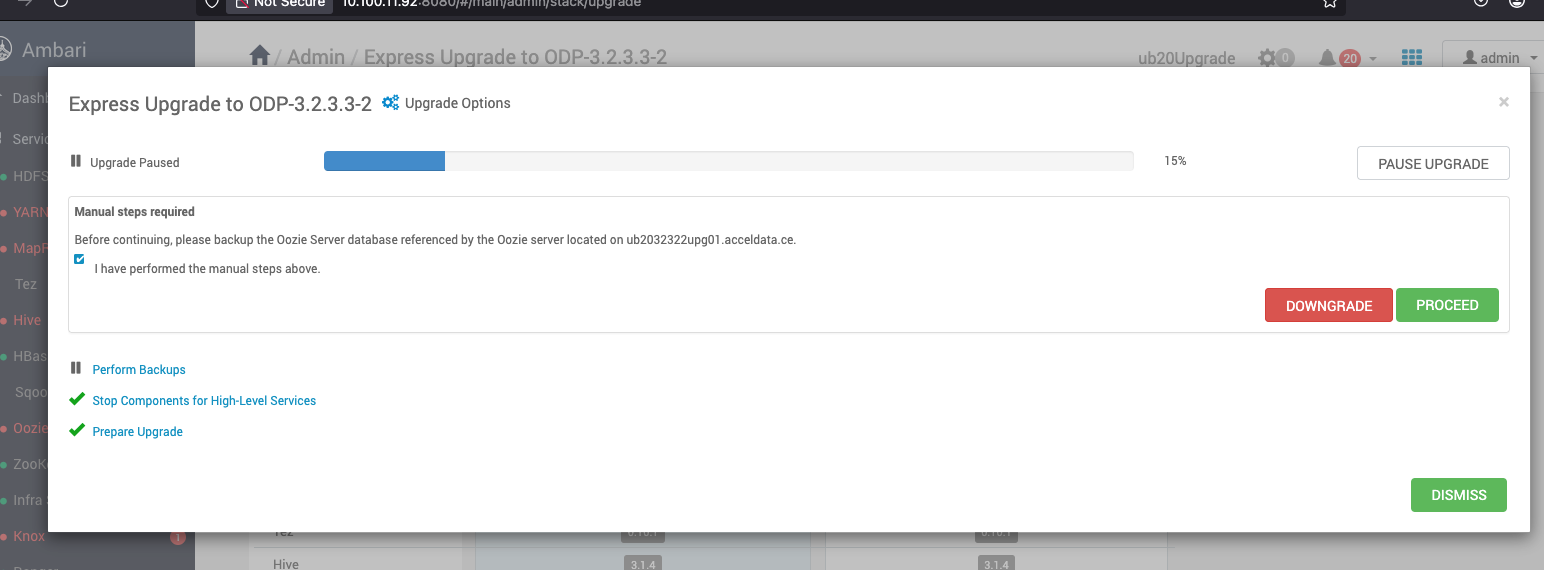
- During the upgrade process, after all service-related steps are completed, the upgrade may pause or fail to proceed because certain services are down. This is an expected behavior, and you may see errors similar to the following in the Ambari UI. Click Pause Upgrade to pause the upgrade process.
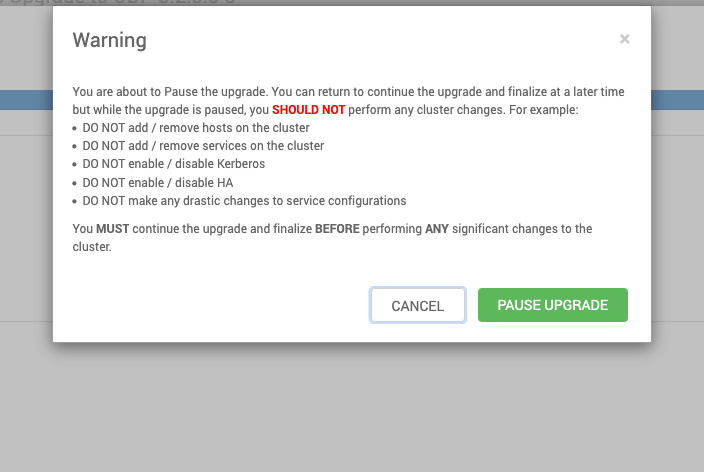
- After pausing the upgrade, perform the following steps in the backend.
- If the migration is NOT from 3.2.3.2-x, you will see the upgrade failures for Kafka, ranger, and ranger-kms services for the these limitations: https://docs.acceldata.io/odp/odp-3.2.3.2-3/documentation/known-limitations.
- Follow the provided workaround steps and make sure the services are up and running.
- Proceed with the Upgrade.
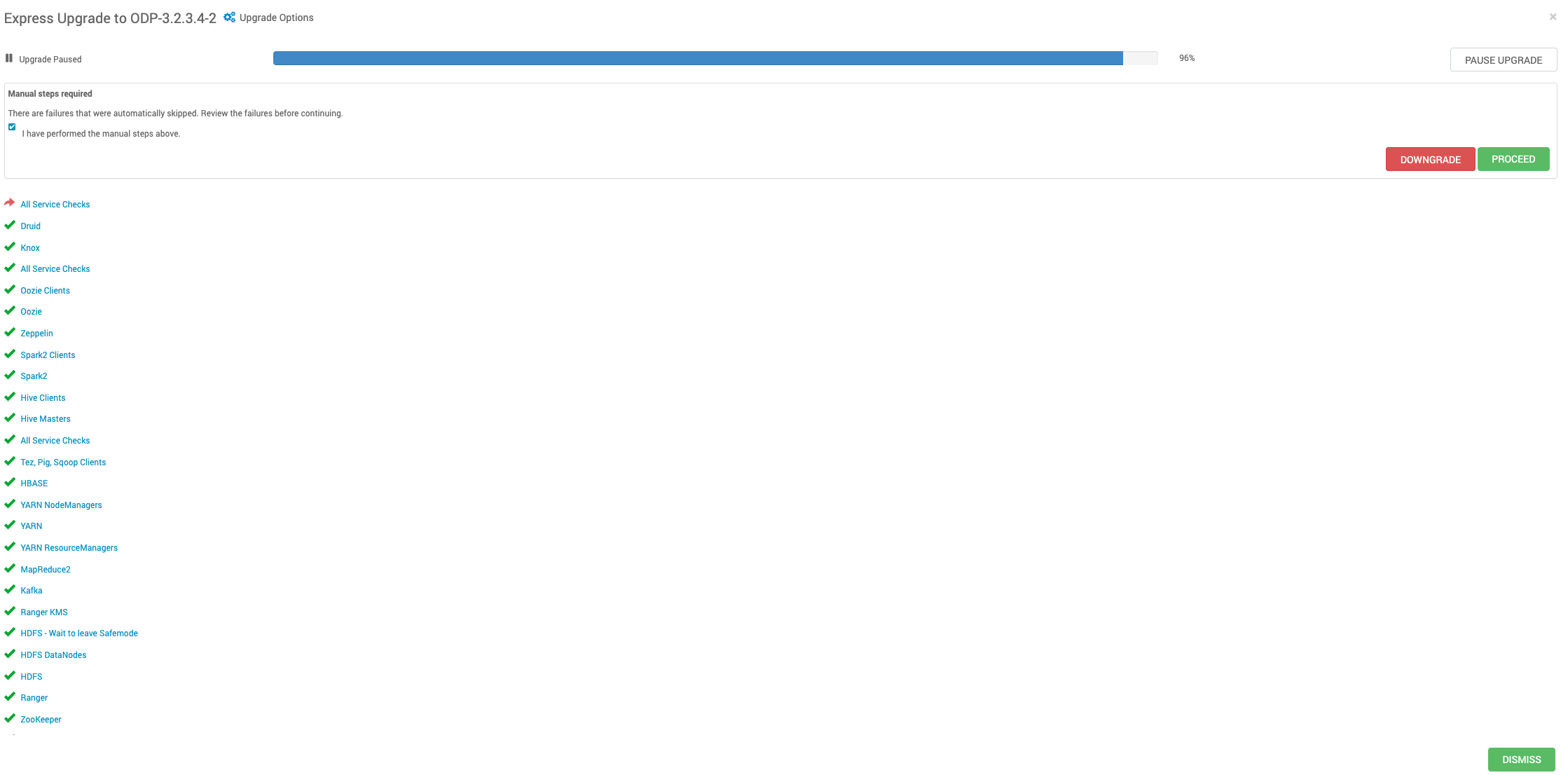
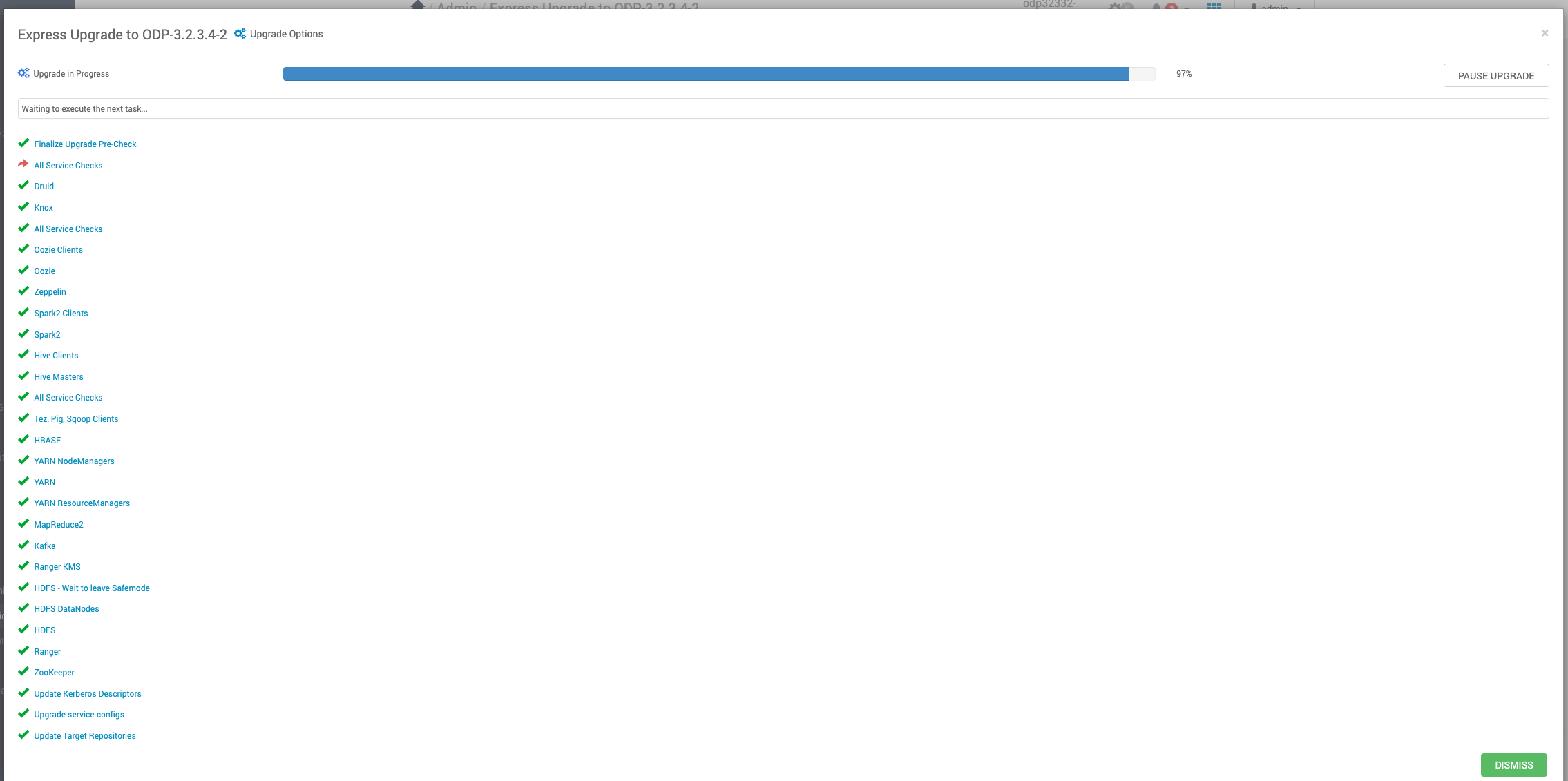
- Finally, finalize the upgrade.
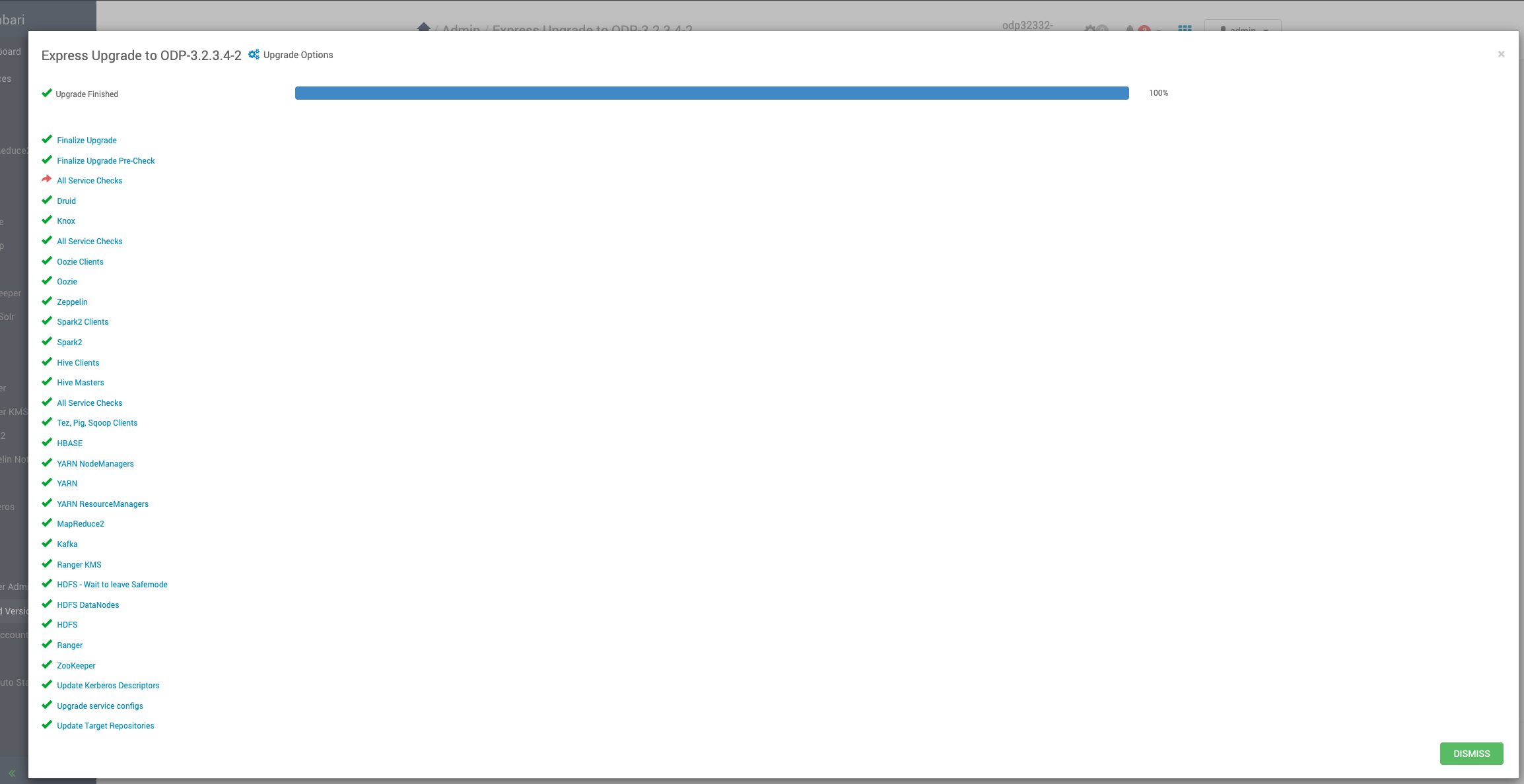
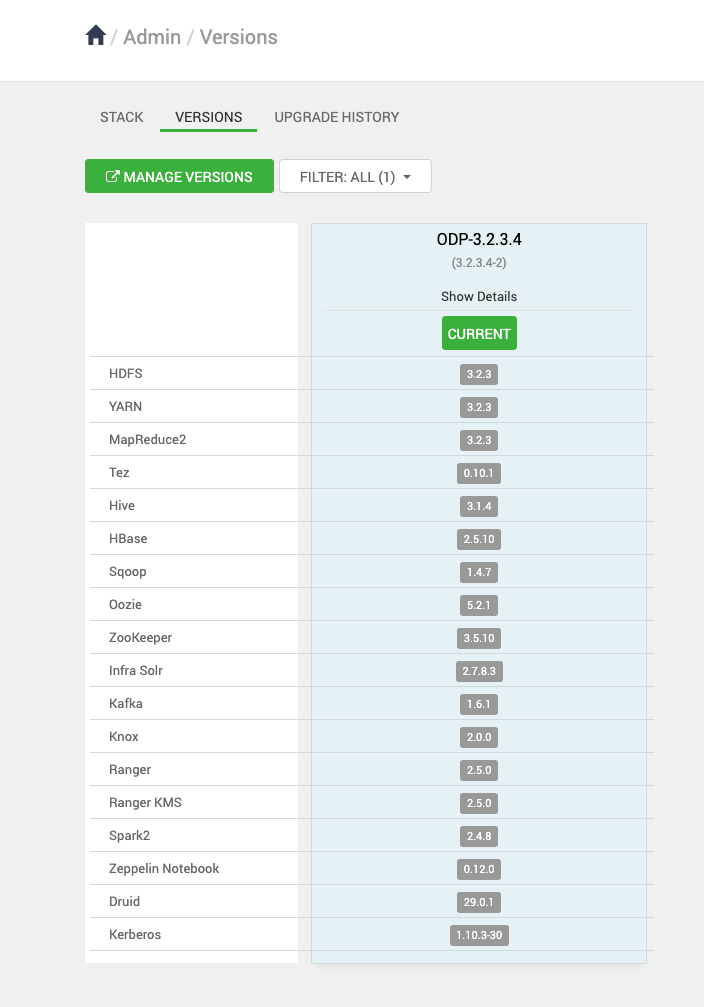
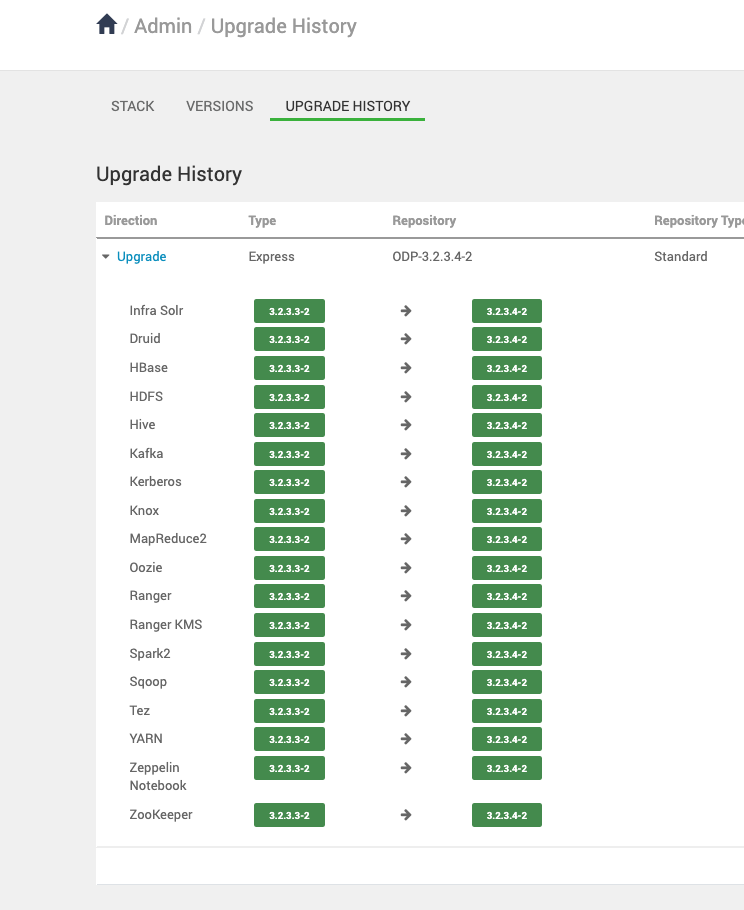
Verify the Upgrade history
You can view the upgrade history to review completed upgrades and their statuses.
Sanity Checks for Services
Verify the health status of all services to ensure they are running as expected.