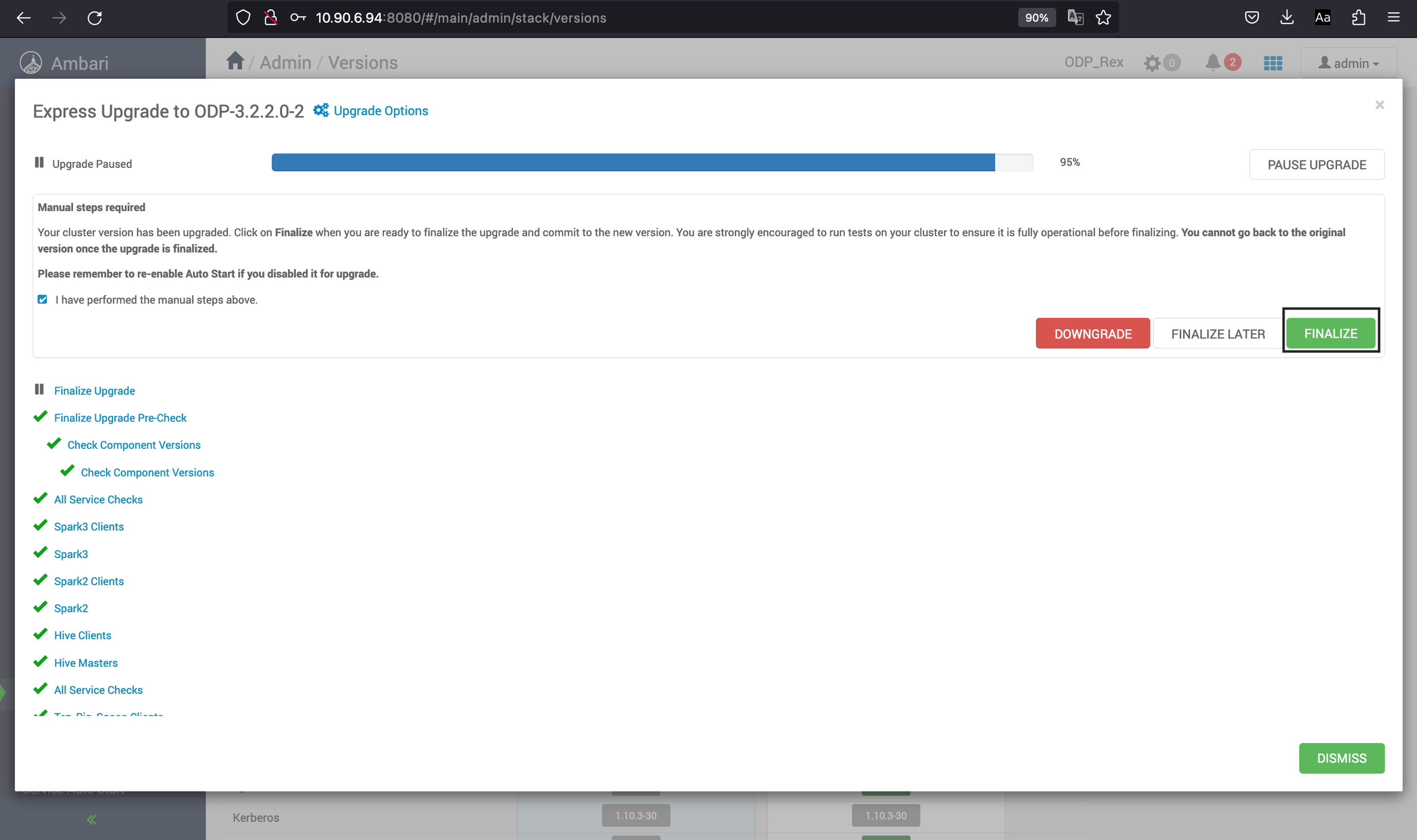
Express Upgrade
To perform an express upgrade, do the following:
- Ambari checks that your cluster has met the required prerequisites. A dialog displays the following results:
- If any required prerequisites are not met, the result displays an error. You cannot proceed with the upgrade until you make the appropriate corrections and return to Perform Upgrade again.
- Ambari displays a list of configuration changes that occur during the upgrade
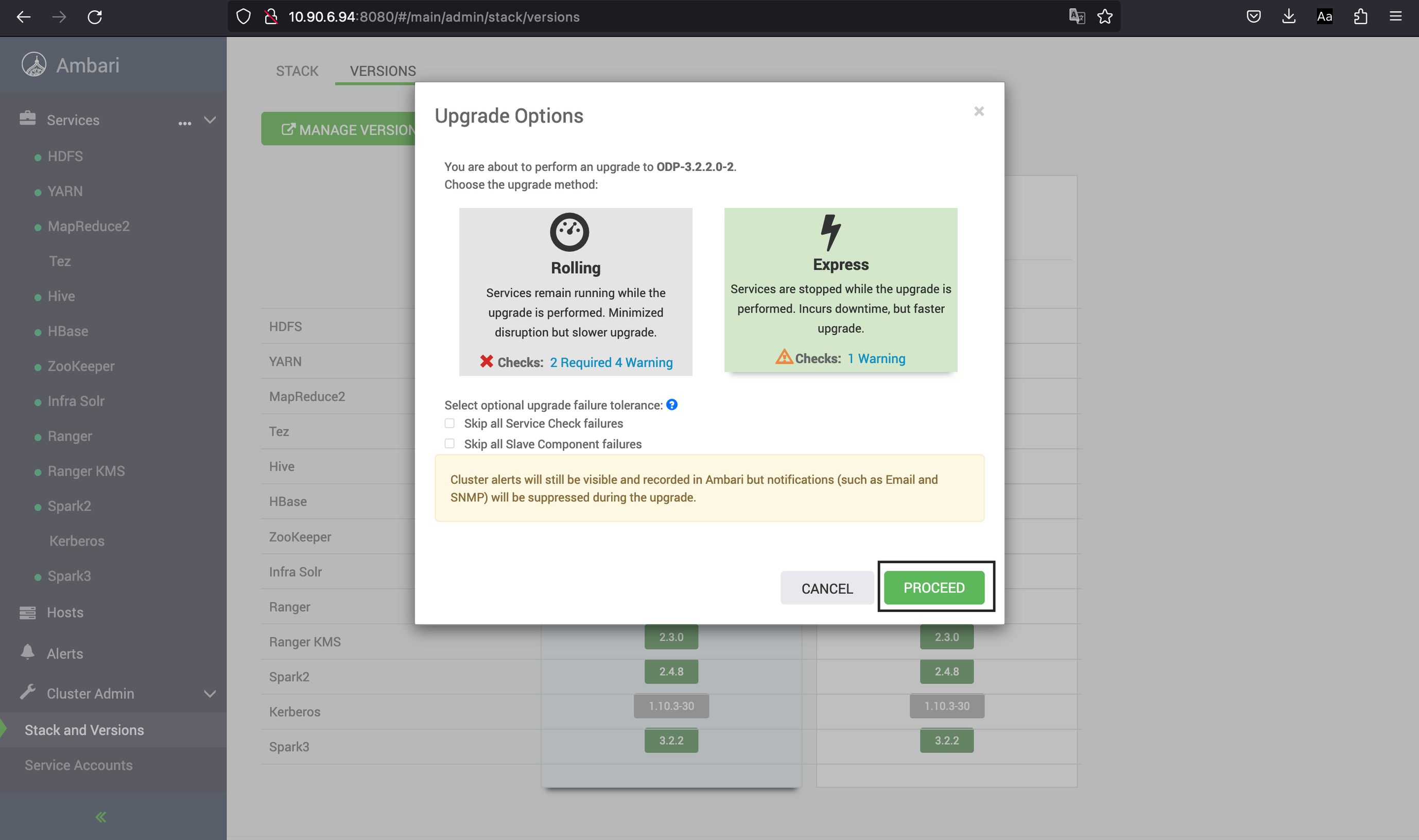
Once all the above mentioned conditions are fulfilled, you can proceed with the express upgrade. Select Proceed.
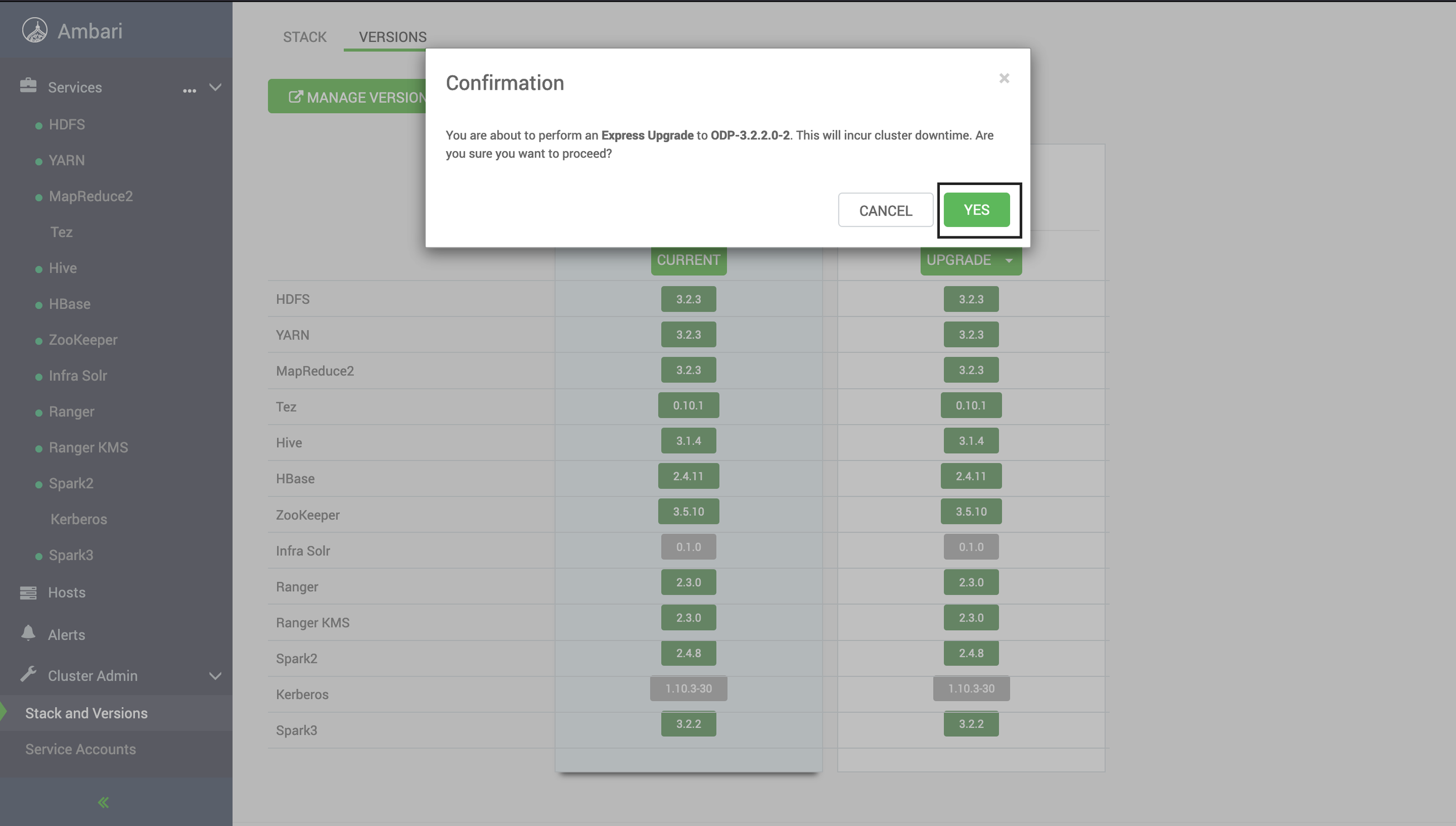
- Click Yes.
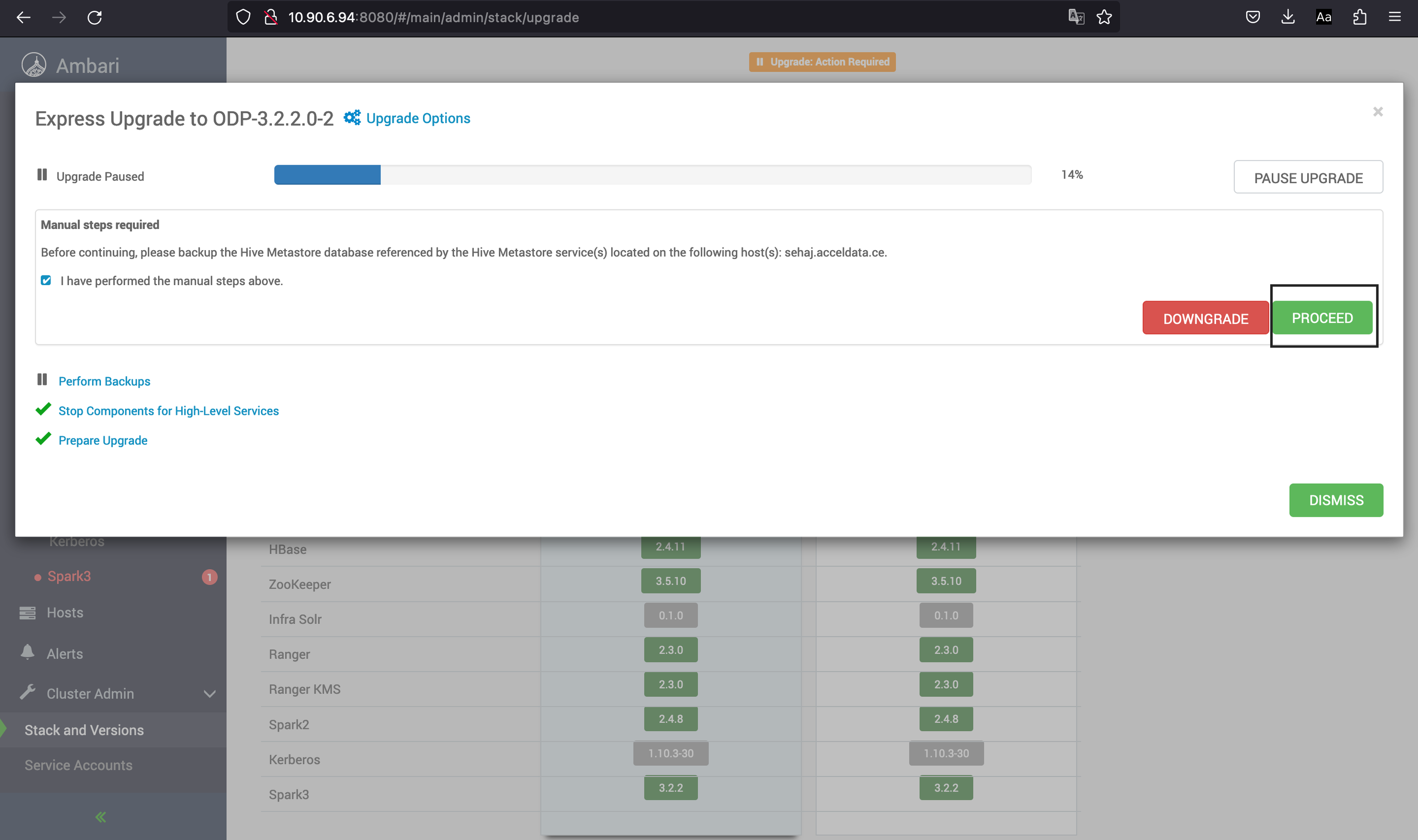
- Before proceeding further make sure you have taken a back up of your database for the required services (e.g. ranger, ranger-kms, hive, etc.)
- If you have already taken a backup for your database at time of Ambari upgrade, click Proceed and follow the instructions as shown on the UI.
- Similar to Hive, a dialog box is displayed for the services that are linked to the database like Ranger. Click Proceed, if you have taken a backup during Ambari Upgrade else follow the instructions provided on the UI and take a backup of the database.
- Click Finalize.