Enable Canary Test Actions
This page describes how to enable canary test actions on Pulse.
Steps
On the Pulse node, go to the override.yml file location.
In the override.yml file, set the flag “enable canary test” to true.
base:
 enable_canary_test: "true"
Run the following command to apply the changes.
accelo reconfig cluster
After reconfiguring the cluster, run the push-config command to push the new configuration to the DB.
accelo admin database push-config
Set the prompts to Y.
Restart the ad-axnserver service using the following command.
accelo restart ad-axnserver
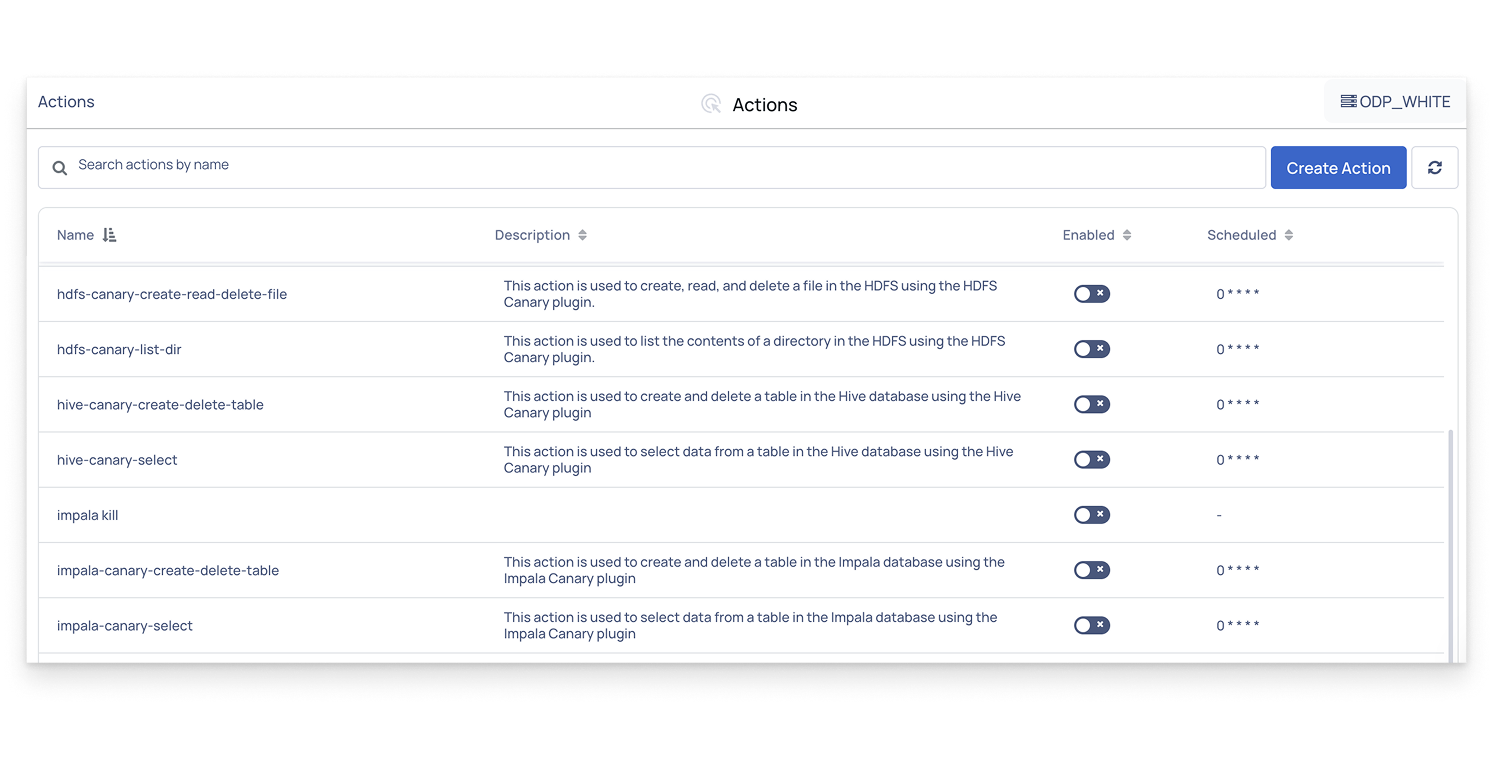
Once you restart the server, you can see the stock actions for running a canary test on the Pulse UI > Actions Page.